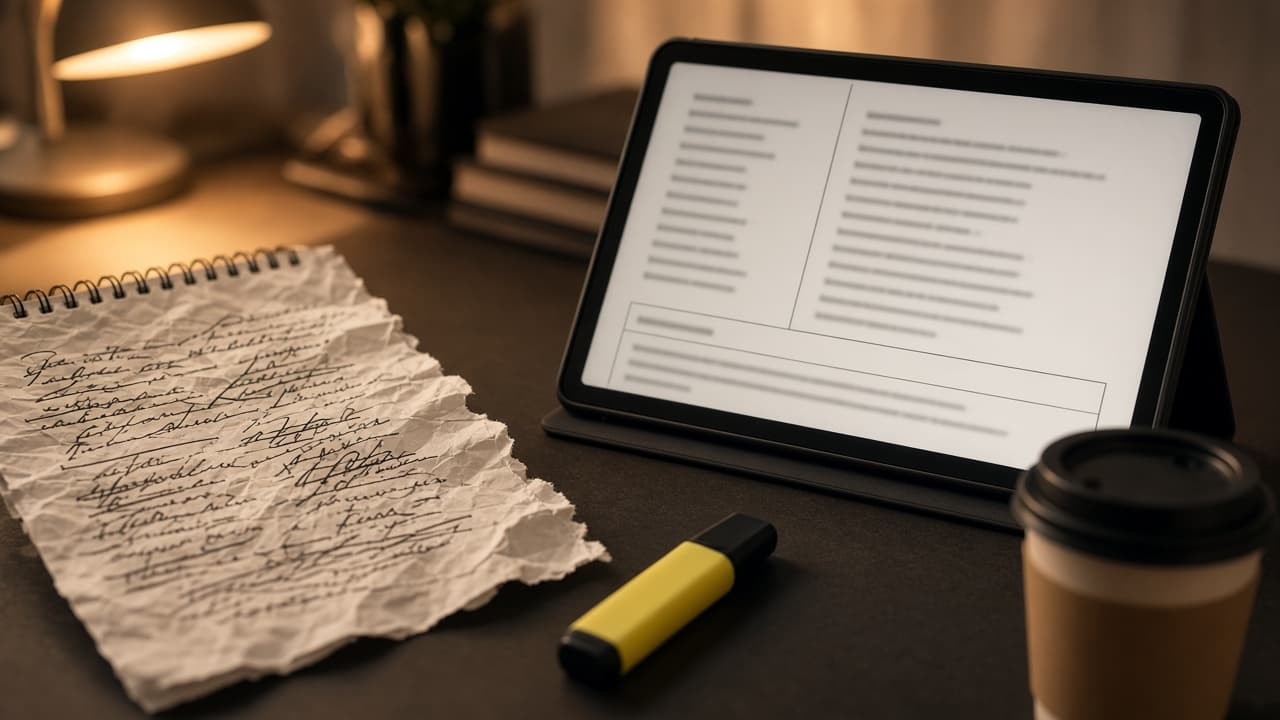
Note Taking Prompt: Clean Up Raw Notes Into Cornell Notes
Ppromptstudio·Oct 10, 2026
No rating
Paste raw notes from a lecture, meeting, or book and get Cornell notes: cue questions, tidy main notes, a short summary, follow ups, and gaps to check.
Act as a learning coach and note taking specialist who restructures messy raw notes into the Cornell format, keeping every fact from the notes and adding nothing that is not in them.
Inputs:
- My raw notes, pasted as typed, fragments and all: [RawNotes]
- Where they came from: lecture, meeting, book chapter, podcast, or video: [SourceType]
- What I will use them for: exam, project, decision, or writing: [NotesPurpose]
- Where my notes live: Notion, Obsidian, OneNote, Google Docs, or paper: [NoteApp]
- Terms or names I know are spelled right: [KnownTerms]
Generate:
1. Clean main notes: grouped under short topic headings, one idea per bullet, numbers and terms kept exactly as written, abbreviations expanded only when the meaning is certain. Mark anything unclear as [UNCLEAR: original fragment].
2. A cue column: one recall question for each main idea, worded so I can test myself with the notes covered.
3. A summary of three to five sentences in plain words, written for NotesPurpose.
4. Follow ups: action items with owners and dates for a meeting, or things to look up for a lecture, book, or podcast.
5. Key terms with definitions taken only from RawNotes. When the notes do not define a term, write [DEFINE FROM SOURCE].
6. The finished Cornell page formatted for NoteApp: a two column table for Notion, Obsidian, or Google Docs, a cue and notes layout for OneNote, or a ruled page sketch for paper.
7. Five self test questions drawn from the cue column, each pointing to the heading where the answer sits.
Rules:
- Do not add facts, examples, or explanations from outside RawNotes.
- Keep my wording where it is clear.