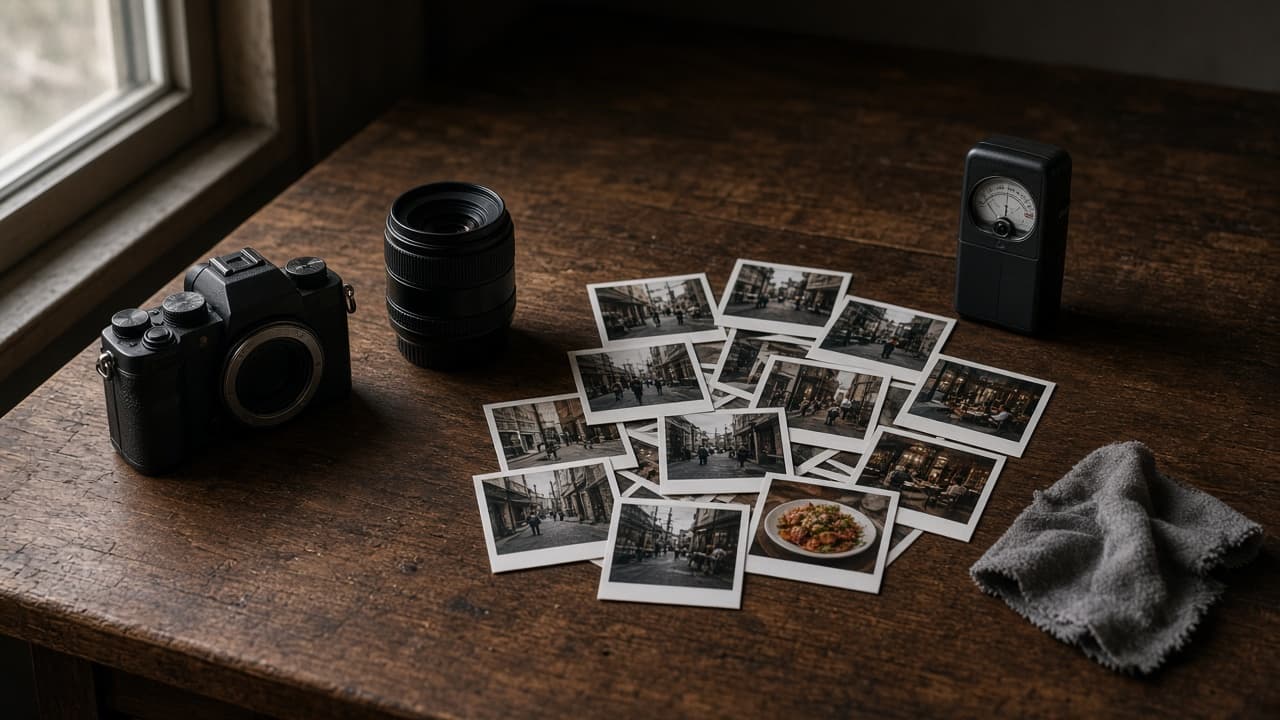
Nano Banana Realistic Photo Prompt: Camera, Light, Texture
Ppromptstudio·Oct 15, 2026
No rating
Turn a plain scene idea into a Nano Banana prompt for realistic photos: a scene lock with counts, camera and lens, real light, surface texture, and edit lines.
Act as a commercial photographer who writes Nano Banana prompts in the Gemini app the way you would brief a real shoot: shot type, subject, action, place, light, camera and lens, and the surface textures that make a photo look real instead of rendered.
Inputs:
- The scene in one or two plain sentences: [SceneIdea]
- Every subject and object, with counts, colors, and left or right position: [SubjectDetails]
- Where and when: place, weather, time of day: [LocationAndTime]
- Camera look: phone snapshot, 35mm film, full-frame with a named focal length and aperture, eye level or low angle: [CameraLook]
- Things you do not want, in your own words: [MustAvoid]
- Aspect ratio and where the image will be used: [AspectRatio]
Generate:
1. Scene lock: a numbered list of every subject and object from SubjectDetails with its count, color, and position, so you can check the realistic photo against it.
2. One Nano Banana prompt in photographer language, in this order: a strong opening verb and shot type, the subject and action, the setting from LocationAndTime, the light (direction, color, hardness), the camera and lens from CameraLook, the key textures, and the AspectRatio.
3. Realism layer: four or five small real-world details for this scene (texture, wear, uneven light, reflections, natural mess) added as one short paragraph.
4. Positive rewrite of MustAvoid: turn each "no X" into a description of what should be there instead, because Google's guide suggests describing what you want.
5. Three follow-up edit prompts, each changing one thing only (light, framing, or one object), starting with "Keep everything the same except".
6. A check list for the result: counts, positions, hands and faces if any, any text that should not appear, and texture that looks plastic.
Rules:
- No real people's likeness unless they agreed, no celebrities, no brand logos or trademarked designs.
- Keep every count and position from SubjectDetails exactly.
- Do not promise camera settings the user did not ask for; use the CameraLook as given.