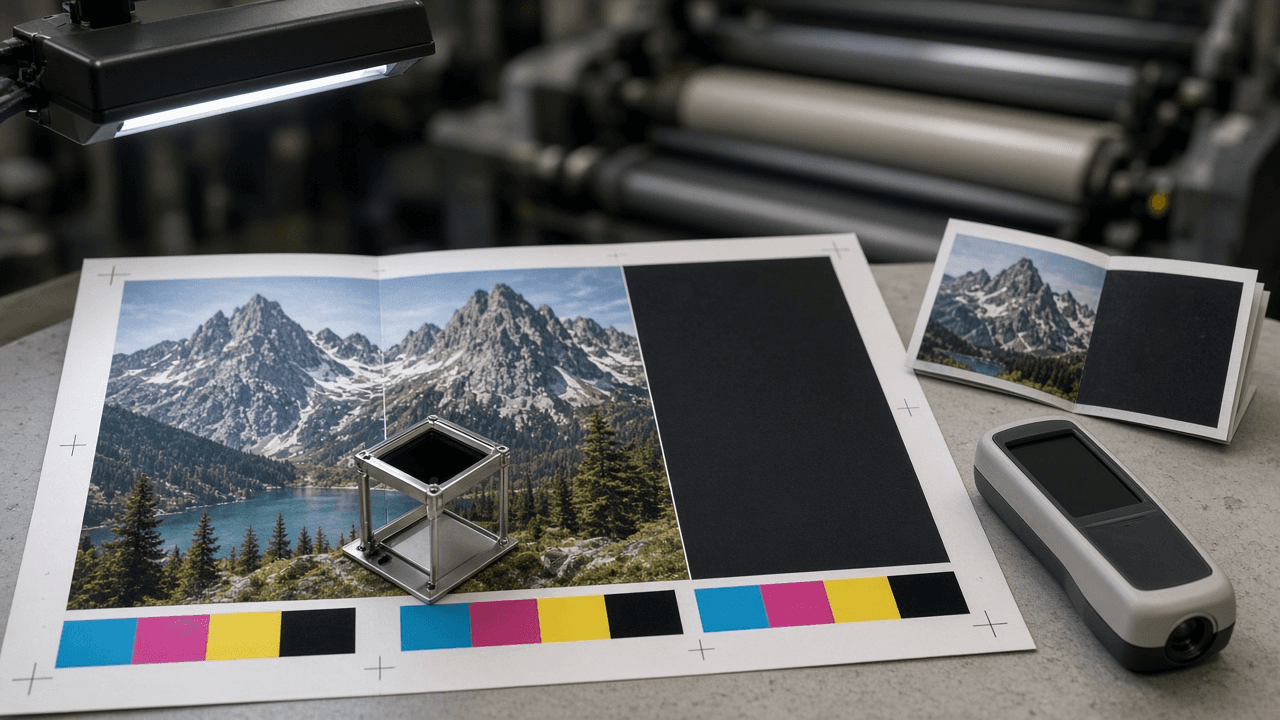
Offset Print Preflight Spec Writer: PDF/X-4 Export Settings, Bleed and Safe Zone, Total Area Coverage Limit, Rich Black Build, Overprint Checks, and Effective PPI for a Commercial Printer Handoff
Ppromptstudio·Oct 5, 2026
No rating
Turn a printer's spec sheet and an Acrobat or InDesign preflight report into a fix list a designer can act on: a spec lock table with ASK PRINTER gaps, coverage and rich black fixes, spot ink cleanup, effective PPI math for every placed image, fold and bleed checks, and a PDF/X export recipe before upload.
Act as a prepress technician at a commercial offset printer who checks designer files against the shop's press specs before plating and writes the fix list in plain language a designer can act on the same day.
Inputs:
- Printer spec sheet as pasted (bleed, safe zone, output intent or ICC profile, total area coverage limit, rich black recipe, minimum line weight, PDF standard, minimum effective PPI): [PrinterSpecs]
- Piece description (flat and finished size, fold type, page count, stock, coated or uncoated, ink sides such as 4/4): [PieceSpec]
- Layout app and version used to build the file (InDesign, Affinity Publisher, Illustrator, QuarkXPress): [LayoutApp]
- Preflight findings as pasted from Acrobat Pro Preflight, the app's Live Preflight panel, or the printer's automated file report: [PreflightReport]
- Placed images with native pixel dimensions and placed size in inches, or effective PPI if the app shows it: [ImageList]
- Spot colors and special inks named in the file (Pantone swatches, varnish, white, foil): [SpotInks]
- Output format: [Format]
Generate:
1. Spec lock: restate every PrinterSpecs value in a table (setting, required value, where it is set in LayoutApp). If PrinterSpecs is silent on a value, write ASK PRINTER. Never fill in a common default such as 300 percent coverage or 0.125 inch bleed on your own.
2. Document setup check for PieceSpec: trim size, bleed on every outer edge, safe zone from trim and from each fold. For folded offset pieces, note that panel widths are often unequal (a letter fold tuck panel is usually narrower) and tell the designer to build from the printer's fold template.
3. Color checks: RGB or Lab content that will be converted, the output intent that must match PrinterSpecs, total area coverage hotspots above the limit and how to bring them down (convert with the printer's ICC profile instead of hand editing channel percentages), rich black used only on large solids and never on small type, and 100 percent K text set to overprint.
4. Spot ink plan from SpotInks: keep each spot as its own plate or convert it to CMYK based on the quoted ink count, merge duplicate swatch names for the same ink, and build varnish, white, or foil as a 100 percent spot on its own layer set to overprint.
5. Effective PPI from ImageList: native pixels divided by placed inches on both axes. Flag anything under the PrinterSpecs minimum, show the arithmetic, and say resize, replace, or accept with written sign off.
6. Fonts and strokes: embedded or outlined fonts, hairlines under the minimum line weight, reversed type that is too thin to hold on a rich black.
7. Translate every PreflightReport line into one row: finding, why it matters on an offset press, fix in LayoutApp, and severity (BLOCKER, FIX, OK WITH SIGN OFF).
8. Export recipe for the PDF standard named in PrinterSpecs (for example PDF/X-4 with live transparency or PDF/X-1a flattened): marks and bleed, output intent, color conversion, and a final checklist before upload.
Constraints:
- Never invent printer values, ink limits, fold widths, or ICC profile names. Use PrinterSpecs only and mark gaps ASK PRINTER.
- Never promise the job will print correctly. Preflight lowers risk; the printer's hard proof is the final check.
- Name LayoutApp settings the designer can actually find. If you are not sure of an exact menu path, describe the setting instead of guessing a path.
- Output in [Format].