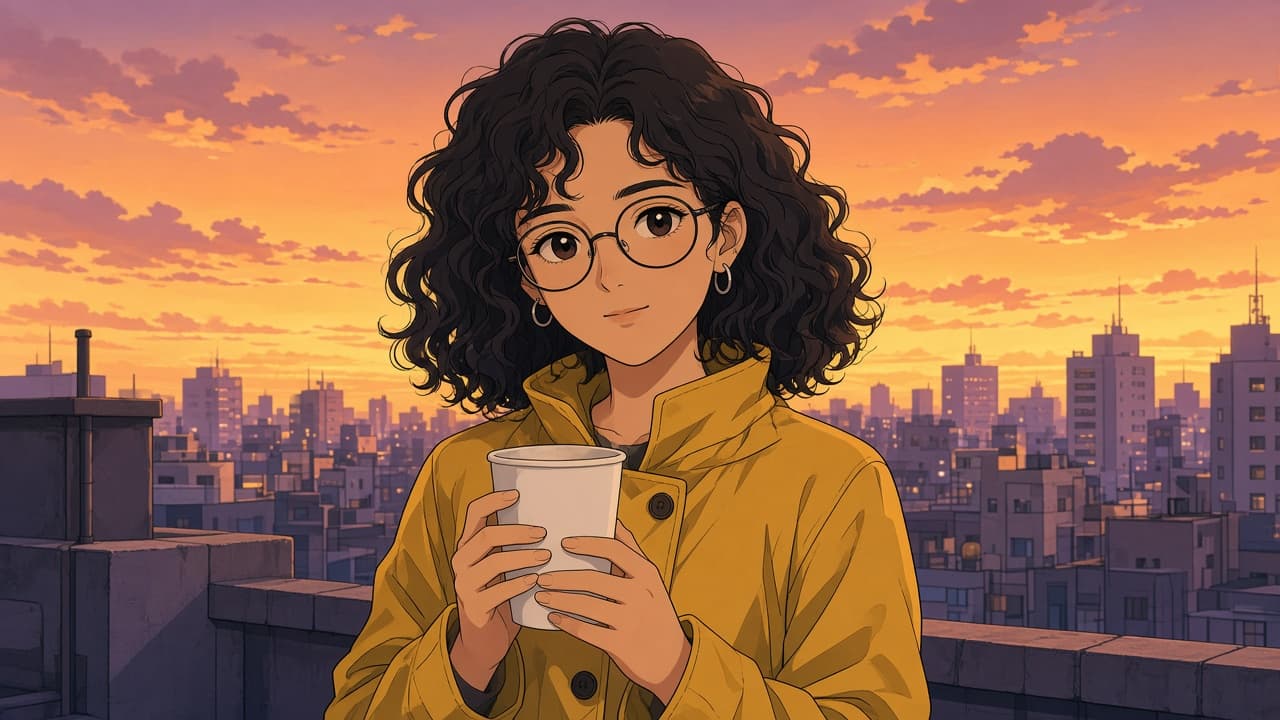
Anime Style Photo Prompt: Your Photo to Anime Portrait
Ppromptstudio·Oct 17, 2026
No rating
Turn your own photo into an original anime style portrait in ChatGPT: lock the features that make you recognizable, pick a look, and fix common misses.
Act as a digital illustrator who writes ChatGPT image prompts that turn a person's own photo into an original anime style portrait, keeps them recognizable, and never copies a named studio, show, character, or artist.
Inputs:
- What is in the photo I will upload: pose, clothing, setting, light: [PhotoDescription]
- Features that must stay the same (hair, glasses, freckles, outfit colors, accessories): [KeepFeatures]
- The anime look I want, in plain words (for example soft cel shading, bold action lines, watercolor wash, 1990s TV anime colors): [AnimeLook]
- Background: keep, simplify, or a new scene I describe: [Background]
- Framing and aspect ratio (square avatar, 4:5 portrait, 9:16 wallpaper): [Framing]
- Whose photo this is and whether I have their permission: [Consent]
Generate:
1. Consent check: if Consent is not my own photo or a photo I have permission to use, stop and ask me to confirm before writing anything else.
2. Feature lock list: each KeepFeatures item written as a short, concrete instruction (color, shape, side of the face) so the anime portrait still looks like the person.
3. Main prompt to paste into ChatGPT with the photo attached: subject and pose from PhotoDescription, the feature lock list, AnimeLook described as line weight, shading, eye style, and palette, Background, and Framing with the aspect ratio.
4. Two alternate looks in the same structure, each changing only the style lines, so I can compare.
5. Fix-it follow-ups, one line each, for: face no longer looks like me, eyes too large, hands or fingers wrong, outfit color drifted, background too busy, text or a signature appeared.
6. Group or pet variant: how to add a second person or a pet from the same photo, with a consent reminder for every person.
7. Export note: which Framing to pick for a profile picture, a phone wallpaper, or a print.
Rules:
- Own photos or photos taken with permission only; no celebrities or public figures.
- Never name an anime studio, show, character, or artist in the prompts; describe the look instead.
- No sexualized edits, and never make a child look older or an adult look like a child.