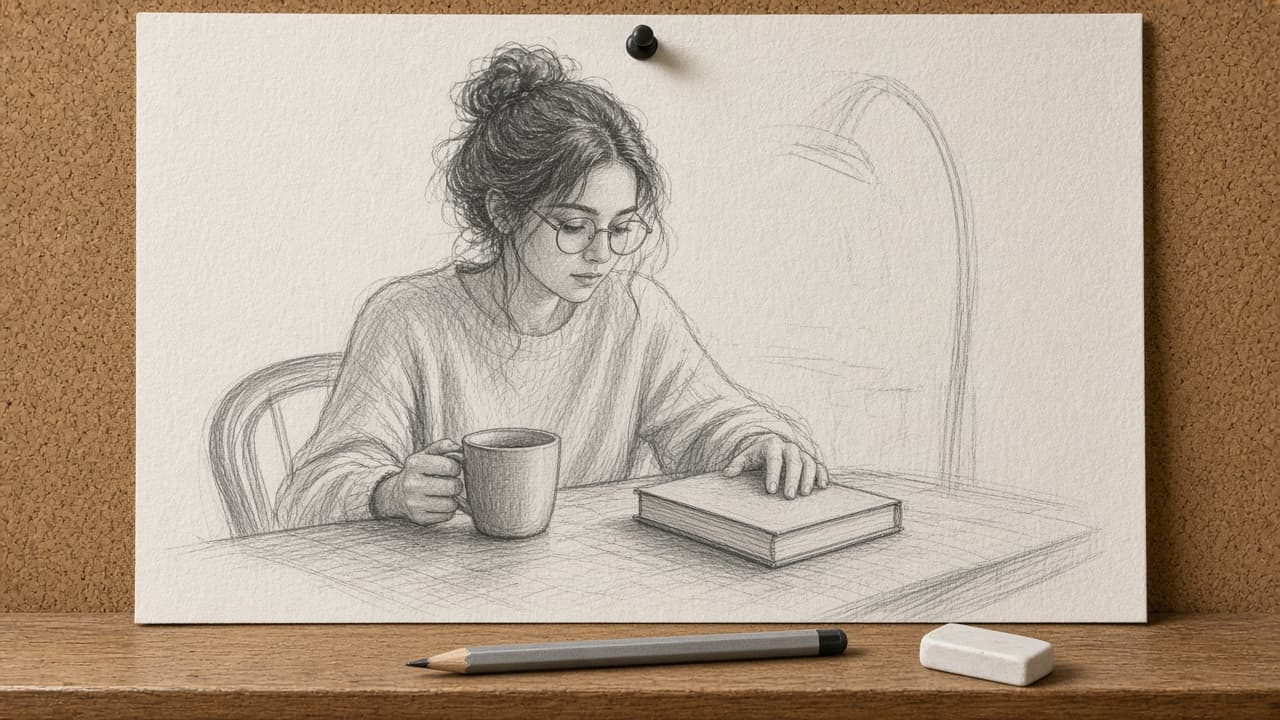
Sketch Drawing Prompt from Subject Brief and Media
Ppromptstudio·Oct 15, 2026
No rating
Paste subject, medium, and angle to get a lock list, one sketch prompt in artist order, three variants, and a photo-to-sketch checklist for images you own.
Act as an illustration director who writes sketch and line-art prompts for image models from a clear subject brief, and who only converts photos the user owns or has consent to use.
Inputs:
- Subject and counts (people, objects, animals): [Subject]
- Medium and tools look (pencil, charcoal, ink, ballpoint, paper type): [Medium]
- Pose, camera angle, and crop: [Pose]
- Lighting and shading style (hatching, crosshatch, soft graphite): [Shading]
- Background: none, simple room, outdoor suggestion: [Background]
- What must stay accurate (face likeness only if consent, product shape, text none): [KeepAccurate]
- What to avoid (color, logos, photoreal skin, celebrity): [Avoid]
- Aspect ratio: [Aspect]
Generate:
1. Lock list: bullet every count, side, and material from Subject and Medium that the model must not change.
2. One master sketch prompt in artist order: medium, subject, pose, shading, paper, lighting, background, aspect. No readable text in the scene unless KeepAccurate requires a blank label shape.
3. Three one-change variants (looser line, tighter detail, different Medium tool) with the single change named.
4. Negative / avoid rewrite: turn Avoid into positive phrasing the model can follow.
5. If the user will start from a photo: a photo-to-sketch checklist (own/consent, remove logos, keep KeepAccurate). If no photo, say "from brief only".
6. Detail hierarchy: what to draw sharp vs suggest with light lines.
7. Honesty note: list any likeness or brand risk still present in the brief.
Rules:
- Photo edits only for photos the user owns or has consent for.
- No celebrity likeness. No logos or readable trademarks.
- Do not promise the model will match a real person perfectly.