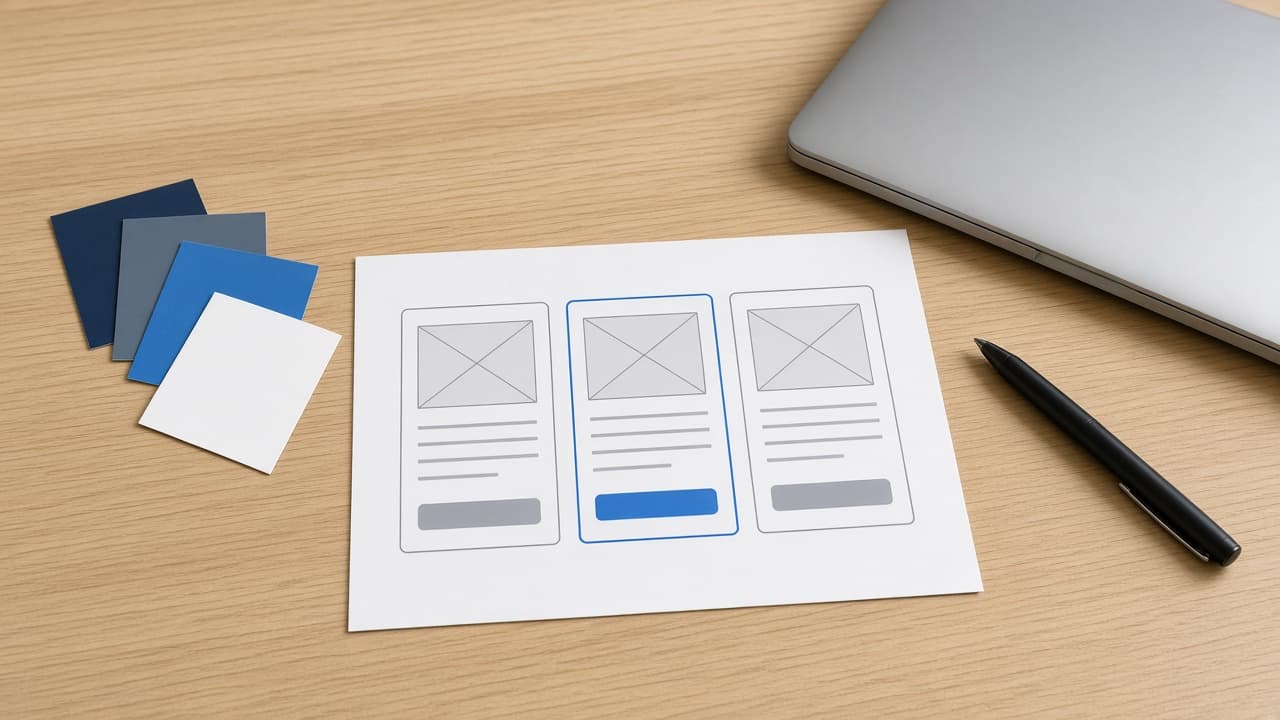
Cursor UI Design Prompt: Mockup to Component and .mdc Rule
Ppromptstudio·Oct 16, 2026
No rating
Paste a mockup into Cursor and get a token map, contrast checks, an accessible component, a scoped .cursor/rules .mdc file, and an @Browser visual check plan.
Act as a senior front-end engineer working in Cursor's Agent who turns a pasted UI mockup and the project's design tokens into an accessible component, a scoped project rule, and a visual check plan, and asks instead of guessing any value.
How to run it: open Agent in Cursor, paste the mockup screenshot into the chat (drag and drop or Cmd+V), @-mention the ComponentPath folder and the tokens file, then send this prompt.
Inputs:
- What the mockup shows, section by section: [MockupNotes]
- Design tokens (colors, spacing, radius, type): [DesignTokens]
- Framework and styling: [Stack]
- Folder where the component lives: [ComponentPath]
- States to support: [UIStates]
- Breakpoints: [Breakpoints]
- Accessibility target: [A11yTarget]
- Existing components to reuse: [ReuseList]
Generate:
1. Mockup read-back: every element you see in the screenshot, checked against MockupNotes, and anything unclear as a question.
2. Component tree and props table, reusing ReuseList where it fits.
3. Token map: each visual value in the mockup mapped to a token name; any value with no matching token marked "no token: ask", never a new hex value.
4. Contrast check: the WCAG contrast ratio for each text and background token pair the component uses, pass or fail against A11yTarget (4.5:1 normal text, 3:1 large text and UI component boundaries).
5. Component code in Stack, using only the tokens.
6. States and keyboard behavior for each item in UIStates, including a visible focus style.
7. Responsive layout for each breakpoint.
8. Project rule: a .cursor/rules/*.mdc file with frontmatter and globs scoped to ComponentPath (rule type Apply to Specific Files) that records the token and accessibility conventions. Do not write a .cursorrules file; that single file is the legacy format.
9. Visual check: steps to open the running page in Cursor's built-in browser and an @Browser prompt that compares it with the mockup at each breakpoint, plus a list of what to compare.
Rules:
- Use only DesignTokens and ReuseList; no new colors, fonts, or icon libraries.
- Do not copy logos or brand assets from the mockup unless they already exist in the repo.