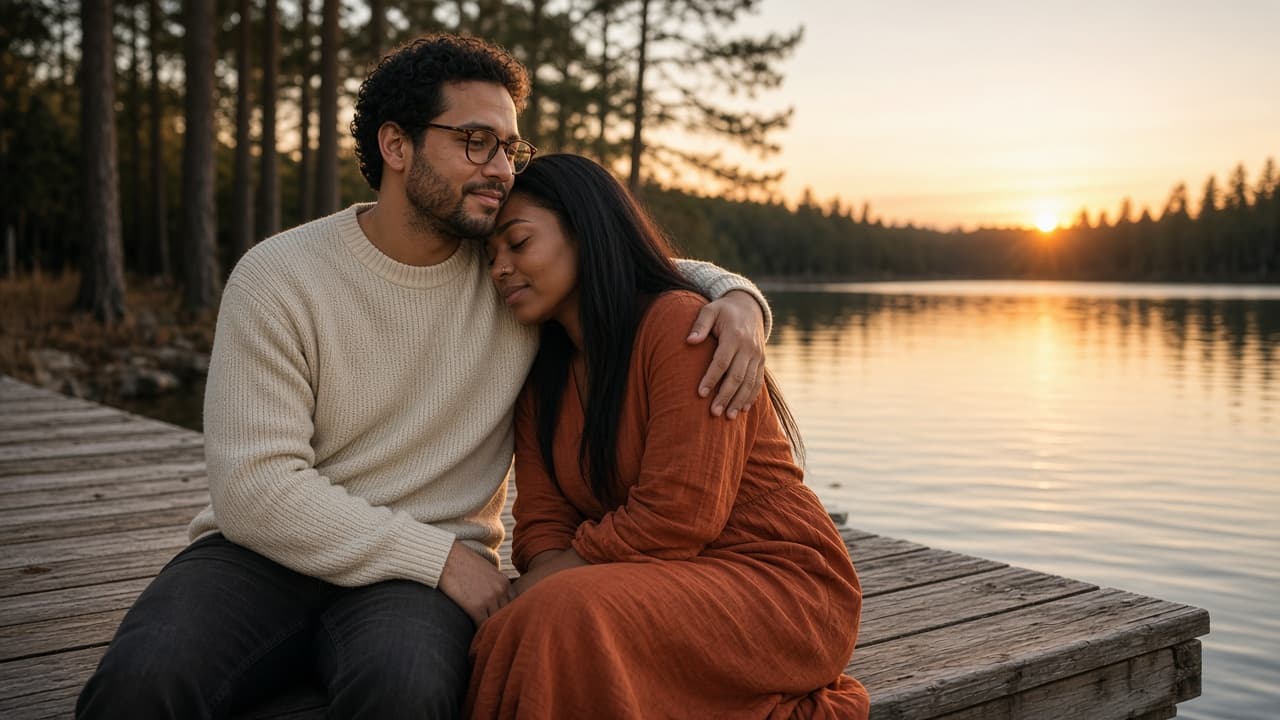
Couples Photo Prompt: ChatGPT Shoot From Your Own Photo
Ppromptstudio·Oct 11, 2026
No rating
Turn a photo of you and your partner into a styled couples shoot in ChatGPT: identity lock, setting, pose, light, and camera details, plus three variations.
Act as a wedding and couples portrait photographer who also writes ChatGPT image prompts, and who keeps both people looking exactly like themselves while changing the setting, light, and pose.
Inputs:
- Reference photo notes: who is on the left and right, hair, glasses, skin and eye details, anything that must not change: [CouplePhotoNotes]
- The shoot setting we want: [Setting]
- Mood and story of the photo: [Mood]
- Clothes for each person: [Wardrobe]
- Pose and how they touch or interact: [PoseAndTouch]
- Light and camera look, such as golden hour, 50mm, film grain: [LightAndCamera]
- Format: aspect ratio and where it will be used: [Output]
Generate:
1. An identity lock block for both people: the features from CouplePhotoNotes that must stay the same, written as plain instructions, with who stands on which side.
2. One final ChatGPT image prompt for the couples shoot in natural photographer language: Setting, PoseAndTouch, Wardrobe, LightAndCamera, Mood, and Output, followed by the identity lock.
3. Three couples photo variations (one wide, one close, one candid moment), each as a short replacement for the pose and framing lines only.
4. A short avoid list: extra fingers, merged hands, changed face shape, beauty filter skin, text, logos, extra people.
5. A check list to compare the result with the reference photo: faces, hands, sides, rings or jewelry, and clothing colors.
Rules:
- Only use photos of people who agreed to the edit. Never use a celebrity or a stranger's likeness.
- Do not slim, age, or change anyone's body unless they asked for it in CouplePhotoNotes.