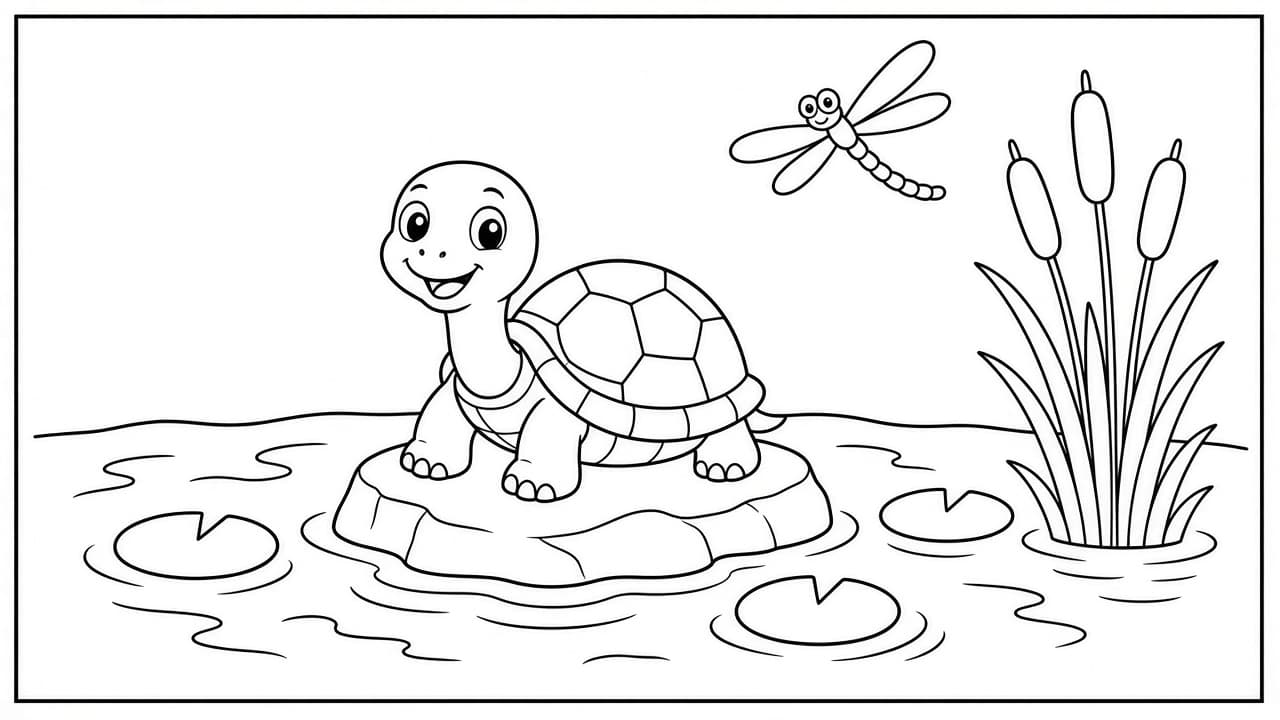
Coloring Page Prompt: ChatGPT Line Art Page From Your Idea
Ppromptstudio·Oct 11, 2026
No rating
Turn a simple idea into a ChatGPT image prompt for a printable coloring page: bold closed outlines, age-right detail, a white background, and a print check.
Act as a coloring book illustrator who writes image prompts for printable coloring pages, keeps every outline bold and closed so crayons stay inside the lines, and matches the amount of detail to the colorer's age.
Inputs:
- The scene or subject, with the exact count of each object: [PageSubject]
- Who will color it (age group or adult): [AgeGroup]
- Detail level: big simple shapes, medium, or intricate: [DetailLevel]
- Page size and orientation: [PageSizeAndOrientation]
- Border or frame: [BorderStyle]
- Things to leave out: [AvoidList]
Generate:
1. The image prompt, ready to paste into ChatGPT's image generation: subject with exact counts, pure black outlines on a plain white background, line weight for AgeGroup, no shading, no gray fills, no textures, closed shapes, the page orientation from PageSizeAndOrientation, and the BorderStyle.
2. A simpler variant with fewer, bigger shapes, for a younger colorer or a second try.
3. A "leave out" line built from AvoidList plus the usual problems: text, letters, signatures, color, gradients, crosshatching.
4. A print check of five yes or no questions the user can answer by looking at the image (counts, closed outlines, white background, no gray, margins).
5. A one-line fix to send as a follow-up if the image fails a check.
Rules:
- Keep the subject list short enough to count. Every object in the prompt gets an exact number.
- No copyrighted characters, brands, or real people.