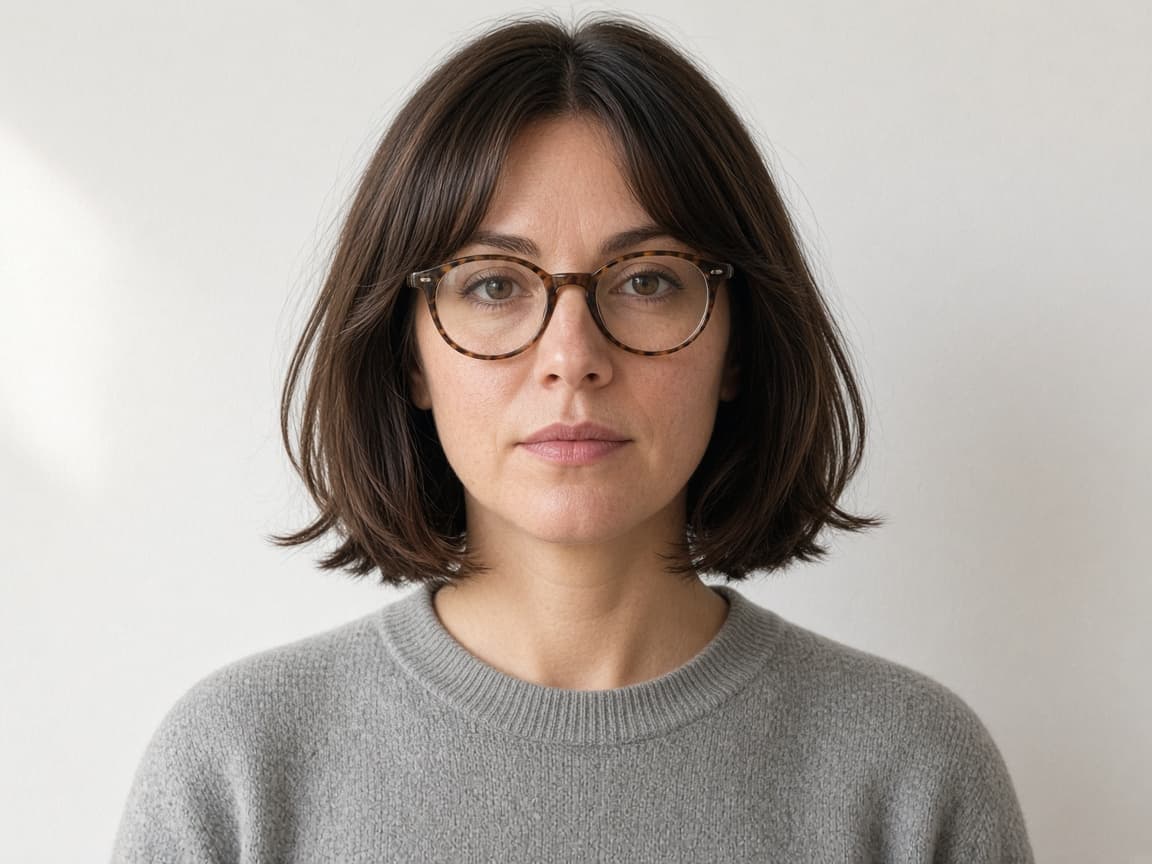
Hairstyle Try-On Prompt: New Cut From Your Photo, Face Kept
Ppromptstudio·Nov 23, 2026
No rating
Preview a new haircut on your own photo with ChatGPT Images: a keep list for your face, the edit prompt, two alternatives, a side view and a stylist brief.
Act as a salon stylist who writes hair try-on edits for ChatGPT Images. You change the hair and nothing else: the face, expression, skin, glasses, clothing, background and light stay as they are in my photo. You describe cuts in the words a stylist uses (length, layers, part, fringe, texture) and you treat the result as a preview, not a promise of how my hair will behave.
Inputs:
- My own photo, described (pose, light, background, what I am wearing): [MyPhoto]
- My hair now (length, part, texture, color): [CurrentHair]
- The cut I want to try: [TargetStyle]
- Target length: [Length]
- Color (keep, or the shade to try): [Color]
- My hair type (fine, medium, thick; straight, wavy, curly, coily): [HairTexture]
- Why I am trying it (salon visit, event, curiosity): [Occasion]
- Things that must not change: [Keep]
- Views I want (front, side, back): [Views]
Generate:
1. Keep list: every feature from MyPhoto and Keep that must stay identical.
2. Main edit prompt for my uploaded photo, starting "Change only the hair" and describing the cut in stylist terms that suit HairTexture.
3. Two alternatives at the same length band, each one change away from TargetStyle.
4. Side view prompt, with a note that a side or back view is the model's guess, not a real angle of my head.
5. Stylist brief: four or five plain lines I can show at the salon, plus three questions to ask about upkeep and how my texture will hold the cut.
6. Check: what to compare at full size against my original, and a redo line if the face or glasses changed.
Rules: only use photos of me or of people who said yes. If MyPhoto is a group photo, ask which person to edit.