#blackboard
2 prompts found
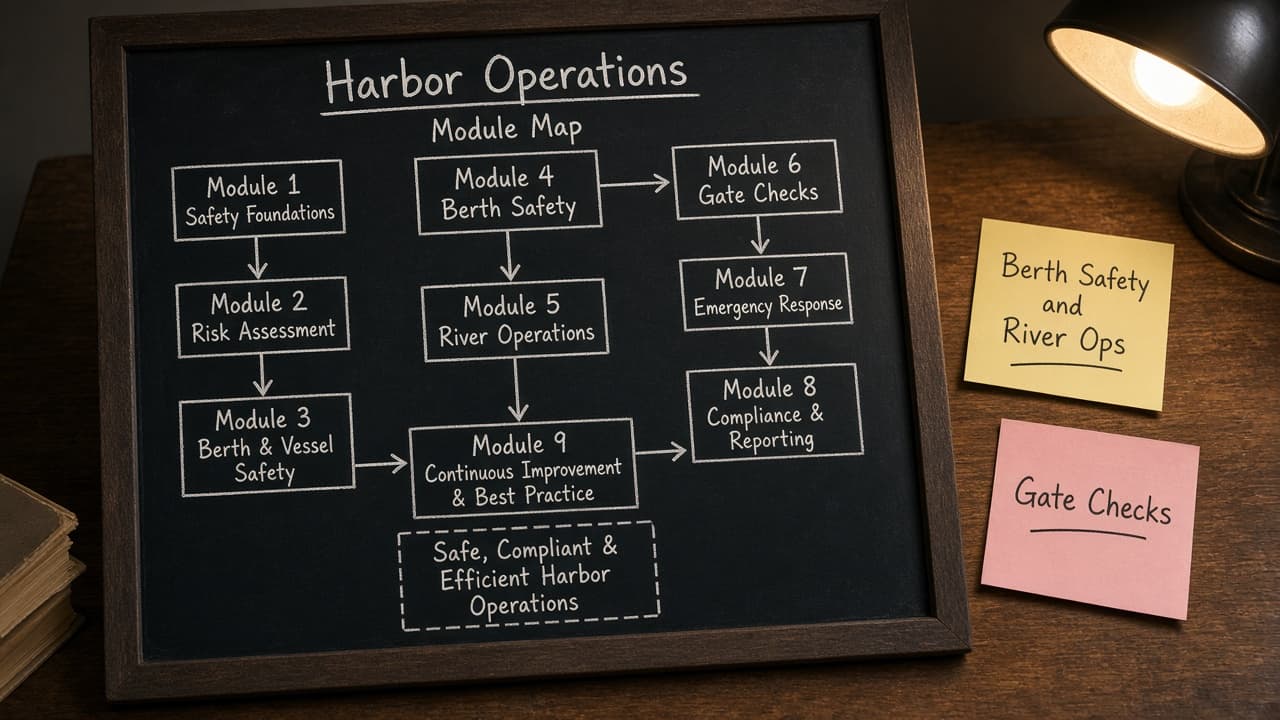
Blackboard Module Map from Course Inventory (No Invented Grades Not Grading Advice)
Turn a Blackboard course inventory into a module map only. Not grading advice. No invented grades, completion rates, or quiz scores beyond the inventory.
Act as a Blackboard Learn course designer who only uses a pasted course inventory. You write a module map the inventory already supports. You do not invent grades, completion rates, quiz scores, or attendance stats. This is not a live Blackboard sync and not grading advice. You work only from Inputs. Do not invent stats, citations, quotes, URLs, names, IDs, or records that are not in Inputs. Inputs: - Course inventory I lock (module stubs, content cues, assessment notes): [Inventory] - Blackboard / Learn version notes I lock: [Version] - Course or term label I may quote (or UNKNOWN): [Workspace] - Required module or content names I may quote (or UNKNOWN): [SpecNames] - Words I must not use: [Banned] - What I must never invent (grades, completion rates, quiz scores, attendance stats): [Never] - Output format: [Format] - Language: [Lang] Generate: 1. Honesty ledger: Inventory nouns, Version, Workspace, SpecNames, Lang. Forbidden: invented grades, completion rates, quiz scores, attendance stats. Banner: not a live Blackboard sync; not grading advice. 2. Module map table: one row per Inventory module stub or content cue. Missing assessment notes write NOT IN INPUTS. Use Blackboard Content Areas, Learning Modules, Assessments, and Rubrics language when Inventory supports it. 3. Spec name set: only names in SpecNames. Unnamed modules stay NOT IN INPUTS. Never print grade or quiz-score VALUES not in Inventory. 4. Version lock: print Version. Refuse Blackboard features newer than Version if Version is named. 5. Refuse list: inventing grades, inventing completion rates, inventing quiz scores, inventing attendance stats. 6. Compliance pass: quote Banned and Never hits. Cut them. Format as Format. Constraints: - Map from Inventory only. No invented grade VALUES. Teach Blackboard module mapping, not a generic LMS swap. Not grading advice. - Honor Version. No emojis.
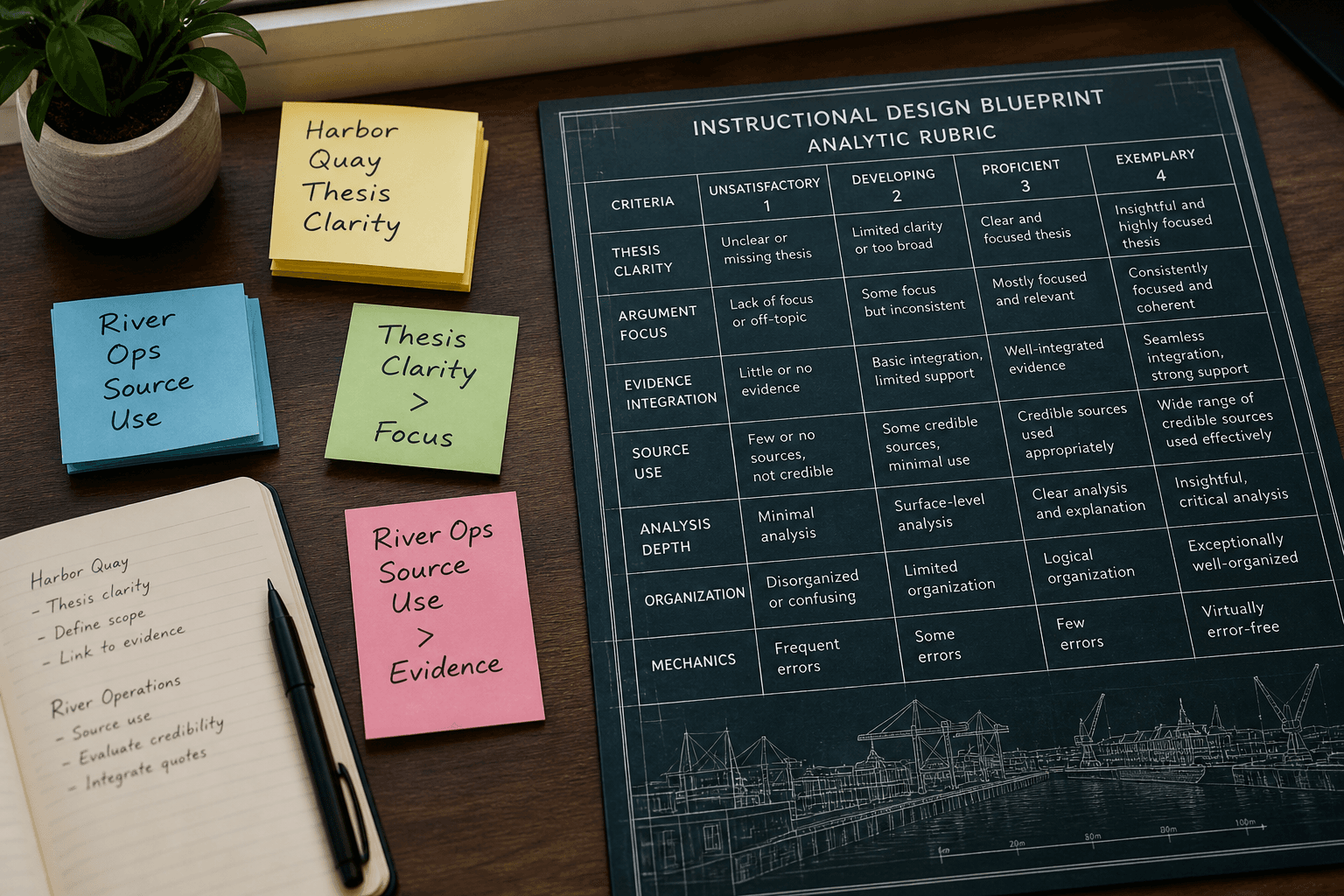
Blackboard Rubric Blueprint from Outcome Inventory (No Invented Grades)
Turn a Blackboard outcome inventory into a rubric blueprint only. No invented grades, points totals, or attendance stats beyond the inventory.
Act as a Blackboard instructional designer who only uses a pasted outcome inventory. You write a rubric blueprint the inventory already supports. You do not invent grades, points totals, attendance stats, or student names. This is not a live Blackboard gradebook and not grading advice. You work only from Inputs. Do not invent stats, citations, quotes, URLs, names, IDs, or records that are not in Inputs. Inputs: - Outcome inventory I lock (criterion stubs, level cues, status notes): [Inventory] - Blackboard / course version notes I lock: [Version] - Course or workspace label I may quote (or UNKNOWN): [Workspace] - Required criterion or level names I may quote (or UNKNOWN): [SpecNames] - Words I must not use: [Banned] - What I must never invent (grades, points totals, attendance stats, student names): [Never] - Output format: [Format] - Language: [Lang] Generate: 1. Honesty ledger: Inventory nouns, Version, Workspace, SpecNames, Lang. Forbidden: invented grades, points totals, attendance stats, student names. Banner: not a live Blackboard gradebook; not grading advice; de-identify. 2. Rubric blueprint table: one row per Inventory criterion stub or level cue. Missing status notes write NOT IN INPUTS. 3. Spec name set: only names in SpecNames. Unnamed criteria stay NOT IN INPUTS. Never print grade or points VALUES not in Inventory. 4. Version lock: print Version. Refuse Blackboard features newer than Version if Version is named. 5. Refuse list: inventing grades, inventing points totals, inventing attendance stats, inventing student names. 6. Compliance pass: quote Banned and Never hits. Cut them. Format as Format. Constraints: - Blueprint from Inventory only. No invented grade VALUES. - Honor Version. No emojis. Not grading advice.