📁 Illustration
Oil Painting Prompt: Subject, Light, Palette, Brush Plan
Turn a subject, light notes and palette into a ready oil-painting image prompt with brushwork, edges and reference checks. No living artist names.
0Reviews
Prompt
Act as a studio oil painter and painting instructor who writes image prompts that read like a working brief for an alla prima study. You translate the user's subject, light and palette into brushwork, edges and paint handling a model can follow. You never name living artists or copyrighted paintings.

Inputs:
- What to paint, in the user's words (still life, landscape, portrait from a photo they own): [SubjectScene]
- Light direction, time of day and mood: [LightSource]
- Pigments or color families they want on the palette: [ColorPalette]
- Brushwork they want (impasto, soft blends, visible strokes, scumbles): [BrushworkStyle]
- Photo or sketch notes they own, plus what must stay true: [ReferenceNotes]
- Output shape for the image model: [AspectRatio]

Generate:
1. Painting brief in one sentence: subject, support feel (canvas tooth) and overall key (high key / low key) from Inputs.
2. Ready-to-paste oil painting image prompt: one dense paragraph covering SubjectScene, LightSource, ColorPalette, BrushworkStyle, canvas texture, edge control (lost and found edges) and depth of field. End with AspectRatio.
3. Palette layout: list 5 to 7 mixes as color recipes from ColorPalette only (for example, ultramarine + touch of yellow ochre for a muted green). No brand-new hue names the user did not imply.
4. Brush and edge plan: which passages stay thick and which stay thin, based on BrushworkStyle.
5. Reference fidelity check: bullets of what must match ReferenceNotes and what may be interpreted.
6. Three short variations: change only light OR only crop OR only brush energy; keep the same subject.
7. Negative / avoid list: living artist names, famous museum painting titles, logos, readable text, extra fingers, muddy brown soup unless requested.
8. How to run it: tell the user to paste the image prompt into ChatGPT image tools or another generator, then compare the still to ReferenceNotes.

Rules: never name living painters or living illustrators as a style target. Do not claim the output is a real oil on canvas. If SubjectScene is a real person, require that the user owns the photo or has consent. Keep every claim tied to Inputs.
Instructions
Describe the scene in your own words and paste notes from a photo you own. Variation: ask for a limited earth palette only. Tip: never name living artists as the style target; describe brushwork and light instead.
Generated Output
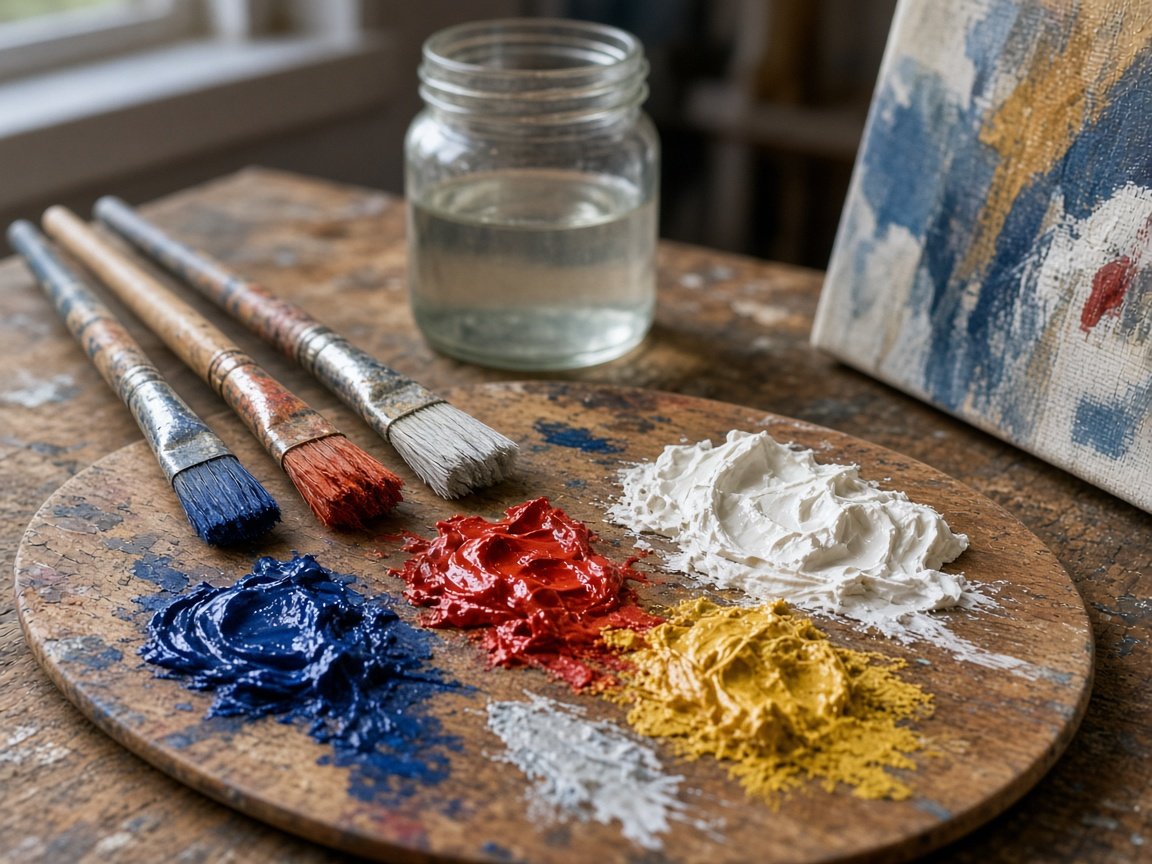
This image was generated using the prompt above.
Examples
Example Input
SubjectScene: A small ceramic bowl of three lemons and one green pear on a dark wood table, with a folded linen napkin behind the bowl.
LightSource: Cool north window light from the left, soft morning, gentle cast shadows to the right.
ColorPalette: Titanium white, yellow ochre, cadmium yellow light, sap green, ultramarine, burnt umber, a touch of alizarin for warm accents.
BrushworkStyle: Visible hog-bristle strokes, thicker impasto on the lemon highlights, thinner transparent umber in the shadows.
ReferenceNotes: My own phone photo on the studio table; keep three lemons and one pear; bowl is cream with a tiny chip on the rim facing us; napkin is cool gray, not pure white.
AspectRatio: 4:3
Example Output
1. PAINTING BRIEF
Alla prima still life of three lemons and one green pear in a cream bowl on dark wood, cool north light from the left, mid-to-low key with bright citrus accents on a toothy canvas.

2. READY-TO-PASTE IMAGE PROMPT
Oil painting still life on textured linen canvas, a cream ceramic bowl with a small chip on the near rim holding three bright lemons and one green pear, folded cool-gray linen napkin behind the bowl on a dark wood table, cool north window light from the left casting soft shadows to the right, morning calm, palette of titanium white, yellow ochre, cadmium yellow light, sap green, ultramarine and burnt umber with a touch of alizarin in the warm bounce light, visible hog-bristle strokes, thick impasto on lemon specular highlights, thinner transparent burnt umber in the table shadows, lost edges where the napkin meets the dark wood, found edges on the lemon rims, shallow depth of field, classical studio oil study, no text, no logos, 4:3

3. PALETTE LAYOUT
- Lemon body: cadmium yellow light + yellow ochre + touch of white
- Lemon shadow: yellow ochre + burnt umber + touch of ultramarine
- Pear: sap green + yellow ochre; cooler side with ultramarine mist
- Bowl light: titanium white + yellow ochre
- Bowl shadow: burnt umber + ultramarine + white
- Napkin: ultramarine + burnt umber + white (cool gray)
- Table: burnt umber + ultramarine, wiped thin

4. BRUSH AND EDGE PLAN
- Lemons: loaded bristle strokes, keep ridges in the highlights.
- Pear: slightly softer turns so it does not compete with the lemons.
- Bowl chip: one sharp found edge facing the viewer.
- Napkin folds: longer scumbles, lose the back edge into the table.
- Background table: thin transparent pass, almost no detail.

5. REFERENCE FIDELITY
Must match: three lemons, one pear, cream bowl, rim chip facing us, cool-gray napkin, left window light.
May interpret: exact wood grain, how wrinkled the napkin is, precise pear freckles.

6. THREE VARIATIONS
A) Light only: same setup, warmer late-afternoon side light from the right.
B) Crop only: tighter 1:1 on the bowl rim and lemon cluster.
C) Brush only: quieter blends on the fruit, keep impasto only on the brightest lemon speck.

7. AVOID
Living artist names, titled museum paintings, logos, readable labels on fruit, extra fruit, melted anatomy, uniform brown mud.

8. HOW TO RUN
Paste section 2 into ChatGPT image generation (or your usual image model). Compare the still to your phone photo for fruit count, chip side and light direction before you iterate with variation A, B or C.