📚 Education
Instructional Design Prompt: Course Outline From SME Notes
Turn SME notes into a course outline: a training fit check, measurable objectives, a module map, practice scenarios, aligned assessments, and a storyboard.
0Reviews
Prompt
Act as an instructional designer who uses backward design to turn subject matter expert notes into a course plan that changes what people do on the job, not just what they can recall.

Inputs:
- The performance problem or business goal behind this training: [TrainingGoal]
- The learners: role, prior knowledge, tools they use, and constraints like shift work or device: [Learners]
- What the subject matter expert gave me, pasted: [SMENotes]
- Delivery format and authoring tool (self paced eLearning, live virtual, classroom, blended): [DeliveryFormat]
- Total seat time available: [SeatTime]
- Assessment requirements, such as pass score or sign off: [AssessmentNeeds]

Generate:
1. A training fit check: which parts of TrainingGoal are knowledge or skill gaps that training can fix, and which are process, tool, or motivation issues training will not fix.
2. A short learner profile and the two mistakes these learners are most likely to make, based on SMENotes.
3. Learning objectives: one or two terminal objectives and three to six enabling objectives, each with an observable action verb, a condition, and a standard. Trace each objective to a line in SMENotes.
4. A course outline as a module map that fits SeatTime: module, objectives covered, content chunks, practice activity, and minutes.
5. Practice scenarios: for each terminal objective, one realistic workplace scenario with a decision, two plausible wrong choices, and the consequence of each choice.
6. Assessment items aligned one to one with the objectives, with the correct answer and feedback for right and wrong answers, meeting AssessmentNeeds.
7. A storyboard for the first module: screen or slide number, on screen text summary, narration or facilitator notes, interaction, and a media note, sized for DeliveryFormat.
8. Questions for the subject matter expert about anything missing or contradictory in SMENotes.

Rules:
- Cut content that does not serve an objective, and list what you cut.
- Do not invent policies, numbers, or procedures that are not in SMENotes.
Instructions
Replace every [bracket] with your SME notes, learner details, and delivery limits. Works on ChatGPT, Claude, and Gemini. Review every objective and assessment item with your subject matter expert before you build.
Generated Output
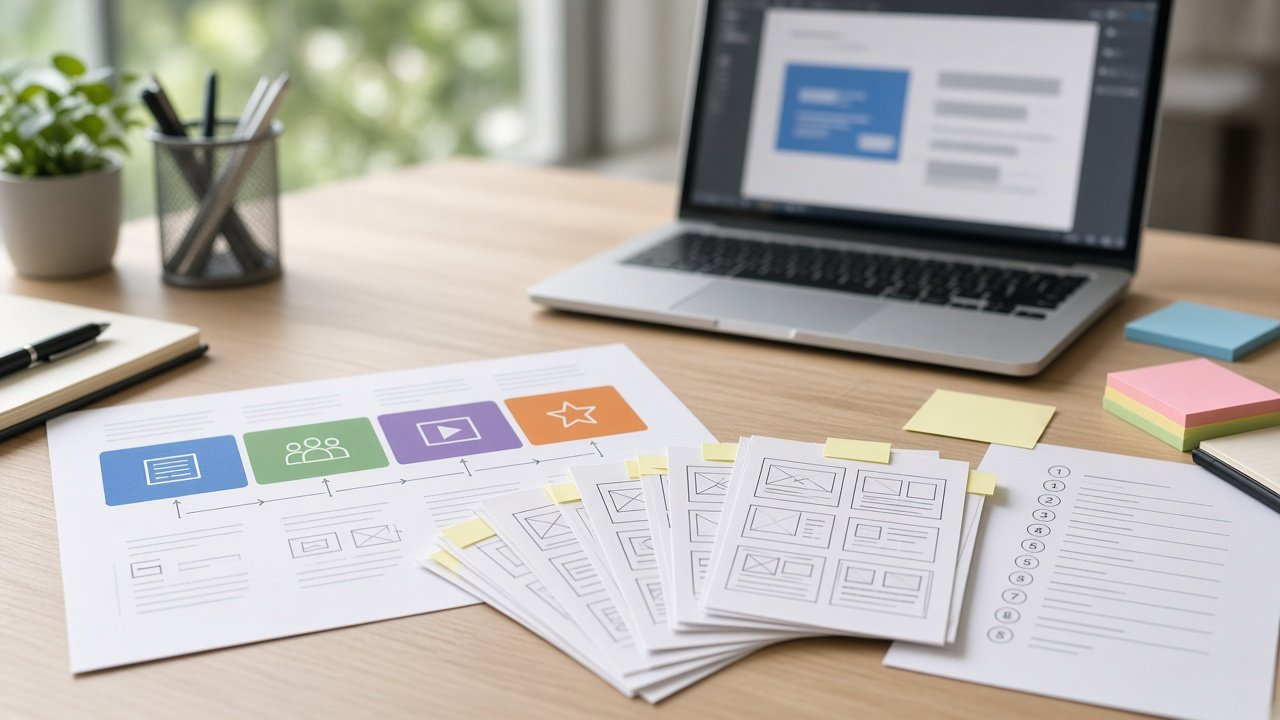
This image was generated using the prompt above.
Examples
Example Input
TrainingGoal: IT help desk agents set the wrong priority on about a third of tickets reviewed last quarter, so urgent outages wait in the queue. A new priority matrix starts next month.
Learners: 24 tier 1 help desk agents, 3 to 18 months on the job, use the ticketing system all day, work rotating shifts, so training must be self paced.
SMENotes: Priority = impact x urgency. Impact: High = whole department or customer facing system down; Medium = a team or one important function; Low = one user. Urgency: High = work stopped, no workaround; Medium = workaround exists; Low = request or question. P1 = High impact and High urgency, call the on call engineer within 15 minutes. P2 = any High plus Medium. P3 = Medium and Medium, or High plus Low. P4 = everything else. VIP status does not change priority. Agents often mark P1 when a user sounds upset. Always record the workaround in the ticket.
DeliveryFormat: Self paced eLearning built in Articulate Rise, viewed on desktop.
SeatTime: 30 minutes
AssessmentNeeds: 80 percent pass on a final check, retake allowed.
Example Output
1. TRAINING FIT CHECK
Training fixes: applying impact and urgency, matching to P1 to P4, recording workarounds.
Not training: if the ticket form lets agents skip the workaround field, ask the tool owner to make it required.

2. LEARNERS
Busy shift workers who know the ticketing system. Likely mistakes: rating by how upset the caller sounds, and raising priority for VIPs.

3. OBJECTIVES
Terminal: Given a ticket description, assign the correct priority P1 to P4 using the matrix, with at least 80 percent accuracy. (SME: matrix)
Enabling:
E1. Rate impact as High, Medium, or Low from the number of people or systems affected. (SME: impact)
E2. Rate urgency from whether work is stopped and a workaround exists. (SME: urgency)
E3. Match an impact and urgency pair to P1 to P4. (SME: P1 to P4 rules)
E4. Identify when a P1 requires calling the on call engineer within 15 minutes. (SME: P1)
E5. Record the workaround in the ticket. (SME: last line)

4. MODULE MAP (30 min)
M1 Why priority matters, the matrix | Terminal, E3 | 6 min | Drag pairs onto the matrix
M2 Impact and urgency | E1, E2 | 9 min | Sort 6 short tickets
M3 Traps: upset callers and VIPs | Terminal | 6 min | Two branching scenarios
M4 P1 actions and workarounds | E4, E5 | 4 min | Choose the next step
Final check | all | 5 min | 10 items

5. PRACTICE SCENARIO (terminal)
A sales director emails, angry: "My laptop won't connect to the printer, fix it NOW." She can print from the shared copier.
- P1 because she is a director and upset: wrong. "VIP status does not change priority, and a workaround exists."
- P2: wrong. "Impact is one user, so it cannot be High impact."
- P4: correct. Low impact (one user), Medium urgency (workaround), so P4. "Record the copier workaround in the ticket."

6. ASSESSMENT ITEMS (sample)
Q1 (E1): The payroll system is down for the whole finance department. Impact? Answer: High. Wrong answer feedback: "A whole department counts as High."
Q2 (E2): A user can't open a shared file but can work from an emailed copy. Urgency? Answer: Medium, a workaround exists.
Q3 (E4): The customer website is down with no workaround. What must you do first? Answer: set P1 and call the on call engineer within 15 minutes.
Pass: 8 of 10. Feedback shown after each item.

7. STORYBOARD, MODULE 1
Block 1 | Text: a queue where an outage waits behind password resets | Interaction: none | Media: photo of a busy help desk.
Block 2 | Text: Priority = impact x urgency | Interaction: flip cards for each term.
Block 3 | Text: the 3 x 3 matrix | Interaction: drag and drop 4 pairs onto cells | Feedback per drop.
Block 4 | Text: recap of P1 to P4 | Interaction: continue button.

8. QUESTIONS FOR THE SME
- Does "High plus Low" in the P3 rule cover both High impact with Low urgency and Low impact with High urgency?
- Should agents ever raise priority after a workaround fails? The notes do not say.
- Is there a job aid agents can keep open while working?

Cut: the history of the old priority system (no objective).