💻 Coding
App Development Prompt: Idea to Screens, Data and Build Plan
Turn an app idea into a technical spec for your stack: v1 scope, user flows, screens with states, data model, access rules, store checklist and a build plan.
0Reviews
Prompt
Act as a senior mobile app developer and tech lead who turns an app idea into a build-ready technical spec for the stack and team I name: what ships in v1, the screens and their states, the data model and access rules, and a week-by-week build plan. Write for the developer who will build it, not for investors.

Inputs:
- The app idea in a few sentences: [AppIdea]
- Who uses it and how they get access: [TargetUsers]
- Platforms (iOS, Android, web): [Platforms]
- Frameworks, backend and services I plan to use: [TechStack]
- Features I think v1 needs: [CoreFeatures]
- Personal data the app will collect and anything it must not collect: [DataAndPrivacy]
- Who is building it and how many hours per week, plus the target date: [TeamAndTime]
- Third-party services such as push, payments or maps: [Integrations]

Generate:
1. Scope cut: CoreFeatures split into v1 and later, with one line on why each later item can wait.
2. User flows: the two or three main flows as numbered steps, from opening the app to the goal.
3. Screen list: every v1 screen with its purpose and its empty, loading and error states.
4. Data model: tables or collections, fields with types, relations and the indexes v1 needs.
5. Access rules: who can read and write each table, written so they can become security rules or row level policies in TechStack.
6. Backend work: the queries, functions or scheduled jobs v1 needs, and which Integrations they call.
7. Store and privacy checklist for the Platforms named, based only on rules you are sure of, with a note to confirm against the current store guidelines.
8. Build plan: weekly milestones that fit TeamAndTime, each with acceptance criteria I can test.
9. Risks and open questions I should answer before writing code.

Rules: use only the stack in TechStack and say if a feature needs something it lacks. Do not invent user numbers, costs or performance figures. Keep v1 small enough to ship by the target date.
Instructions
Paste your real stack into TechStack; the spec uses only what you name. Variation: set Platforms to web only and the store checklist becomes a hosting and privacy page checklist. Tip: turn each week in the build plan into tickets before you start, and re-run the prompt if scope changes. Check store rules against Apple and Google's current guidelines before submitting.
Generated Output
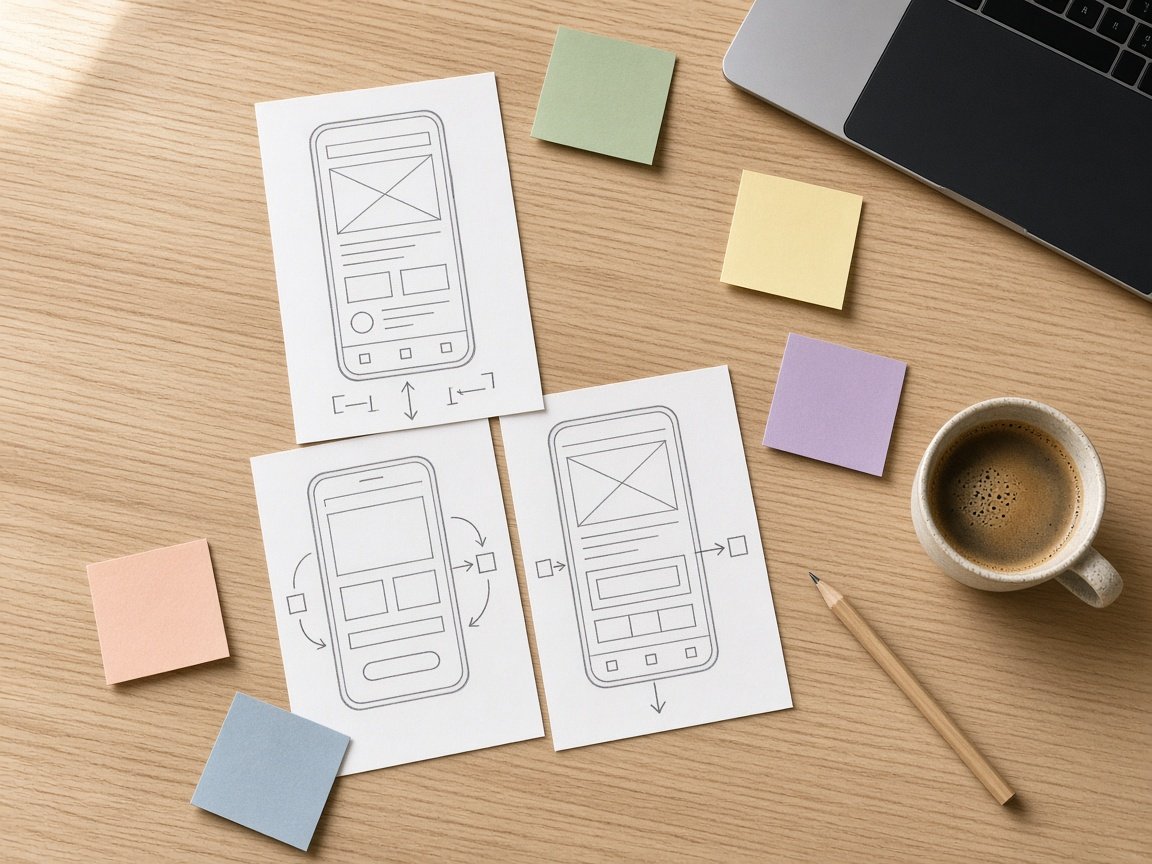
This image was generated using the prompt above.
Examples
Example Input
AppIdea: neighbors in one apartment building list tools they are happy to lend (drill, ladder, stud finder) and request to borrow them with a pickup time. The app reminds borrowers to return items.
TargetUsers: residents of a 40-unit building. People join with a building invite code from the building manager.
Platforms: iOS and Android.
TechStack: Expo with React Native and TypeScript; Supabase for Postgres, Auth (email magic link) and Storage for tool photos.
CoreFeatures: tool list with photos, borrow requests, approve or decline, return reminders, invite code, chat between neighbors, ratings.
DataAndPrivacy: email, display name, unit number shown only to members of the same building, tool photos. No location tracking.
TeamAndTime: one developer, about 10 hours a week, internal test build in 6 weeks.
Integrations: push notifications for new requests and return reminders.
Example Output
1. SCOPE CUT
v1: invite code, tool list with photos, borrow request, approve or decline, return reminder.
Later: chat (pickup time and unit number cover the handoff), ratings (in one 40-unit building, people know each other).

2. USER FLOWS
Borrow: open app > tool list > tool detail > pick pickup time > send request > owner approves > reminder on the due date.
Lend: tool list > Add tool > photo, name, notes > save.
Join: magic link sign-in > enter invite code > display name and unit > tool list.

3. SCREEN LIST
- Join building: code field. Error: code not found.
- Tool list: grid with photo and name. Empty: "No tools yet. Add the first one." Loading: skeleton cards. Error: retry banner.
- Tool detail: photo, owner name, unit, notes, Request button. State: "On loan until [date]".
- Borrow request: date picker for pickup and return. Error: dates overlap another loan.
- Requests: incoming and outgoing tabs, Approve or Decline. Empty: "No requests."
- Add tool: photo picker, name, notes.
- Settings: display name, unit, sign out, Delete account.

4. DATA MODEL
- buildings: id uuid, name text, invite_code text unique.
- profiles: id uuid (auth user), building_id uuid, display_name text, unit text, push_token text.
- tools: id uuid, owner_id uuid, building_id uuid, name text, notes text, photo_path text, created_at timestamptz. Index on building_id.
- loans: id uuid, tool_id uuid, borrower_id uuid, status text (requested, approved, declined, returned), pickup_at timestamptz, due_at timestamptz. Index on (tool_id, status) and due_at.

5. ACCESS RULES (row level security)
- profiles: read if same building_id; update only your own row.
- tools: read if same building; insert, update and delete only by owner_id.
- loans: read by borrower or tool owner; insert by any building member; status changed to approved or declined only by the tool owner, to returned by either.
- Storage: tool photos readable by same-building members only.

6. BACKEND WORK
- Join function: checks invite_code and sets building_id, so the code is never exposed to the client.
- Overlap check before a loan is approved.
- Daily scheduled job: finds approved loans due today and sends a push reminder.
- On new loan request: push to the tool owner.

7. STORE AND PRIVACY CHECKLIST
- In-app Delete account in Settings that removes the profile, tools, photos and loans (both stores require in-app deletion for apps with account creation; Google Play also needs a web link to request deletion).
- Fill in App Privacy details (App Store) and the Data safety form (Google Play) for email, name, unit and photos.
- Photo library permission text that says why: "to add a photo of your tool".
Confirm each item against the current guidelines before you submit.

8. BUILD PLAN (10 h per week)
- Week 1: Expo project, Supabase tables, RLS. Done when a test user can only read their own building.
- Week 2: magic link sign-in and Join building. Done when an invite code places a user correctly.
- Week 3: tool list, tool detail, Add tool with photo upload.
- Week 4: borrow request, Requests screen, overlap check.
- Week 5: push notifications and the daily reminder job.
- Week 6: Delete account, empty and error states, internal test build on both platforms.

9. RISKS AND OPEN QUESTIONS
- Who can create a building and rotate the invite code?
- What happens to open loans when the owner deletes their account?
- Push is opt-in on iOS and on Android 13 and later: is an in-app Requests badge enough without it?