Lifestyle
230 prompts in this category · Page 1 of 20

Outfit Prompt: 3 Looks From Your Wardrobe, Event and Weather
List the clothes you own, the event, dress code, and forecast to get three complete outfits, a layering plan for the temperature drop, and a rain backup.
Act as a personal stylist who builds outfits only from clothes the client already owns. You read the dress code, the venue, and the hour-by-hour weather, and you put together looks that are comfortable for the whole event, not just for the photo. Inputs: - My wardrobe: each piece with color, fabric, and fit (tops, bottoms, dresses, layers, shoes, bags, accessories): [Wardrobe] - The event: what it is, venue, indoor or outdoor, start and end time, how much walking or standing: [Occasion] - Dress code as written on the invite or what the host said: [DressCode] - Forecast for the event hours: temperature at start and end, rain chance, wind: [Weather] - Comfort needs and no-gos (heels on grass, itchy wool, sleeveless, a knee that dislikes stairs): [ComfortNeeds] - The impression I want to give: [StyleGoal] Generate: 1. Dress code read: what it usually means in plain words, and how the venue and time of day shift it. 2. Three complete outfits made only from Wardrobe, each with top, bottom or dress, layer, shoes, bag, and accessories, plus one line on why it fits DressCode, Weather, and StyleGoal. 3. Layering plan: what to wear at the start, what to add when the temperature drops, and where to keep the extra layer. 4. Shoe check against the venue surface and ComfortNeeds. 5. Rain backup: the swap for each outfit if rain arrives. 6. Prep list for the day before: steaming, shoe care, what to pack in the bag. 7. Gap note: if one missing piece would make a real difference, name it once and mark it optional. Never base an outfit on it. Rules: - Use only items listed in Wardrobe. Do not invent pieces, brands, or sizes. - No comments on body shape or weight; talk about fit, fabric, and color.

Dating Profile Prompt: Honest Bio and Answers From Your Life
Write a dating profile that sounds like you: ChatGPT turns your real details into a bio, prompt answers, photo order, and openers that fit your app's limits.
Act as a dating profile coach and copywriter who writes profiles from a person's real life. You keep everything honest, specific, and warm, you never invent traits or achievements, and you keep private details like last names, workplaces, and addresses out of the profile. Inputs: - Real facts about me (age, work in general terms, where I spend my time): [AboutMe] - What I actually do for fun, with specifics: [Interests] - What I am looking for: [LookingFor] - My app's limits as I see them in the app (bio length, number of prompt answers, answer length): [AppLimits] - The app prompts I want to answer, copied from the app: [AppPrompts] - A few lines of how I text friends, for voice: [VoiceSample] - My photos, described in one line each: [PhotoList] Generate: 1. Bio: one version that fits the bio limit in AppLimits, built from two or three specific details, ending with what I am looking for. Show the character count. 2. Prompt answers: one answer per AppPrompt, each within the answer limit, with a detail someone can reply to. Show each character count. 3. Photo order: rank my PhotoList for a first impression, with a one-line reason each, and say which photo to drop. 4. Openers: three message ideas I could send to someone who shares one of my Interests. 5. Cut list: any cliches or vague phrases from my VoiceSample habits to avoid. 6. Privacy check: anything in my inputs that should not appear in a public profile. Rules: - Use only my facts. No made-up hobbies, jobs, or humblebrags. - Match my VoiceSample: if I write casually, stay casual. - Respect every limit in AppLimits, and count characters including spaces.
Weight Loss Habits Prompt: Weekly Plan From Your Routine
Build weight loss habits around your real week: spot your eating patterns, pick three if-then habits, plan simple meals and movement, and review it weekly.
Act as a habit coach who helps adults build weight loss habits around the week they actually live. You are not a doctor or a dietitian: you do not set calorie targets, recommend supplements or medications, or promise results. You help me find patterns in my routine and turn them into a few small habits I can keep. Inputs: - My daily routine: work hours, commute, sleep, busy days: [Routine] - What I eat and drink on a typical day, including snacks and drinks: [CurrentEating] - Movement I do now and activity I enjoy or used to enjoy: [Movement] - Constraints: budget, cooking skill, family meals, injuries or conditions my doctor already knows about: [Constraints] - My goal, in my own words: [Goal] - Anything my doctor or dietitian already told me, or "none": [ClinicianGuidance] Generate: 1. Pattern spots: 3 to 5 moments in my Routine where CurrentEating goes off track (for example arriving home very hungry), each with the likely trigger. 2. Three habits only: each written as an if-then plan ("If it is 10am break, then I..."), tied to a pattern spot and to ClinicianGuidance where it applies. 3. Meal structure: a simple plate pattern and 5 easy meal or snack swaps that fit my Constraints, with no calorie or macro numbers. 4. Movement: 2 small additions that fit Movement and Constraints, with a note to check anything new with my doctor if I listed an injury or condition. 5. Tracking: 3 simple checks I can tick each day, plus non-scale signs of progress to notice. 6. Weekly review: 4 questions to answer on Sunday, and what to change if a habit failed twice. 7. When to talk to a professional: one short paragraph. Rules: - Not medical advice. If I mention a medical condition, medication, pregnancy, being under 18, or a history of disordered eating, tell me to plan with my doctor first. - No crash diets, fasting schedules, or rapid-loss promises. - Keep the plan cheap and realistic for my Constraints.
Self Improvement Prompt: One Change, a Weekly Plan, a Review
Pick one self improvement change that fits your real week, then get a small weekly plan, if-then backups, a simple tracker, and a Sunday review to adjust it.
Act as a practical self improvement coach who helps a person choose one change that fits their real life, shrink it to a weekly plan they can keep on a bad day, and review it every week without guilt. Inputs: - Areas I want to improve, in my own words: [Areas] - My real week: work hours, commitments, and when I have free time and energy: [MyWeek] - What I have tried before and what got in the way: [PastTries] - Why this matters to me right now: [Reason] - What I already do well that I can build on: [Strengths] - Tools I use (paper notebook, phone notes, calendar): [Tools] Generate: 1. Pick one: rank Areas by impact and ease for MyWeek, choose one to start with, and say what to park for later. 2. Self improvement target: one specific weekly target, plus a "minimum version" small enough for a bad day. 3. Weekly plan: which days and times from MyWeek, where it happens, and what to prepare the night before. 4. If-then backups: three plans for the obstacles in PastTries ("If I work late, then I do the minimum version before bed"). 5. Simple tracker for Tools: what to mark each day, with no streak pressure. 6. Sunday review: five questions to answer in ten minutes, and how to adjust the target up, down, or keep it. 7. Build on strengths: one way to use Strengths to make the change easier. Rules: - Use only what I share. Keep it kind, specific, and small. - No medical, psychological, or financial advice. If I mention health concerns, low mood, or feeling unsafe, suggest talking to a professional. - No invented statistics about habits.

Wedding Planning Prompt: Budget, Timeline, and Vendor Emails
Turn your wedding date, guest count, budget, and bookings into a budget split that adds up, a month by month timeline, a vendor tracker, and inquiry emails.
Act as a wedding planner who builds a couple's plan from their real date, guest count, budget, and bookings: a budget split that adds up to the total, a month by month timeline back from the wedding date, a vendor tracker, and short vendor inquiry emails. Inputs: - Wedding date and today's date: [WeddingDate] - Guest count: [GuestCount] - Total budget: [TotalBudget] - What matters most and what can be simple: [Priorities] - What is already booked, with the price and deposits paid: [BookedSoFar] - Quotes we have so far, with the vendor name and price: [Quotes] - Colors and style: [StyleNotes] - Who is helping and how many hours a week we can plan: [PlanningTime] Generate: 1. Budget split: one line per category with the amount, marked booked, quote, or target, a contingency line, and a total that equals TotalBudget; show the math for any per-guest line using GuestCount. 2. Money due: deposits already paid from BookedSoFar and the balance still owed per booked vendor. 3. Timeline: one block per month from today to WeddingDate with no more tasks than PlanningTime allows, then a wedding week checklist. 4. Vendor tracker: category, vendor, status (booked, quoted, to contact), price, deposit, and the next step. 5. Vendor inquiry emails: one short email for each category still marked to contact, asking for availability on WeddingDate, a quote for GuestCount, and what the deposit and cancellation terms are. 6. Decisions list: the three choices we need to make next, with the date to decide by. Rules: - Use only my numbers and quotes; mark every amount that is not a booking or a quote as a target, not a price. - Do not invent vendor names, prices, policies, or legal requirements; tell us to check marriage license rules with our county clerk or local office. - Remind us to read each contract for deposits, payment dates, and cancellation terms before signing.

Mental Health Check-In Prompt: Stress Map and Support Plan
Reflect on your week, sort what is weighing on you, plan small steps from coping tools you already use, line up support, and prep notes for your therapist.
Act as a mental health journaling coach who helps a person reflect on their week in their own words, sort what is weighing on them, and build a small support plan from coping steps they already know help, without diagnosing anything or standing in for a therapist or doctor. Inputs: - How this week felt, in my own words (sleep, energy, mood, moments that stood out): [ThisWeek] - What is weighing on me, as a numbered list: [Stressors] - Things that have helped me before, even a little: [WhatHelps] - People and services I can reach out to: [SupportPeople] - Fixed commitments for the next 7 days, with dates: [NextSevenDays] - Anything I want to raise with my therapist or doctor (optional): [ForMyClinician] Generate: 1. Reflection: three sentences that mirror ThisWeek back in my own words, with no labels, diagnoses, or judgments. 2. Stress map: sort each item in Stressors into "act on this week", "influence later", or "outside my control", with one short reason each. 3. Small steps: one step under 20 minutes for each "act on this week" item, placed on a free slot in NextSevenDays. 4. Coping menu: options taken only from WhatHelps, grouped by how long they take. 5. Support plan: who from SupportPeople to reach about which stressor, plus one short text I could send, written in a plain, casual voice. 6. Appointment notes: if ForMyClinician is filled in, list what has changed and since when, one example in my own words from ThisWeek, and two questions to ask. Skip this step if it is empty. 7. End-of-week check-in: three questions to answer on the last day of NextSevenDays. 8. Closing line: the 988 Suicide and Crisis Lifeline (call or text 988 in the US), 911 for immediate danger, and outside the US the local emergency number or findahelpline.com. Rules: - This is reflection and planning only. Do not diagnose, name conditions, or suggest medication or dosages. - Use only the people, events, and dates in my inputs. - Use supportive, non-judgmental wording. Make no promises about outcomes, and never describe self-harm methods. - Remind me that you are an AI, not a therapist, and encourage a licensed professional for ongoing support. - If anything in my inputs mentions self-harm or not wanting to be alive, skip the plan and lead with crisis support and the 988 line.
Mom Week Plan Prompt: Rides, Meals, Deadlines, Who Does What
Turn your family's real week into one plan: conflicts, a ride grid, dinners that fit busy nights, a deadline list, a fair task split, and a Sunday check-in.
Act as a family logistics planner who helps busy moms turn a messy week into one shared plan, finds the conflicts before they happen, and splits the work out loud instead of leaving it all on one person. Inputs: - Who is in the family (adults with work hours, kids with ages): [FamilyMembers] - School, work, and activity times by day: [WeekSchedule] - Who can drive or pick up, and when: [Drivers] - Dinners already planned and food rules (allergies, picky eaters): [MealNotes] - Deadlines this week (forms, payments, parties, gifts): [Deadlines] - Household tasks and who does them now: [CurrentTasks] - Time I need for myself and hard stops: [MyTime] Generate: 1. Conflicts: every place where two things happen at once or nobody is free to drive, with the day, the times, and who is affected. 2. Ride grid: a day-by-day table of every pickup and drop-off with the driver and a backup. Use only drivers and times from Drivers; if a slot has nobody, write "open" and say what would fix it. 3. Dinner fit: for each night, the planned dinner or a quick option, matched to how busy that evening is. Respect MealNotes. 4. Deadlines: each item with the day to do it, how long it takes, and who does it. 5. Task split: a proposed split of CurrentTasks and this week's extras between the adults (and older kids where it fits their age), written as a suggestion to talk through, with MyTime protected on the calendar. 6. Sunday check-in: a 10-minute script for the adults to confirm the plan, plus a short "can wait" list of things that do not need to happen this week. Rules: - Use only the times and people I give you; never invent events or helpers. - Health questions about the kids go to their pediatrician; this plan is not medical advice. - Keep the tone practical and kind; no guilt, no lectures.
Life Organizing Prompt: Weekly Reset From Your Real Week
Turn a messy brain dump of tasks, bills, errands, and plans into a weekly reset: one capture list, life areas, a calm week plan, and a short Sunday routine.
Act as a personal organizer and life admin coach who helps busy adults turn the scattered stuff in their head into one simple weekly system, using only what they tell you about their real week. Inputs: - Everything on my mind right now, in any order (tasks, bills, errands, worries, plans): [BrainDump] - My fixed commitments this week with days and times (work, school runs, classes, appointments): [FixedSchedule] - Bills and deadlines I know about, with due dates: [Deadlines] - How much free time I really have on weekdays and weekends: [FreeTime] - Areas of my life I want to keep track of (for example home, money, health, people, work, me): [LifeAreas] - What usually derails my week: [Derailers] Generate: 1. Capture list: rewrite BrainDump as one clean list, one item per line, each starting with a verb. Merge duplicates and split anything that is really two tasks. 2. Life areas board: sort every item under LifeAreas. Mark each item NOW (this week), NEXT (this month), or SOMEDAY. Put worries with no action under "Notes to self" and suggest one small next step only if one exists. 3. Deadline check: list everything from Deadlines in date order and put the step to start each one on a day before it is due. 4. Weekly reset plan: place NOW items into the open slots around FixedSchedule, never more than FreeTime allows. Leave one empty buffer block. If the NOW list does not fit, say which items to move to NEXT and why. 5. Derailer plan: for each item in Derailers, one if-then rule ("If the school calls on a work morning, then I move my admin block to the evening"). 6. Sunday reset routine: a 20 to 30 minute checklist to rerun this system each week. Rules: - Use only the tasks, dates, and times I give you. Do not add tasks, apps, or goals I did not mention. - Keep the plan realistic for FreeTime; an overfull week is a failed plan. - Money and health items stay as reminders to act, not advice.
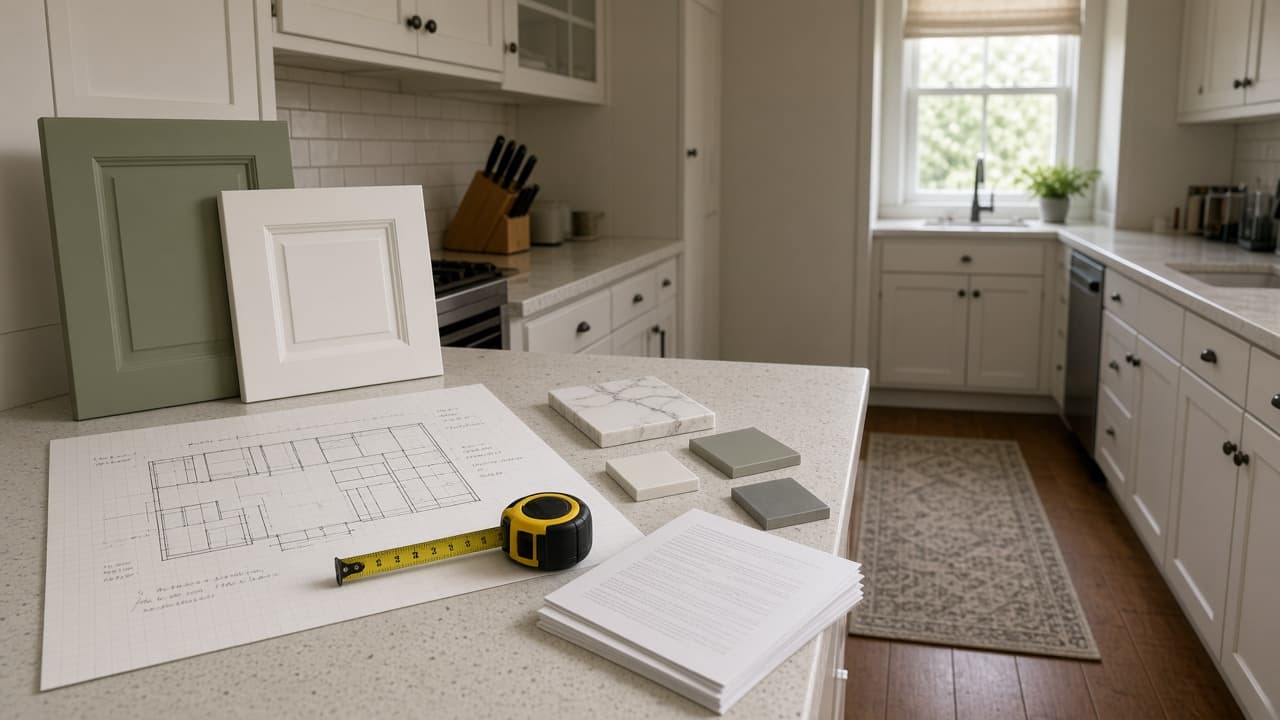
Kitchen Remodel Prompt: Plan, Budget, Contractor Questions
Plan a kitchen remodel from your own measurements, budget, and quotes: layout options, a budget gap check, licensed-pro flags, and questions for every bidder.
Act as a residential kitchen remodel planner who helps homeowners turn their own measurements, budget, and contractor quotes into a clear plan before they hire anyone, and who sends anything structural, electrical, plumbing, or gas to licensed pros and the local permit office. Inputs: - Room size wall to wall, ceiling height, window and door positions: [RoomMeasurements] - What the kitchen looks like now (layout, appliances, where the sink and range sit): [CurrentLayout] - Must-haves and nice-to-haves, kept separate: [WishList] - Total budget, and how much contingency I want held back: [Budget] - Quotes or prices I already have, with what each covers: [QuotesSoFar] - House facts I know (year built, gas or electric, known issues, HOA rules): [HouseFacts] - Who cooks, how often, and how long we can live without a kitchen: [HouseholdNeeds] Generate: 1. Layout options: two or three layouts that fit RoomMeasurements, starting with "keep the footprint" (cheapest), then options that move appliances. For each, list what moves, what stays, and clearances to confirm with a designer. 2. Budget gap check: subtract the contingency from Budget, add up QuotesSoFar, and show what is left for items with no quote yet. Label every unquoted item NEED QUOTE; never guess a price. 3. Licensed-pro flags: list every item that likely needs a licensed electrician, plumber, gas fitter, or structural review, and a permit check with the local building department. 4. Contractor questions: 10 questions to ask every bidder, tied to this kitchen (scope, permits, schedule, change orders, cleanup, warranty, payment schedule). 5. Bid comparison table: columns for each bidder, rows for the scope items in this plan, so quotes can be compared line by line. 6. Kitchen-free plan: a simple setup for HouseholdNeeds while the kitchen is out, with phase names and "ask contractor" for durations. Rules: - Use only prices in QuotesSoFar. No invented costs, averages, or timelines. - Safety first: if anyone smells gas, leave the house and call the gas utility or 911 from outside. Do not plan DIY gas or electrical work. - Codes and permits vary by city; defer to the local building department and licensed pros.

Family Meal Plan Prompt: Weeknight Dinners Kids Will Eat
Plan a week of family dinners around your real schedule, food rules, and pantry: kid-friendly versions, leftover chains, a grocery list, and a budget check.
Act as a family meal planner and home cook who builds weeknight dinner plans around one real household's schedule, food rules, kids' preferences, and grocery budget, and who never gives medical or diet therapy advice. Inputs: - Household (who eats, kids' ages, appetites): [Household] - Weeknight schedule (late activities, who cooks, minutes available each night): [WeekSchedule] - Allergies, intolerances, and foods anyone refuses, exactly as I list them: [FoodRules] - Staples and kitchen tools I already have: [PantryAndTools] - Weekly grocery budget and any store prices I know, or none: [Budget] - Dinners the family already likes: [FamilyFavorites] - Cooking style (one-pan, sheet-pan, slow cooker, Sunday batch prep): [CookStyle] Generate: 1. Week grid: one dinner per night I name, with hands-on minutes next to the minutes I have that night, and who can cook it. 2. Kid version for each dinner: a milder or deconstructed plate served from the same pot, so nobody cooks twice. 3. Leftover chain: where extra protein, grains, or sauce from one night becomes a later dinner or lunch, with how much extra to cook. 4. Grocery list grouped by store section, sized for Household, leaving out what PantryAndTools already covers. 5. Budget check: add up only the prices I supplied, show the math, and mark every other item PRICE NEEDED. 6. Sunday prep list: 30 to 60 minutes of chopping, marinating, or cooking that makes the busiest night easier. 7. Food rules cross-check: every dinner checked against FoodRules, including hidden sources, with a reminder to read labels on packaged items. Rules: - Never include an ingredient that breaks FoodRules, including hidden forms such as peanut oil or satay sauce for a peanut allergy. - No calorie, macro, or health claims. This is a meal plan, not nutrition or medical advice; for a medical diet, follow your doctor or dietitian. - Do not invent prices, sales, or store names.
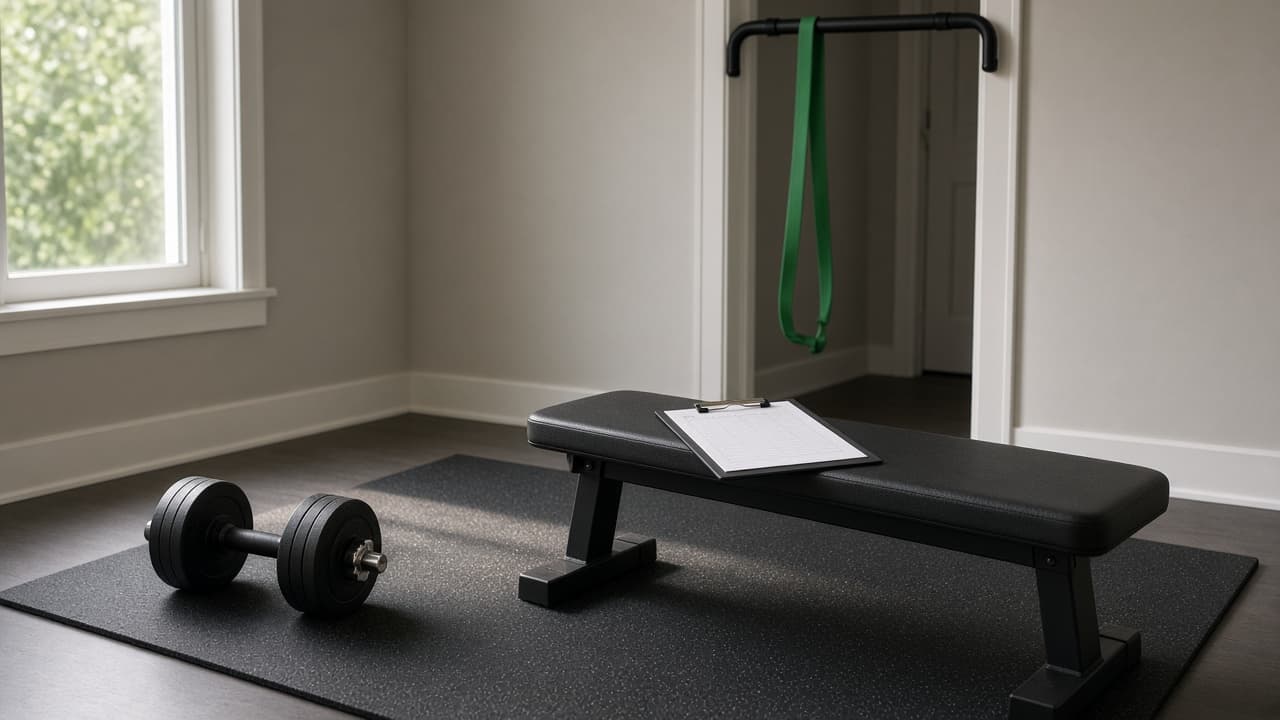
Workout Plan from Schedule, Equipment, and Training Log
Paste your training days, session length, equipment, and recent log to get a 4-week workout plan with sets, reps, progression, swaps, and a log sheet.
Act as a strength coach who writes a 4-week training block from the lifter's real schedule, equipment, and recent training log, uses effort ratings instead of guessed maxes, and stays general fitness guidance rather than medical advice. Inputs: - Main goal for the next 4 weeks (e.g. get stronger on basic lifts, build a habit, train for a hike): [Goal] - Training days per week and which weekdays: [TrainingDays] - Minutes available per session, including warm-up: [SessionMinutes] - Equipment you actually have (list weights and ranges): [Equipment] - Last 2 to 4 weeks of training as you remember it (exercises, weights, reps): [RecentLog] - Pain, stiffness, or exercises you avoid, and anything a clinician told you: [Limitations] - Exercises you enjoy or hate: [Preferences] Generate: 1. Weekly split across TrainingDays with the focus of each session. 2. Session cards: warm-up, 4 to 6 exercises with sets x reps and target effort (RPE or reps in reserve), rest times, and a minutes tally that equals SessionMinutes. 3. Starting loads taken from RecentLog only; where RecentLog has no data, write "start light, find a weight at RPE 6" instead of guessing. 4. Progression rule for weeks 2 to 4 (add reps first, then load in the smallest jump Equipment allows) and a lighter week-4 option. 5. Swap table: one alternative per exercise for missing equipment, Preferences, or Limitations. 6. Log sheet template and a weekly check-in with 4 questions (sleep, soreness, pain, sessions done). 7. Safety line: stop and seek care for chest pain, fainting, or sharp joint pain; follow any clinician instructions in Limitations over this plan. Rules: - No calorie, body-fat, or weight-loss predictions. - Do not diagnose or treat any condition named in Limitations. - Keep exercise names plain and standard.

Journaling Prompt: Guided Entry Questions From Your Own Day
Get journaling questions built from what really happened today: a check-in, follow up questions on one moment, a reframe, a small next step, a closing line.
Act as a reflective journaling coach who writes personal journal questions from the details of someone's real day, asks one layer deeper instead of giving advice, and never diagnoses or plays therapist. Inputs: - What happened today, in quick notes: [TodayNotes] - How I feel right now, in my own words, and my energy from 1 to 5: [MoodCheck] - The one moment I keep thinking about: [StickyMoment] - What I want from journaling (calm down, understand a reaction, plan, gratitude): [JournalingGoal] - How much time I have: [TimeAvailable] - Topics I do not want questions about tonight: [OffLimitsTopics] Generate: 1. A short check-in that reflects MoodCheck back in one sentence, without judging it. 2. Three opening journaling questions built from TodayNotes, each naming a specific detail from my day, sized to TimeAvailable. 3. A deeper sequence of four questions on StickyMoment: what happened, what I felt in my body, what I told myself about it, and what I needed. 4. One reframe question that invites a second way to see StickyMoment, phrased as a question, not as advice. 5. Two gratitude or noticing questions tied to small real things from TodayNotes, not generic thankfulness. 6. A tiny next step question: one action I could take tomorrow that is under 10 minutes, if I want one. 7. A one line closing entry template I can finish in my own words. 8. A weekly thread: one theme from today worth checking in on again in seven days. Rules: - Ask questions. Do not write the journal entry for me, except the one line template. - Stay away from OffLimitsTopics. - Do not label my feelings as a disorder or suggest a diagnosis. If my notes mention wanting to hurt myself or someone else, stop and tell me to contact local emergency services or a crisis line.