How to Use: MyFitnessPal Meal Log Map from Diary Inventory (No Invented Macro Scores)
How to use the MyFitnessPal Meal Log Map from Diary Inventory (No Invented Macro Scores) PromptDig prompt without inventing metrics.
You pasted a messy MyFitnessPal inventory and need a clean deliverable without invented numbers. This PromptDig prompt turns only what you already listed into a structured map or checklist for meal log handoffs.
What this prompt does
It locks your inventory, version, workspace label, and domain fields, then builds a ledger plus a table that refuses fake metrics. Missing cells stay NOT IN INPUTS instead of guessing.
Use it when you already have real stubs from MyFitnessPal and want a teachable map for this job, not a generic template swap from another vendor. The Generate steps name MyFitnessPal nouns on purpose so a title swap into another category would fail the swap-title test.
The deliverable is aimed at MyFitnessPal maps. Reviewers should see Inventory nouns echoed in the table rows, not marketing fluff. Cap style limits stay soft unless you add them later in Extra.
How to fill the brackets
- Paste your Inventory with concrete nouns only. Prefer two labeled rows so the example shape stays visible after you swap names.
- Lock Version to what you actually run. If you do not know the version, write unknown rather than guessing a marketing release name.
- Quote Workspace and SpecNames when known; otherwise UNKNOWN.
- Fill the three domain fields shown in the prompt. Leave UNKNOWN cells alone instead of inventing polish.
- List Banned words and Never invent rules that match the risks in your org wiki.
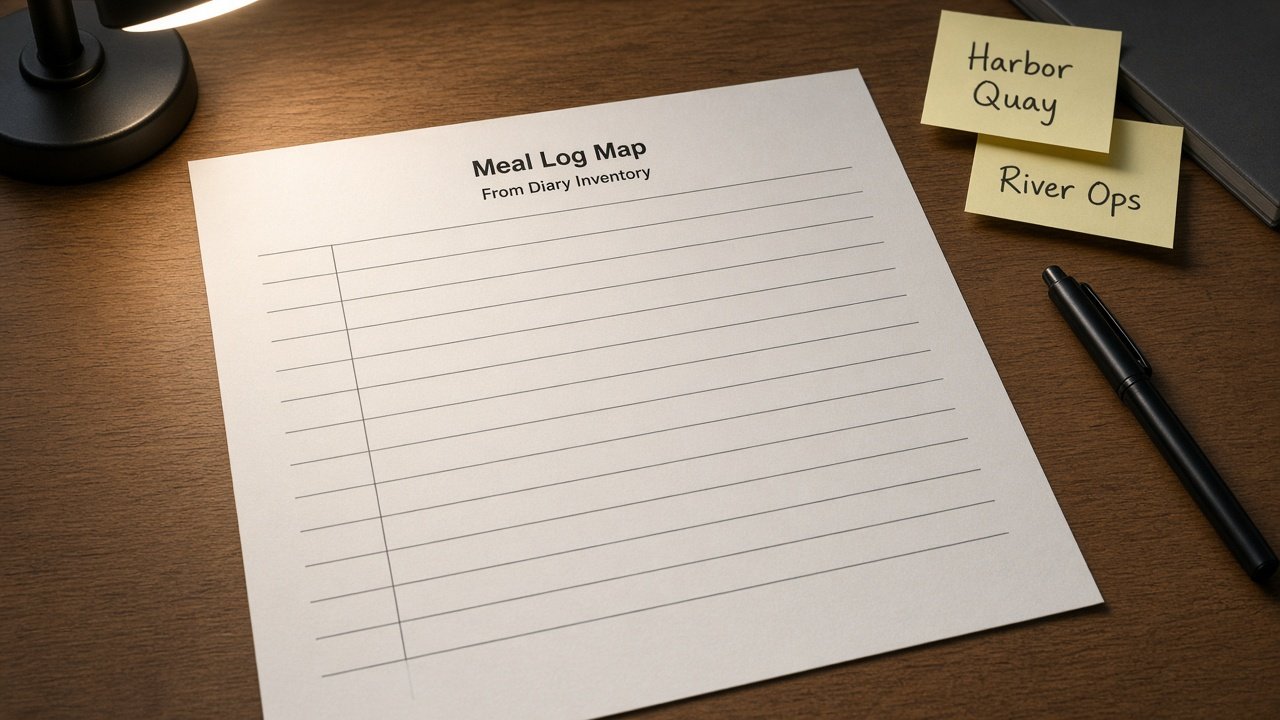
Keep Harbor Quay and River Ops out of your production paste. Those labels exist only so the example_input shows two inventory rows. Replace them with your real service names, course titles, or brand kit folders before you run the prompt.
Example shape
The included example_input uses Harbor Quay and River Ops labels so you can see how two inventory rows become a checklist without inventing metrics. Swap those labels for your own before you run it. Keep Cap style limits if you add any later. Prefer a short second pass that only reorders rows over asking for a longer rewrite that invents missing fields.
When the model returns the map, check that every row cites an Inventory noun. If a row invents macro scores, calorie totals, or adherence percents, quote the Never line and re-run. A clean map with two honest rows beats a long table full of guesses.
Why the honesty rules matter
Teams lose trust when a model invents macro scores, calorie totals, or adherence percents. This prompt quotes Banned and Never hits, then cuts them. An honesty ledger at the top makes the refuse list easy to audit in code review or design critique.
If a teammate asks for a number that was never in the paste, the correct answer is NOT IN INPUTS plus a gaps bullet. That habit keeps meal log handoffs accurate when the inventory is incomplete.
Honesty also protects you from soft plagiarism of vendor marketing pages. The prompt refuses testimonials, star ratings, and press logos that were never in Inputs. Your wiki stays a map of what you pasted, not a brochure.
Step by step run
Copy the prompt into ChatGPT, Claude, or Gemini. Replace every bracket with your locked values. Run once, then check the honesty ledger against your paste.
Open the live prompt here: MyFitnessPal Meal Log Map from Diary Inventory (No Invented Macro Scores). After you confirm the table rows only use Inventory nouns, save the output next to your source checklist.
If the model adds a third row that was never in Inputs, delete it and restate the refuse list. The gaps list at the end should name the five blanks you still owe, not invent fillers.
When you are ready for more maps like this, Browse more prompts on PromptDig. If you built a tighter checklist for your team, Share a prompt so others can reuse the same honesty rules.
Common mistakes to avoid
Do not paste screenshots full of private IDs and then ask the model to "fill in the blanks." The prompt is designed to stop that. Do not swap the title to another tool and expect the body to stay useful; the Generate steps are tool-specific on purpose.
Do not treat UNKNOWN as a free pass to invent. UNKNOWN means you print NOT IN INPUTS for that cell. Do not add fake version numbers to look current. Lock the version you actually run, or write unknown.
Do not ask for engagement guarantees, cost quotes, or compliance attestations. The banner in the prompt already refuses those jobs. Keep the output as a map of what you pasted.
Who should use this
Coaches who inherit messy MyFitnessPal diary inventories, consultants who need a teachable map before a workshop, and writers who want a PromptDig-ready example without inventing metrics. Pair it with your internal runbook so the SpecNames line matches real labels.
If you are still choosing a tool stack, this prompt will not decide for you. It only maps the inventory you already have. That focus is what makes the swap-title test fail for a generic Cronometer or Lose It title.
Paste your stubs and keep every invented metric out of the table. The map stays useful because it refuses to pretend the inventory was complete.