How to Prompt a LinkedIn Banner from a Brand Kit
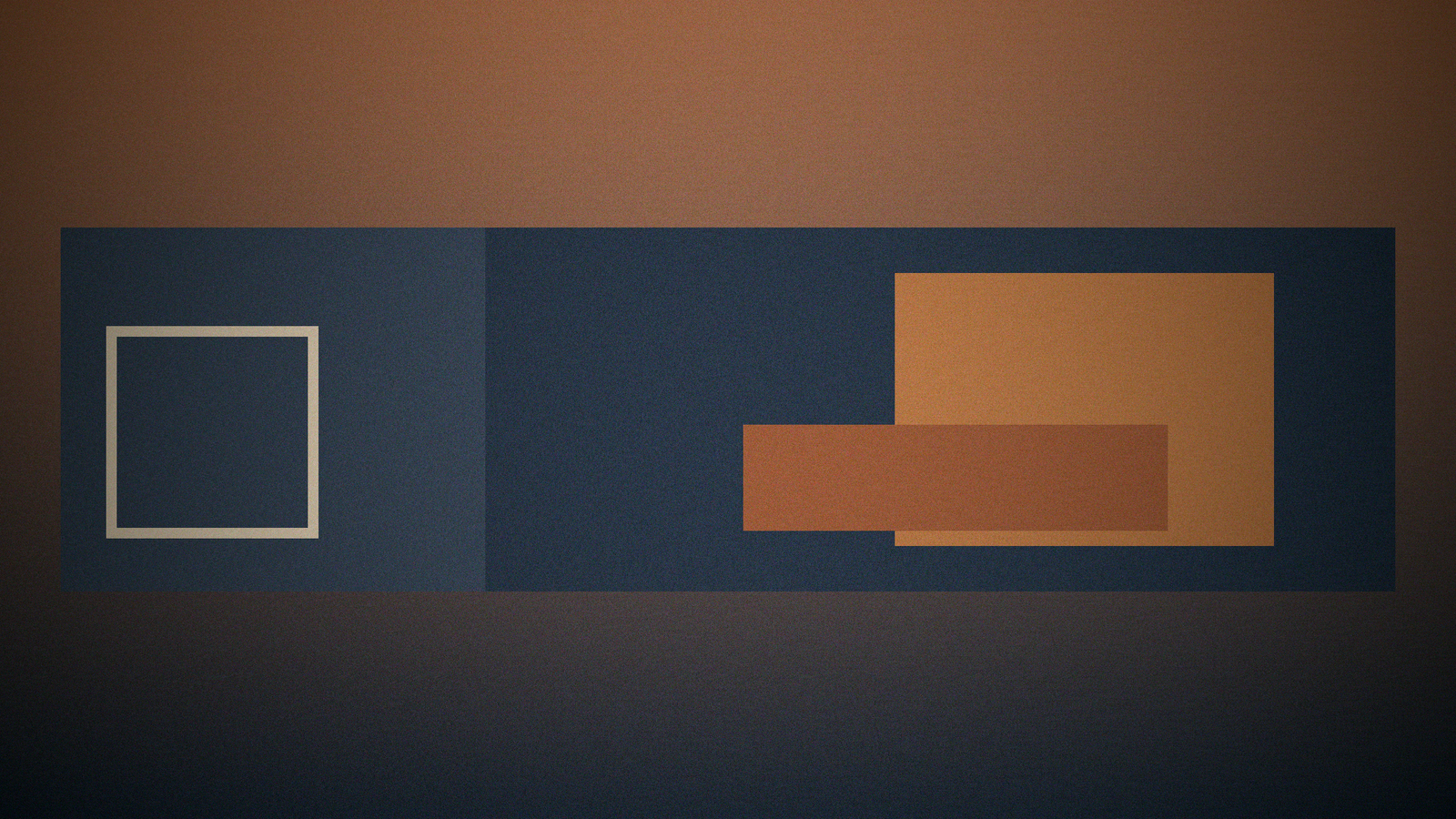
LinkedIn banners fail when the model writes a URL. You get almost-linkedin.com, a job title the person does not have, and a headshot crop that covers the only interesting object. The job is 1584x396 from the brand kit, with a safe zone for the profile photo, and no readable fake URLs.
The matching generator is the LinkedIn Banner 1584x396 from a Brand Kit prompt. Browse related cards in the PromptDig library (Browse more prompts). When a filled run survives, share the version you actually use (Share a prompt).
The size is the brief. The kit is the palette.
Brief: person or company page, mood, what belongs on the right side (the left is often covered by the photo on personal profiles). Tool and version named. Exact text: only words you will really show, or NONE. Sizes: 1584x396. Brand kit: colors, whether a wordless mark is allowed. Do not depict: fake URLs, QR codes, other networks' logos, celebrity faces, fake follower counts.
If this is a personal profile, say so. The generator should keep the lower-left quiet. If this is a company page, the crop is different. Do not mix them.
No readable URLs, even as helpful chrome
Visual plan: wide landscape, subject on the right or center-right, calm band on the left for a personal photo crop. Exact prompt states 1584x396 on the first line. Quoted text only from Text. If Text is NONE, the banner is wordless.
Text-in-image rules: no URLs, no @handles, no "Open to work" banners you did not ask for, no "10k followers." Negative: text, letters (if wordless), watermarks, UI, logos you do not own.
Export checklist: 1584x396, sRGB, a URL-hunt pass, a crop test with a circle over the lower left. If the model still emits a fake site, the card failed.
Version-lock the image model if named. Else unknown.
Gaps instead of a title you did not earn
Gaps: missing whether personal or company, missing kit colors, missing whether type is allowed, missing photo crop preference, missing model version. Do not fill a job title from LinkedIn folklore.
This is brand art direction, not a resume rewrite.
A worked pass: company colors, wordless, quiet left
Brief: personal profile, product designer, kit ink and rust, geometric still life on the right. Text: NONE. Size: 1584x396. Do not depict: URLs, type, extra logos, faces.
Plan: rust-to-ink wash, one object on the right, left third simpler. Prompt repeats 1584x396 and no letters. Export: URL-hunt, crop test.
If the model writes the person's name in almost-letters, throw it away. If it adds linkedin.com/in/..., throw it away. Composite a real wordmark later in a layout tool if Brand requires it. The generator is for the picture, not the URL.
LinkedIn crops differently on desktop and mobile. Recheck the quiet left after you export, not only in the generator preview. If Brand includes a pattern, keep it low-contrast in the crop zone. Do not place a high-contrast mark where the photo circle will sit. If you need a company page version, that is a second run with a different crop note, not a taller banner. 1584x396 is the only size this card ships.
Fill the card, then run
Paste the brand colors and say personal vs company. Set Text to NONE if you will letter later. Forbid URLs.
Brief: [Brief]
Tool and version: [Tool]
Exact text to render if any: [Text]
Sizes: [Sizes]
Brand kit: [Brand]
Do not depict: [DoNot]
LinkedIn will print your name and URL beside the banner. The image does not need a second, broken one. When a run returns 1584x396 with a quiet left and no fake site, share that filled card.