ChatGPT Prompt for Anime Style Photo: 12 Looks to Try
12 ChatGPT prompts for an anime style photo of yourself: soft cel, watercolor, retro TV looks, scenes, couples, pets, and fixes that keep your face true.
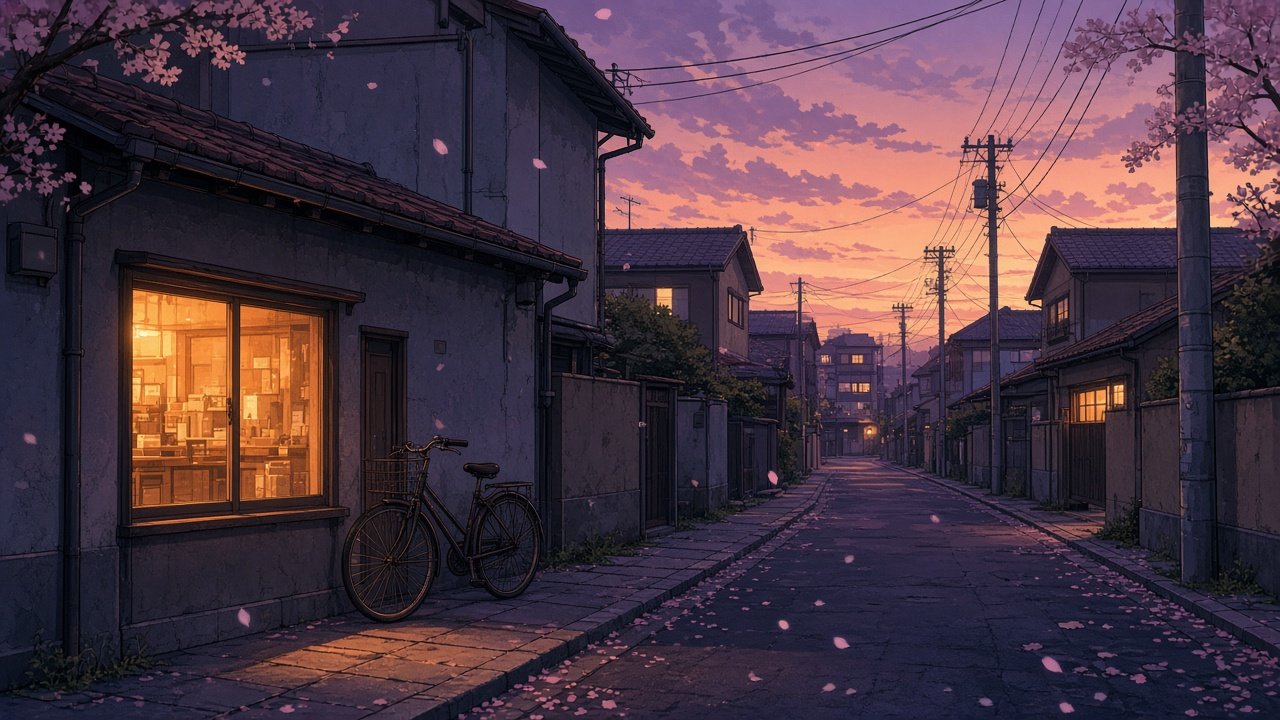
A ChatGPT prompt for anime style photo edits turns a picture of you into an original anime portrait while keeping the features that make you recognizable. Upload your own photo in ChatGPT, paste one of the prompts below, and list the details that must stay the same, such as your glasses, hair, or outfit colors. Each prompt describes the look in plain words instead of naming a studio or show, so the result is your own original portrait.
Portrait looks
1. Soft cel shading
Turn the person in this photo into an anime style portrait with soft cel shading and clean thin line art. Keep [glasses, hair, outfit colors] exactly as in the photo. [Framing], no text.
2. Watercolor wash anime
Redraw this photo of me as a watercolor wash anime portrait with soft edges, paper texture, and light pencil lines. Keep my [features] and the [background] from the photo.
3. 1990s TV anime colors
Make this photo an anime portrait with a 1990s TV look: flat cel colors, slightly thick outlines, and warm film grain. Keep my face shape and [features] unchanged.
4. Bold action style
Turn me into a dynamic anime illustration with bold lines, strong shadows, and speed lines behind me, in the same pose as the photo. Keep my [outfit] and [hair].
Scenes and backgrounds
5. Rainy night street
Place the person from this photo on a rainy city street at night in anime style, neon reflections on wet pavement, holding [object from photo]. Keep [features].
6. Blossom park afternoon
Redraw this photo as an anime scene in a park full of blossoms on a sunny afternoon, petals in the air, same outfit and pose as the photo.
7. Keep my real place
Turn this photo into anime style but keep the real location [describe it], simplified into soft shapes, so friends can still recognize where it was taken.
Couples, friends, and pets
8. Couple portrait
Turn this photo of [me and my partner, who agreed] into one anime portrait. Keep each person's [features] and our positions from the photo.
9. Me and my pet
Redraw this photo of me and my [pet] in anime style. Keep the pet's [fur color and markings] and my [features], same pose.
Practical uses and fixes
10. Profile picture crop
Make a square anime style avatar from this photo, head and shoulders, plain [color] background, my [features] unchanged, no text.
11. Phone wallpaper
Turn this photo into a 9:16 anime style wallpaper with me in the lower third and lots of [sky or scenery] above, so app icons do not cover my face.
12. Make it look like me again
The anime version drifted from my photo. Keep the same style but restore my face shape, nose, smile, and [features] from the original photo. Change nothing else.
Build a full anime portrait prompt
The flagship Anime Style Photo Prompt: Your Photo to Anime Portrait asks what is in your photo, the features to keep, your look, background, and framing, then returns a feature lock list, a main prompt, two alternate looks, fix-it lines for common misses, and export tips. Its example turns a rooftop sunset photo of a woman in a mustard yellow raincoat and round glasses into a 4:5 profile portrait.
Tips and limits
Use your own photos, or photos of friends who said yes. Do not upload pictures of celebrities or strangers. Describe the style you want, such as line weight, shading, and palette, rather than naming a studio, show, or artist. Results vary between runs, so generate a few versions and fix one detail at a time.
Related prompts
Want a brand new character instead of a portrait of you? Try the anime character design prompt and read ChatGPT prompts for anime characters. For painterly scenes, see hand-painted anime looks, and for a playful take on your photo, the caricature from photo prompt.
Find more in the Illustration category, look through Browse, or post your own on Share.