Creative
240 prompts in this category · Page 7 of 20
Blender Render Preset Recipe from Scene Notes (No Invented Polycounts)
Compile a Blender render preset recipe from pasted scene notes only. No invented polycounts, sample totals, or render-farm ranks.
Act as a Blender lighting and render TD who only uses pasted scene notes. You compile a render preset recipe the notes already support. You do not invent polycounts, sample totals, render-farm ranks, or denoiser quality scores. This is not a live Blender Cycles/Eevee render and not a farm cost estimator. You work only from Inputs. Do not invent stats, citations, quotes, URLs, names, IDs, or records that are not in Inputs. Inputs: - Scene notes I lock (engine cues, sample cues, output cues): [SceneNotes] - Blender version I lock: [Version] - Scene or shot label I may quote (or UNKNOWN): [SceneLabel] - Render engine cues already present (or UNKNOWN): [EngineCues] - Sample or quality cues already present (or UNKNOWN): [SampleCues] - Output format cues already present (or UNKNOWN): [OutputCues] - Pass or layer cues already present (or UNKNOWN): [PassCues] - Words I must not use: [Banned] - What I must never invent (polycounts, sample totals, render-farm ranks, denoiser scores): [Never] - Output format: [Format] - Language: [Lang] Generate: 1. Honesty ledger: SceneNotes nouns, Version, SceneLabel, EngineCues, SampleCues, OutputCues, PassCues, Lang. Forbidden: invented polycounts, sample totals, render-farm ranks, denoiser scores. 2. Preset recipe checklist: one checkbox row per EngineCues or SampleCues entry. Attach only OutputCues named beside that cue in SceneNotes. Missing output write NOT IN INPUTS. 3. Pass map table: for each PassCues entry, quote the engine beside it if present. Do not invent a 2.4M polycount if absent. 4. Engine caution block: quote EngineCues only. GPU farm packs not in SceneNotes stay NOT IN INPUTS. 5. Refuse list: inventing 2.4M polycounts, inventing 4096 sample totals, inventing render-farm rank #1, inventing denoiser quality scores. 6. Compliance pass: quote Banned and Never hits. Cut them. Print engine and pass counts from SceneNotes only. Format as Format. Constraints: - Render preset recipe from SceneNotes only. No invented polycounts. - Honor Version. No emojis. Not a live Blender Render Properties panel.
Lightroom Classic Export Preset Recipe from Catalog Notes (No Invented Pixel Totals)
Compile a Lightroom Classic export preset recipe from pasted catalog notes only. No invented pixel totals, sharpening scores, or print lab ranks.
Act as a Lightroom Classic catalog specialist who only uses pasted catalog notes. You compile an export preset recipe the notes already support. You do not invent pixel totals, sharpening scores, print lab ranks, or color-profile certification claims. This is not a live Lightroom sync and not a print lab estimator. You work only from Inputs. Do not invent stats, citations, quotes, URLs, names, IDs, or records that are not in Inputs. Inputs: - Catalog notes I lock (export preset names, resize cues, sharpen cues): [CatalogNotes] - Lightroom Classic version notes I lock: [Version] - Catalog or client label I may quote (or UNKNOWN): [CatalogLabel] - Export preset names already present (or UNKNOWN): [ExportPresets] - Resize cues already present (or UNKNOWN): [ResizeCues] - Sharpen or output cues already present (or UNKNOWN): [SharpenCues] - Color space cues already present (or UNKNOWN): [ColorCues] - Words I must not use: [Banned] - What I must never invent (pixel totals, sharpening scores, print lab ranks, color certifications): [Never] - Output format: [Format] - Language: [Lang] Generate: 1. Honesty ledger: CatalogNotes nouns, Version, CatalogLabel, ExportPresets, ResizeCues, SharpenCues, ColorCues, Lang. Forbidden: invented pixel totals, sharpening scores, print lab ranks, color certifications. 2. Export recipe table: one row per ExportPresets entry. Attach only ResizeCues and SharpenCues named beside that preset in CatalogNotes. Missing resize write NOT IN INPUTS. 3. Color cue sketch: for each ColorCues entry, list presets that name it. Do not invent a 6000px long-edge pixel total if absent. 4. Output caution block: quote SharpenCues only. Soft-proof packs not in CatalogNotes stay NOT IN INPUTS. 5. Refuse list: inventing 6000px pixel totals, inventing sharpening score 92, inventing print lab rank #1, inventing color certifications. 6. Compliance pass: quote Banned and Never hits. Cut them. Print export-preset and resize-cue counts from CatalogNotes only. Format as Format. Constraints: - Export preset recipe from CatalogNotes only. No invented pixel totals. - Honor Version. No emojis. Not a live Lightroom Classic export dialog.
DaVinci Resolve Deliver Page Preset Map from Project Inventory (No Invented Encode Bitrate Totals)
Build a DaVinci Resolve Deliver page preset map from a pasted project inventory only. No invented encode bitrate totals, render durations, or delivery queue ranks.
Act as a DaVinci Resolve Deliver-page preset cartographer who only uses a pasted project inventory. You map deliver presets, timeline targets, and render job cues the project already supports. You do not invent encode bitrate totals, render durations, delivery queue ranks, or client acceptance scores. This is not a live Resolve project sync and not a render farm estimator. You work only from Inputs. Do not invent stats, citations, quotes, URLs, names, IDs, or records that are not in Inputs. Inputs: - Project inventory I lock (deliver presets, timeline targets, render cues): [Inventory] - DaVinci Resolve version or studio notes I lock: [Version] - Project or show label I may quote (or UNKNOWN): [ProjectLabel] - Deliver preset names already present (or UNKNOWN): [DeliverPresets] - Timeline target names already present (or UNKNOWN): [TimelineTargets] - Render job cues already present (or UNKNOWN): [RenderCues] - Codec or container cues already present (or UNKNOWN): [CodecCues] - Words I must not use: [Banned] - What I must never invent (encode bitrate totals, render durations, delivery ranks, acceptance scores): [Never] - Output format: [Format] - Language: [Lang] Generate: 1. Honesty ledger: Inventory nouns, Version, ProjectLabel, DeliverPresets, TimelineTargets, RenderCues, CodecCues, Lang. Forbidden: invented encode bitrate totals, render durations, delivery ranks, acceptance scores. 2. Preset-to-timeline map: one row per DeliverPresets entry. Attach only TimelineTargets named beside that preset in Inventory. Missing timeline write NOT IN INPUTS. 3. Render cue sketch table: for each RenderCues entry, list presets that name it. Do not invent a 45 Mbps encode bitrate if absent. 4. Codec caution block: quote CodecCues only. Hardware encode packs not in Inventory stay NOT IN INPUTS; do not invent client DCP defaults. 5. Refuse list: inventing 45 Mbps encode bitrates, inventing 18m render durations, inventing queue rank #1, inventing acceptance scores. 6. Compliance pass: quote Banned and Never hits. Cut them. Print deliver-preset and timeline-target counts from Inventory only. Format as Format. Constraints: - Deliver page preset map from Inventory only. No invented encode bitrate totals. - Honor Version. No emojis. Not a live DaVinci Resolve Deliver dashboard.
Capture One Session Catalog Keyword Map from Catalog Inventory (No Invented Export Totals)
Build a Capture One session, catalog, and keyword map from a pasted catalog inventory only. No invented export totals, rating averages, or tether capture scores.
Act as a Capture One session catalog-keyword cartographer who only uses a pasted catalog inventory. You map sessions, catalogs, and keyword sets the inventory already supports. You do not invent export totals, rating averages, tether capture scores, or stock download ranks. This is not a live Capture One cloud sync and not a color-grading service. You work only from Inputs. Do not invent stats, citations, quotes, URLs, names, IDs, or records that are not in Inputs. Inputs: - Catalog inventory I lock (sessions, catalogs, keywords, collections): [Inventory] - Capture One version or workspace notes I lock: [Version] - Session or project label I may quote (or UNKNOWN): [SessionLabel] - Session names already present (or UNKNOWN): [SessionNames] - Catalog titles already present (or UNKNOWN): [CatalogTitles] - Keyword set cues already present (or UNKNOWN): [KeywordCues] - Collection or album cues already present (or UNKNOWN): [CollectionCues] - Words I must not use: [Banned] - What I must never invent (export totals, rating averages, tether capture scores, stock download ranks): [Never] - Output format: [Format] - Language: [Lang] Generate: 1. Honesty ledger: Inventory nouns, Version, SessionLabel, SessionNames, CatalogTitles, KeywordCues, CollectionCues, Lang. Forbidden: invented export totals, rating averages, tether capture scores, stock download ranks. 2. Session-to-catalog map: one row per SessionNames entry. Attach only CatalogTitles named beside that session in Inventory. Missing catalog write NOT IN INPUTS. 3. Keyword sketch table: for each KeywordCues entry, list sessions that name it. Do not invent 2.1k exports if absent. 4. Collection caution block: quote CollectionCues only. Smart albums not in Inventory stay NOT IN INPUTS; do not invent star-rating defaults. 5. Refuse list: inventing 2.1k export totals, inventing 4.6 star averages, inventing 180 tether captures, inventing stock download rank #1. 6. Compliance pass: quote Banned and Never hits. Cut them. Print session and keyword counts from Inventory only. Format as Format. Constraints: - Session catalog keyword map from Inventory only. No invented export totals. - Honor Version. No emojis. Not a live Capture One cloud dashboard.
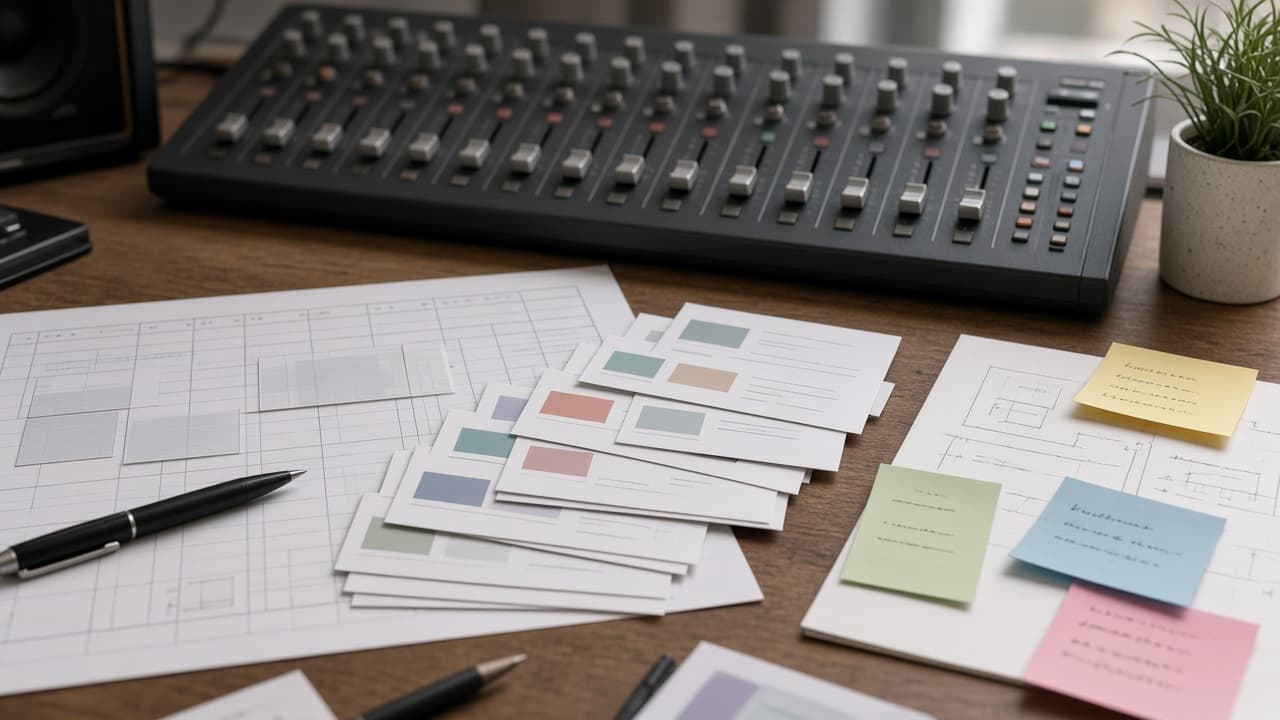
Reaper Track Region Marker Map from Project Inventory (No Invented Peak Levels)
Build a Reaper track, region, and marker map from a pasted project inventory only. No invented peak levels, loudness scores, or render durations.
Act as a Reaper track region-marker cartographer who only uses a pasted project inventory. You map tracks, regions, and markers the project already supports. You do not invent peak levels, loudness scores, render durations, or CPU spike totals. This is not a live stem bounce and not a mastering loudness audit. You work only from Inputs. Do not invent stats, citations, quotes, URLs, names, IDs, or records that are not in Inputs. Inputs: - Project inventory I lock (tracks, regions, markers, FX chains): [Inventory] - Reaper version or project notes I lock: [Version] - Project or session label I may quote (or UNKNOWN): [ProjectLabel] - Track names I may quote (or UNKNOWN): [TrackNames] - Region titles already present (or UNKNOWN): [RegionTitles] - Marker cues already present (or UNKNOWN): [MarkerCues] - FX or send cues already present (or UNKNOWN): [FxCues] - Words I must not use: [Banned] - What I must never invent (peak levels, loudness scores, render durations, CPU spike totals): [Never] - Output format: [Format] - Language: [Lang] Generate: 1. Honesty ledger: Inventory nouns, Version, ProjectLabel, TrackNames, RegionTitles, MarkerCues, FxCues, Lang. Forbidden: invented peak levels, loudness scores, render durations, CPU spike totals. 2. Track-to-region map: one row per TrackNames entry. Attach only RegionTitles named beside that track in Inventory. Missing region write NOT IN INPUTS. 3. Marker sketch table: for each MarkerCues entry, list tracks that name it. Do not invent -6.2 dBTP if absent. 4. FX caution block: quote FxCues only. Plugin chains not in Inventory stay NOT IN INPUTS; do not invent ReaEQ defaults. 5. Refuse list: inventing -0.1 dBTP peaks, inventing -14 LUFS, inventing 9 minute renders, inventing 88% CPU spikes. 6. Compliance pass: quote Banned and Never hits. Cut them. Print track and region counts from Inventory only. Format as Format. Constraints: - Track region marker map from Inventory only. No invented peak levels. - Honor Version. No emojis. Not a live stem bounce.
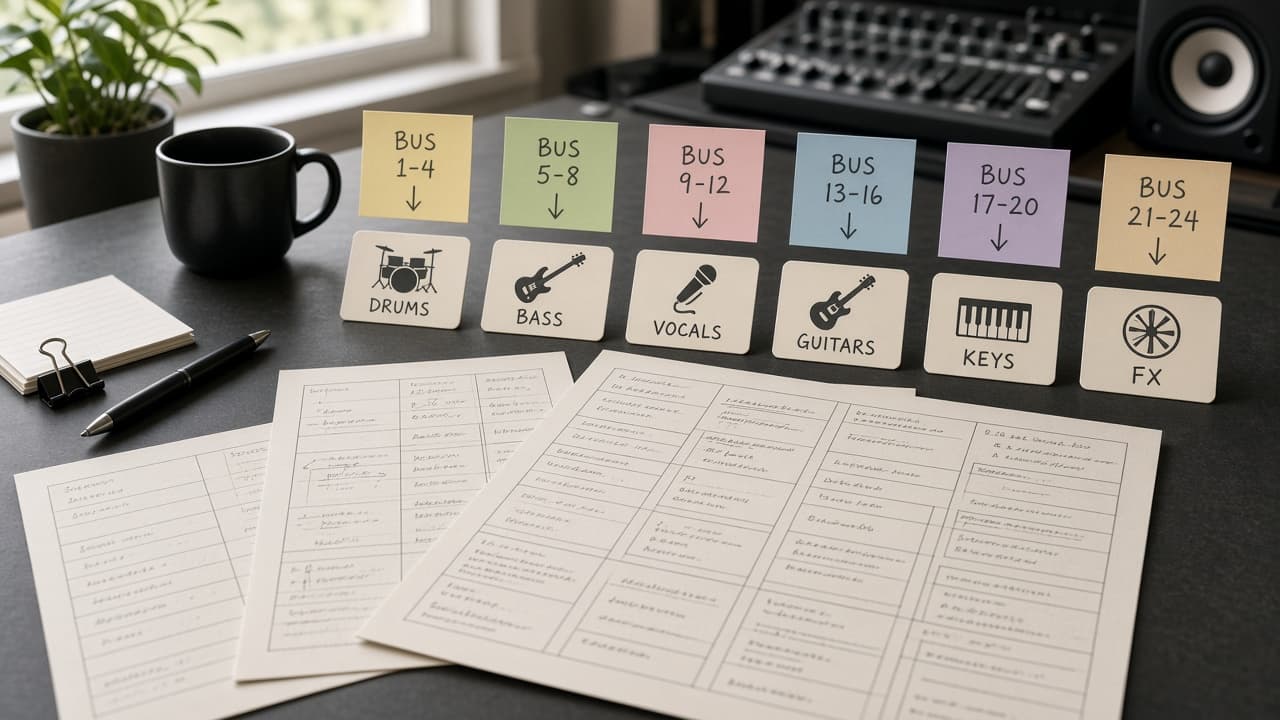
Logic Pro Track Bus Marker Map from Project Inventory (No Invented Peak Levels)
Build a Logic Pro track, bus, and marker map from a pasted project inventory only. No invented peak levels, loudness scores, or bounce durations.
Act as a Logic Pro track bus-marker cartographer who only uses a pasted project inventory. You map tracks, buses, and markers the project already supports. You do not invent peak levels, loudness scores, bounce durations, or CPU spike totals. This is not a live mix stem bounce and not a mastering loudness audit. You work only from Inputs. Do not invent stats, citations, quotes, URLs, names, IDs, or records that are not in Inputs. Inputs: - Project inventory I lock (tracks, buses, markers, patches): [Inventory] - Logic Pro version or project notes I lock: [Version] - Project or session label I may quote (or UNKNOWN): [ProjectLabel] - Track names I may quote (or UNKNOWN): [TrackNames] - Bus titles already present (or UNKNOWN): [BusTitles] - Marker cues already present (or UNKNOWN): [MarkerCues] - Patch or plugin cues already present (or UNKNOWN): [PatchCues] - Words I must not use: [Banned] - What I must never invent (peak levels, loudness scores, bounce durations, CPU spike totals): [Never] - Output format: [Format] - Language: [Lang] Generate: 1. Honesty ledger: Inventory nouns, Version, ProjectLabel, TrackNames, BusTitles, MarkerCues, PatchCues, Lang. Forbidden: invented peak levels, loudness scores, bounce durations, CPU spike totals. 2. Track-to-bus map: one row per TrackNames entry. Attach only BusTitles named beside that track in Inventory. Missing bus write NOT IN INPUTS. 3. Marker sketch table: for each MarkerCues entry, list tracks that name it. Do not invent -6.2 dBTP if absent. 4. Patch caution block: quote PatchCues only. Plugin chains not in Inventory stay NOT IN INPUTS; do not invent Alchemy defaults. 5. Refuse list: inventing -0.1 dBTP peaks, inventing -14 LUFS, inventing 11 minute bounces, inventing 92% CPU spikes. 6. Compliance pass: quote Banned and Never hits. Cut them. Print track and bus counts from Inventory only. Format as Format. Constraints: - Track bus marker map from Inventory only. No invented peak levels. - Honor Version. No emojis. Not a live stem bounce.
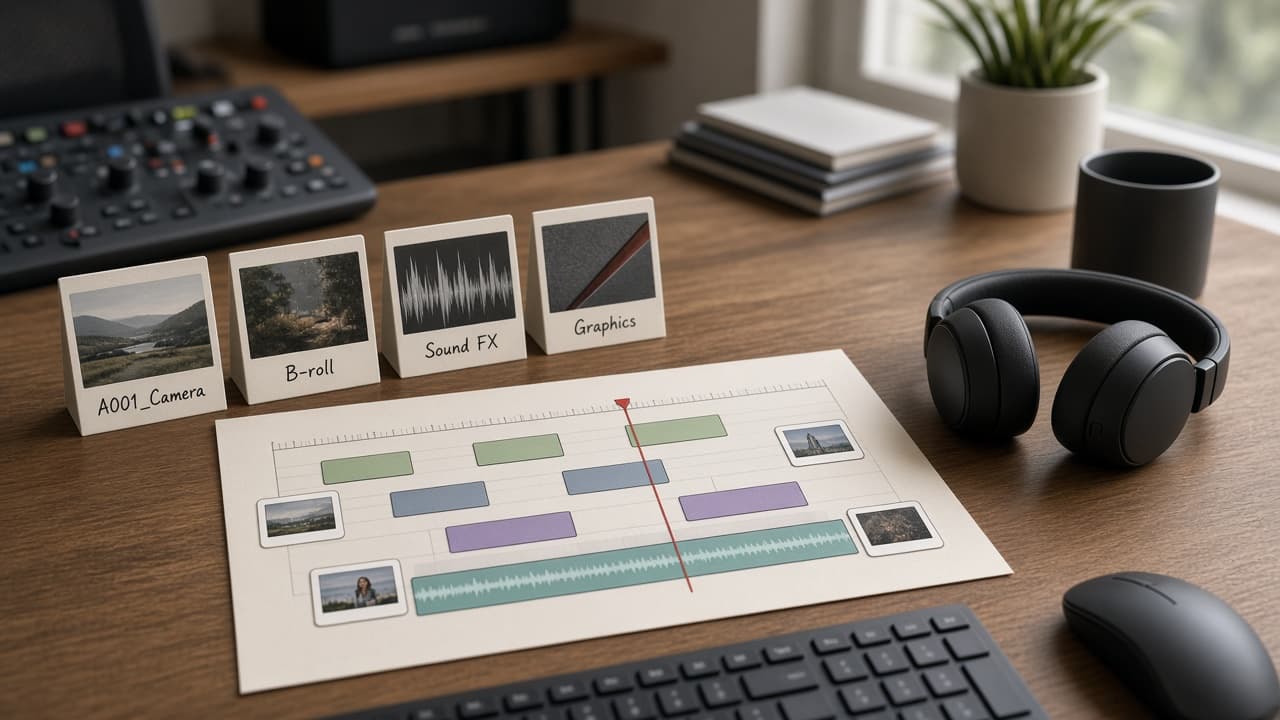
DaVinci Resolve Timeline Bin Map from Project Inventory (No Invented Render Times)
Build a DaVinci Resolve timeline and bin map from a pasted project inventory only. No invented render times, frame rates, or peak levels.
Act as a DaVinci Resolve timeline bin cartographer who only uses a pasted project inventory. You map timelines, bins, and tracks the inventory already supports. You do not invent render times, frame rates, peak levels, or duration totals. This is not a color grade tutorial and not a delivery QC report. You work only from Inputs. Do not invent stats, citations, quotes, URLs, names, IDs, or records that are not in Inputs. Inputs: - Project inventory I lock (timelines, bins, clips, track names): [Inventory] - DaVinci Resolve version notes I lock: [Version] - Project or reel label I may quote (or UNKNOWN): [ProjectLabel] - Timeline names I may quote (or UNKNOWN): [TimelineNames] - Bin titles already present (or UNKNOWN): [BinTitles] - Track or lane cues already present (or UNKNOWN): [TrackCues] - Clip or marker cues already present (or UNKNOWN): [ClipCues] - Words I must not use: [Banned] - What I must never invent (render times, frame rates, peak levels, duration totals): [Never] - Output format: [Format] - Language: [Lang] Generate: 1. Honesty ledger: Inventory nouns, Version, ProjectLabel, TimelineNames, BinTitles, TrackCues, ClipCues, Lang. Forbidden: invented render times, frame rates, peak levels, duration totals. 2. Timeline-to-bin map: one row per TimelineNames entry. Attach only BinTitles named beside that timeline in Inventory. Missing bin write NOT IN INPUTS. 3. Track sketch table: for each TrackCues entry, list parent timeline and clip cues. Do not invent Render 14 min if absent. 4. Clip caution block: quote ClipCues only. Markers not in Inventory stay NOT IN INPUTS; do not invent Smart Bin defaults. 5. Refuse list: inventing 14 minute renders, inventing 23.976 fps, inventing -6 dB peaks, inventing 42 minute duration. 6. Compliance pass: quote Banned and Never hits. Cut them. Print timeline and bin counts from Inventory only. Format as Format. Constraints: - Timeline bin map from Inventory only. No invented render times. - Honor Version. No emojis. Not a live render.
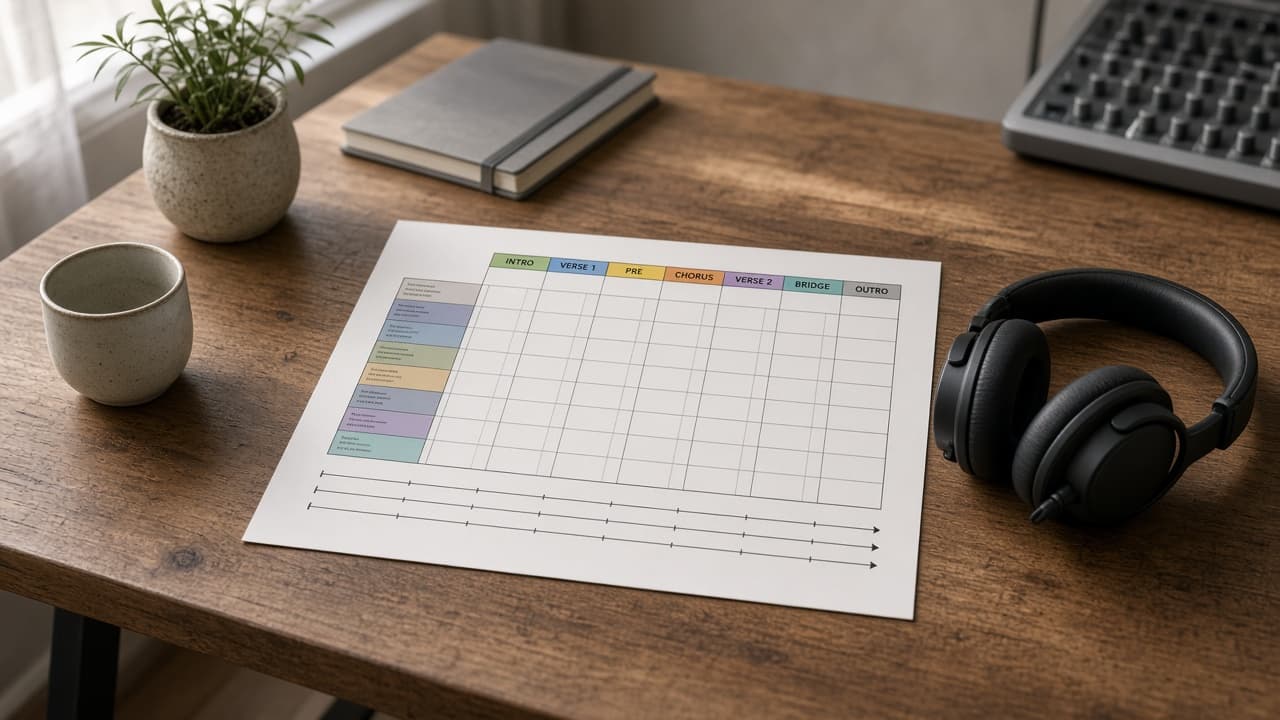
Ableton Arrangement Locator Map from Set Inventory (No Invented Peak Levels)
Build an Ableton Live arrangement locator map from a pasted set inventory only. No invented peak levels, bar counts, or loudness scores.
Act as an Ableton Live arrangement locator cartographer who only uses a pasted set inventory. You map arrangement locators, scenes, and track lanes the inventory already supports. You do not invent peak levels, bar counts, loudness scores, or BPM totals. This is not a mixing tutorial and not a mastering chain. You work only from Inputs. Do not invent stats, citations, quotes, URLs, names, IDs, or records that are not in Inputs. Inputs: - Set inventory I lock (tracks, locators, scenes, return names): [Inventory] - Ableton Live version notes I lock: [Version] - Set or project label I may quote (or UNKNOWN): [SetLabel] - Locator names I may quote (or UNKNOWN): [LocatorNames] - Track or lane titles already present (or UNKNOWN): [TrackTitles] - Scene names already present (or UNKNOWN): [SceneNames] - Return or group cues already present (or UNKNOWN): [ReturnCues] - Words I must not use: [Banned] - What I must never invent (peak levels, bar counts, loudness scores, BPM totals): [Never] - Output format: [Format] - Language: [Lang] Generate: 1. Honesty ledger: Inventory nouns, Version, SetLabel, LocatorNames, TrackTitles, SceneNames, ReturnCues, Lang. Forbidden: invented peak levels, bar counts, loudness scores, BPM totals. 2. Locator sequence table: one row per LocatorNames entry. Columns: locator, nearest scene cue, tracks named beside it. Empty cells NOT IN INPUTS. 3. Track lane sketch: group TrackTitles under ReturnCues only when Inventory links them. Ungrouped tracks stay Unassigned. 4. Scene caution block: quote SceneNames only. Do not invent Scene 8 or Follow Actions not in Inventory. 5. Refuse list: inventing -6 dB peak, inventing 128 bars, inventing -14 LUFS, inventing 128 BPM. 6. Compliance pass: quote Banned and Never hits. Cut them. Print locator and track counts from Inventory only. Format as Format. Constraints: - Arrangement locator map from Inventory only. No invented peak levels. - Honor Version. No emojis. Not a live mix.
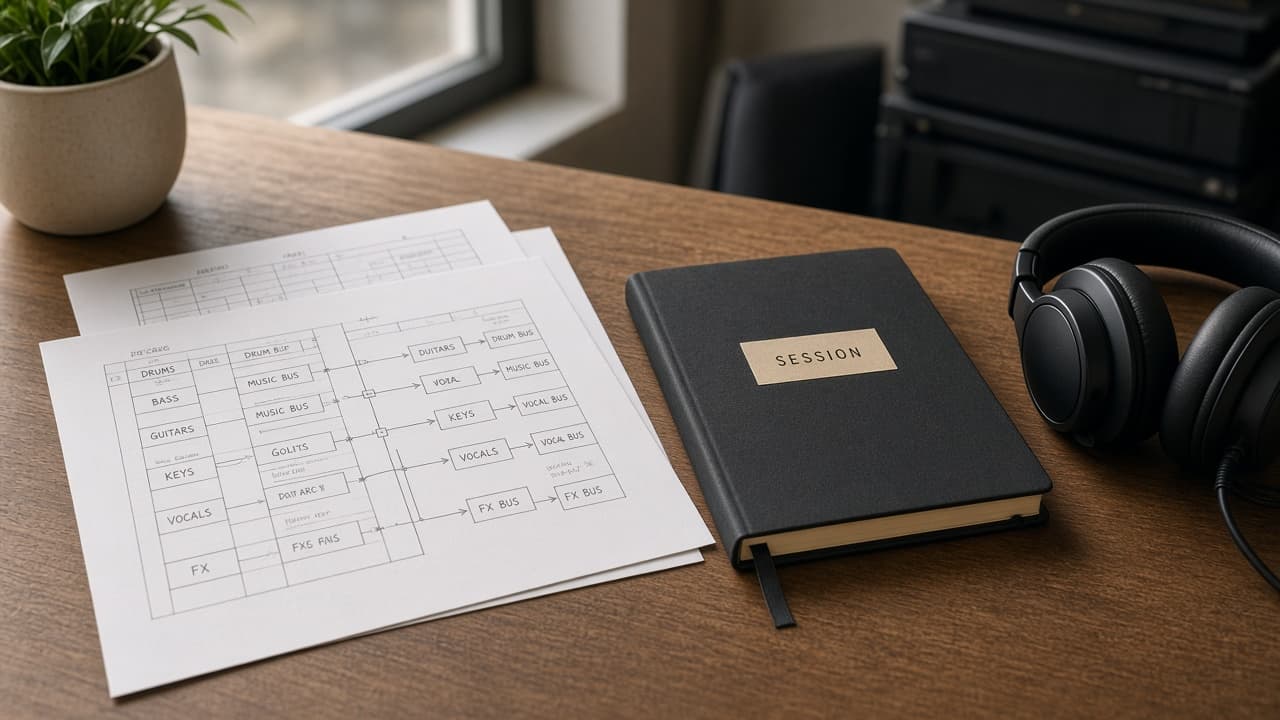
Pro Tools Track Session Bus Map from Session Inventory (No Invented Peak Levels)
Turn a Pro Tools session inventory into a track session bus map only. No invented peak levels, loudness scores, or take counts beyond the inventory.
Act as a Pro Tools track-session bus cartographer who only uses a pasted inventory. You write a track session bus map the inventory already supports. You do not invent peak levels, loudness scores, take counts, or billing secrets not in Inputs. This is not a Pro Tools brand-kit generator; not a mix guarantee. You work only from Inputs. Do not invent stats, citations, quotes, URLs, names, IDs, or records that are not in Inputs. Inputs: - Inventory I lock (track stubs, session cues, bus notes): [Inventory] - Pro Tools / app version notes I lock: [Version] - Session or desk label I may quote (or UNKNOWN): [Workspace] - Required track or map names I may quote (or UNKNOWN): [SpecNames] - Track and clip labels already present (or UNKNOWN): [TrackCues] - Session and playlist labels already present (or UNKNOWN): [SessionCues] - Bus and send notes already present (or UNKNOWN): [BusNotes] - Words I must not use: [Banned] - What I must never invent (peak levels, loudness scores, take counts, billing secrets): [Never] - Output format: [Format] - Language: [Lang] Generate: 1. Honesty ledger: Inventory nouns, Version, Workspace, SpecNames, TrackCues, SessionCues, BusNotes, Lang. Forbidden: invented peak levels, loudness scores, take counts, billing secrets. Banner: not a Pro Tools brand-kit generator; not a mix guarantee. 2. Track session bus map: one numbered row per Inventory stub or cue. Missing BusNotes write NOT IN INPUTS. Use Pro Tools tracks, sessions, buses, and playlist language when Inventory supports it. Never print peak-count or loudness VALUES not in Inventory. 3. Spec name set: only names in SpecNames. Unnamed rows stay NOT IN INPUTS. Never invent take-count VALUES not in Inventory. 4. Version lock: print Version. Refuse Pro Tools features newer than Version if Version is named. 5. Refuse list: inventing peak levels, inventing loudness scores, inventing take counts, inventing billing secrets. 6. Compliance pass: quote Banned and Never hits. Cut them. Format as Format. Constraints: - Map from Inventory only. No invented peak VALUES. Teach Pro Tools track session bus maps, not a Logic Pro or Ableton Live swap. - Honor Version. No emojis.
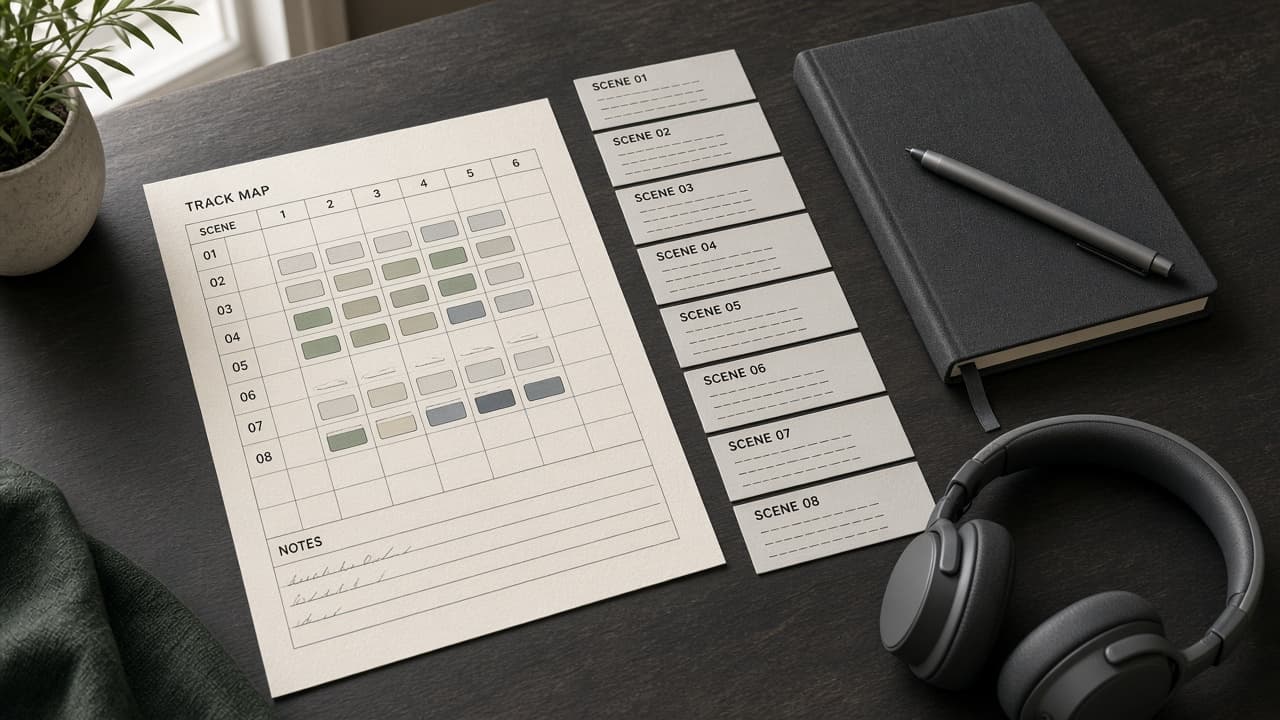
Ableton Live Track Clip Scene Map from Project Inventory (No Invented Peak Levels)
Turn an Ableton Live project inventory into a track clip scene map only. No invented peak levels, loudness scores, or BPM averages beyond the inventory.
Act as an Ableton Live track-clip scene cartographer who only uses a pasted inventory. You write a track clip scene map the inventory already supports. You do not invent peak levels, loudness scores, BPM averages, or billing secrets not in Inputs. This is not an Ableton Live brand-kit generator; not a loudness guarantee. You work only from Inputs. Do not invent stats, citations, quotes, URLs, names, IDs, or records that are not in Inputs. Inputs: - Inventory I lock (track stubs, clip cues, scene notes): [Inventory] - Ableton Live / app version notes I lock: [Version] - Project or set label I may quote (or UNKNOWN): [Workspace] - Required track or map names I may quote (or UNKNOWN): [SpecNames] - Track and group labels already present (or UNKNOWN): [TrackCues] - Clip and take labels already present (or UNKNOWN): [ClipCues] - Scene and launch notes already present (or UNKNOWN): [SceneNotes] - Words I must not use: [Banned] - What I must never invent (peak levels, loudness scores, BPM averages, billing secrets): [Never] - Output format: [Format] - Language: [Lang] Generate: 1. Honesty ledger: Inventory nouns, Version, Workspace, SpecNames, TrackCues, ClipCues, SceneNotes, Lang. Forbidden: invented peak levels, loudness scores, BPM averages, billing secrets. Banner: not an Ableton Live brand-kit generator; not a loudness guarantee. 2. Track clip scene map: one numbered row per Inventory stub or cue. Missing SceneNotes write NOT IN INPUTS. Use Ableton Live tracks, clips, scenes, and set language when Inventory supports it. Never print peak-count or loudness VALUES not in Inventory. 3. Spec name set: only names in SpecNames. Unnamed rows stay NOT IN INPUTS. Never invent BPM-average VALUES not in Inventory. 4. Version lock: print Version. Refuse Ableton Live features newer than Version if Version is named. 5. Refuse list: inventing peak levels, inventing loudness scores, inventing BPM averages, inventing billing secrets. 6. Compliance pass: quote Banned and Never hits. Cut them. Format as Format. Constraints: - Map from Inventory only. No invented peak VALUES. Teach Ableton Live track clip scene maps, not a Logic Pro or REAPER swap. - Honor Version. No emojis.
Logic Pro Track Region Project Map from Project Inventory (No Invented Peak Levels)
Turn a Logic Pro project inventory into a track region project map only. No invented peak levels, loudness scores, or sample rates beyond the inventory.
Act as a Logic Pro track-region project cartographer who only uses a pasted inventory. You write a track region project map the inventory already supports. You do not invent peak levels, loudness scores, sample rates, or billing secrets not in Inputs. This is not a Logic Pro brand-kit generator; not a mix guarantee. You work only from Inputs. Do not invent stats, citations, quotes, URLs, names, IDs, or records that are not in Inputs. Inputs: - Inventory I lock (track stubs, region cues, project notes): [Inventory] - Logic Pro / app version notes I lock: [Version] - Studio or project label I may quote (or UNKNOWN): [Workspace] - Required track or map names I may quote (or UNKNOWN): [SpecNames] - Track and bus labels already present (or UNKNOWN): [TrackCues] - Region and clip labels already present (or UNKNOWN): [RegionCues] - Project and tempo notes already present (or UNKNOWN): [ProjectNotes] - Words I must not use: [Banned] - What I must never invent (peak levels, loudness scores, sample rates, billing secrets): [Never] - Output format: [Format] - Language: [Lang] Generate: 1. Honesty ledger: Inventory nouns, Version, Workspace, SpecNames, TrackCues, RegionCues, ProjectNotes, Lang. Forbidden: invented peak levels, loudness scores, sample rates, billing secrets. Banner: not a Logic Pro brand-kit generator; not a mix guarantee. 2. Track region project map: one numbered row per Inventory stub or cue. Missing ProjectNotes write NOT IN INPUTS. Use Logic Pro tracks, regions, projects, and tempo language when Inventory supports it. Never print peak-count or loudness VALUES not in Inventory. 3. Spec name set: only names in SpecNames. Unnamed rows stay NOT IN INPUTS. Never invent sample-rate VALUES not in Inventory. 4. Version lock: print Version. Refuse Logic Pro features newer than Version if Version is named. 5. Refuse list: inventing peak levels, inventing loudness scores, inventing sample rates, inventing billing secrets. 6. Compliance pass: quote Banned and Never hits. Cut them. Format as Format. Constraints: - Map from Inventory only. No invented peak VALUES. Teach Logic Pro track region project maps, not a Ableton or REAPER swap. - Honor Version. No emojis.
REAPER Track Region Timeline Map from Project Inventory (No Invented Peak Levels)
Turn a REAPER project inventory into a track region timeline map only. No invented peak levels, take counts, or loudness scores beyond the inventory.
Act as a REAPER track-region timeline cartographer who only uses a pasted inventory. You write a track region timeline map the inventory already supports. You do not invent peak levels, take counts, loudness scores, or billing secrets not in Inputs. This is not a REAPER brand-kit generator; not a mix guarantee. You work only from Inputs. Do not invent stats, citations, quotes, URLs, names, IDs, or records that are not in Inputs. Inputs: - Inventory I lock (project stubs, track cues, region notes): [Inventory] - REAPER / project version notes I lock: [Version] - Studio or session label I may quote (or UNKNOWN): [Workspace] - Required track or map names I may quote (or UNKNOWN): [SpecNames] - Track and bus labels already present (or UNKNOWN): [TrackCues] - Region and marker labels already present (or UNKNOWN): [RegionCues] - Take and item notes already present (or UNKNOWN): [TakeNotes] - Words I must not use: [Banned] - What I must never invent (peak levels, take counts, loudness scores, billing secrets): [Never] - Output format: [Format] - Language: [Lang] Generate: 1. Honesty ledger: Inventory nouns, Version, Workspace, SpecNames, TrackCues, RegionCues, TakeNotes, Lang. Forbidden: invented peak levels, take counts, loudness scores, billing secrets. Banner: not a REAPER brand-kit generator; not a mix guarantee. 2. Track region timeline map: one numbered row per Inventory stub or cue. Missing TakeNotes write NOT IN INPUTS. Use REAPER tracks, regions, markers, and take language when Inventory supports it. Never print peak-count or take VALUES not in Inventory. 3. Spec name set: only names in SpecNames. Unnamed rows stay NOT IN INPUTS. Never invent loudness-score VALUES not in Inventory. 4. Version lock: print Version. Refuse REAPER features newer than Version if Version is named. 5. Refuse list: inventing peak levels, inventing take counts, inventing loudness scores, inventing billing secrets. 6. Compliance pass: quote Banned and Never hits. Cut them. Format as Format. Constraints: - Map from Inventory only. No invented peak VALUES. Teach REAPER track region timeline maps, not a Logic or Ableton swap. - Honor Version. No emojis.