How to Use the Twitch Channel Points Reward Menu Builder Prompt to Make Rewards Your Chat Actually Uses
Design a Twitch channel points reward menu for an affiliate or partner channel: custom reward names that fit the channel, costs set against how points are earned, per stream and per viewer limits, cooldowns, which rewards skip the queue, how mods handle redemptions and refunds, and a monthly rotation plan.
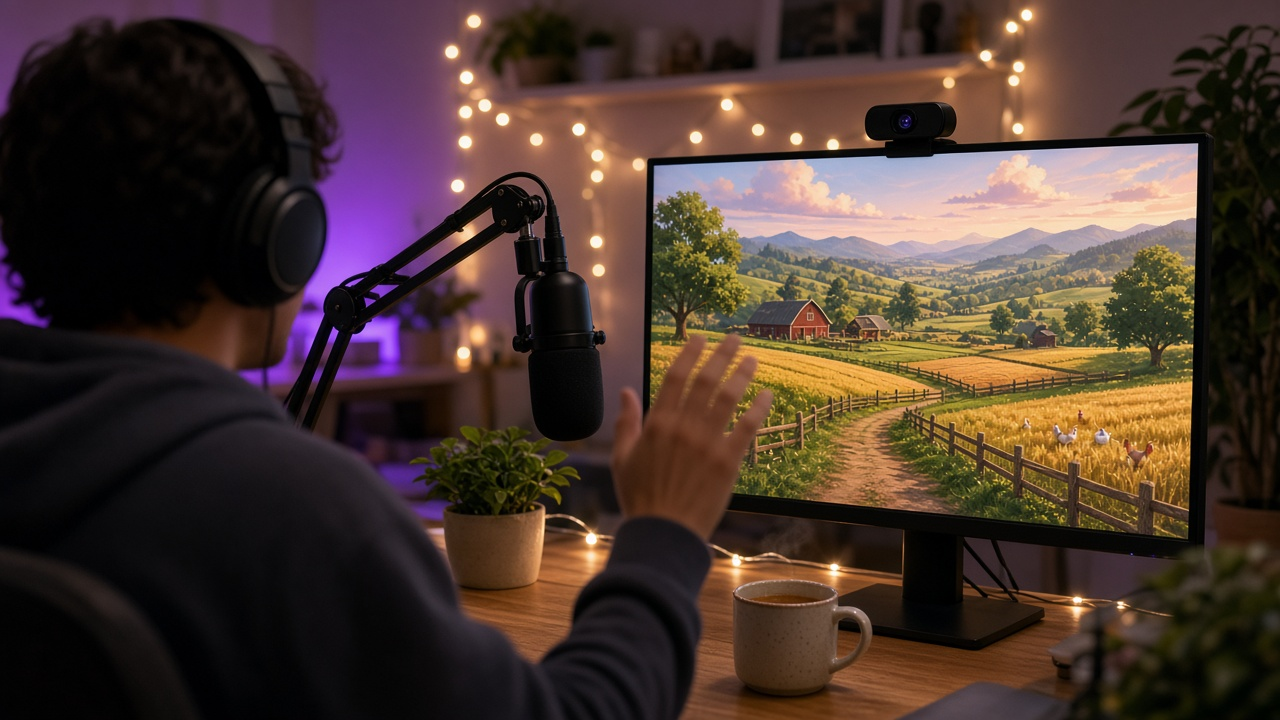
Channel points can make a small Twitch community feel like a real hangout, or they can turn a stream into a long list of redemptions nobody enjoys. The difference is usually in the setup: costs that feel earnable, limits that keep things moving, and clear rules for mods when someone types something that breaks the channel rules. Most streamers set rewards once and never look at them again. The Twitch Channel Points Reward Menu Builder: Custom Reward Names and Costs, Per-Stream and Per-User Limits, Cooldowns, Redemption Queue Rules, Mod Handling, and a Monthly Refresh prompt helps you build a full menu at once, with names in your channel's voice, costs set against how points are earned, limits, queue rules, mod notes, and a monthly refresh plan.
What the prompt produces
- A reward menu of 8 to 12 custom rewards with names, what happens, and whether viewers type input.
- Costs grouped into small, medium, and big rewards based on your earn rate.
- Limits per stream, per viewer, and cooldowns so redemptions do not take over.
- Queue rules that separate auto fulfilled rewards from ones mods must complete or refund.
- Mod handling notes for refunds, rule breaking input, and bot commands.
- A pause plan for sponsored segments and the end of stream.
- A monthly refresh with rewards to rotate out and new ones to test.
How to fill the inputs
ChannelProfile covers affiliate or partner status, your main category, stream days and length, and how many people are usually in chat. Use your own numbers; the prompt will not invent analytics.
RewardIdeas lists what you want and what you refuse to do. The refuse list matters as much as the ideas.
EarnRate explains how points build up on your channel, including subscriber multipliers and bonus chest clicks.
ModTeam names how many mods you have and the bots and alert tools you use.
ContentRules is your channel rules plus anything you worry about, like spoilers or names of real people.
Reading the example output
The example builds a menu for a cozy farming and city builder channel with a small, friendly chat. Rewards like naming a chicken, picking the next crop, and adding a town rule for 20 minutes fit the games, while hydrate and posture checks are cheap, quick, and fire automatically through a sound alert. Bigger rewards like a week of VIP cost enough that they feel special.
The limits table is the part most streamers skip. Each text input reward has a per viewer cap and a cooldown, so one viewer cannot spend the whole stream renaming animals. Mods get clear refund rules for names that break the rules or spoilers, and text input rewards pause in the last 15 minutes so nothing is left hanging when the stream ends.
Tips for better results
- Start with fewer rewards and add more. A short menu is easier to read on mobile.
- Tie rewards to the game or your personality so they feel like part of the show.
- Ask your mods to review the refund rules before the first stream with the new menu.
- Watch what chat talks about after a reward fires. That tells you more than redemption counts.
Mistakes to avoid
- Do not set every reward cheap. If everything is easy, nothing feels special.
- Do not leave text input rewards unmoderated. Names and messages show up on stream.
- Do not add rewards that ask you to do anything unsafe or against Twitch guidelines.
Who it is for
Twitch affiliates and partners, stream producers who manage a creator's channel, and mod leads who want clear redemption rules.
A practical routine
Build the menu with the prompt, set it up in your creator dashboard, share the mod notes, and run the monthly refresh at the start of each month.
Related PromptDig links
Build your reward menu with the Twitch Channel Points Reward Menu Builder: Custom Reward Names and Costs, Per-Stream and Per-User Limits, Cooldowns, Redemption Queue Rules, Mod Handling, and a Monthly Refresh prompt. For more creator and community prompts, Browse more prompts. If you have a stream setup prompt that works for your channel, Share a prompt.