How to Use: Tailscale ACL Node Map from Network Inventory (No Invented Traffic Totals)
How to use the Tailscale ACL Node Map from Network Inventory (No Invented Traffic Totals) PromptDig prompt without inventing metrics.
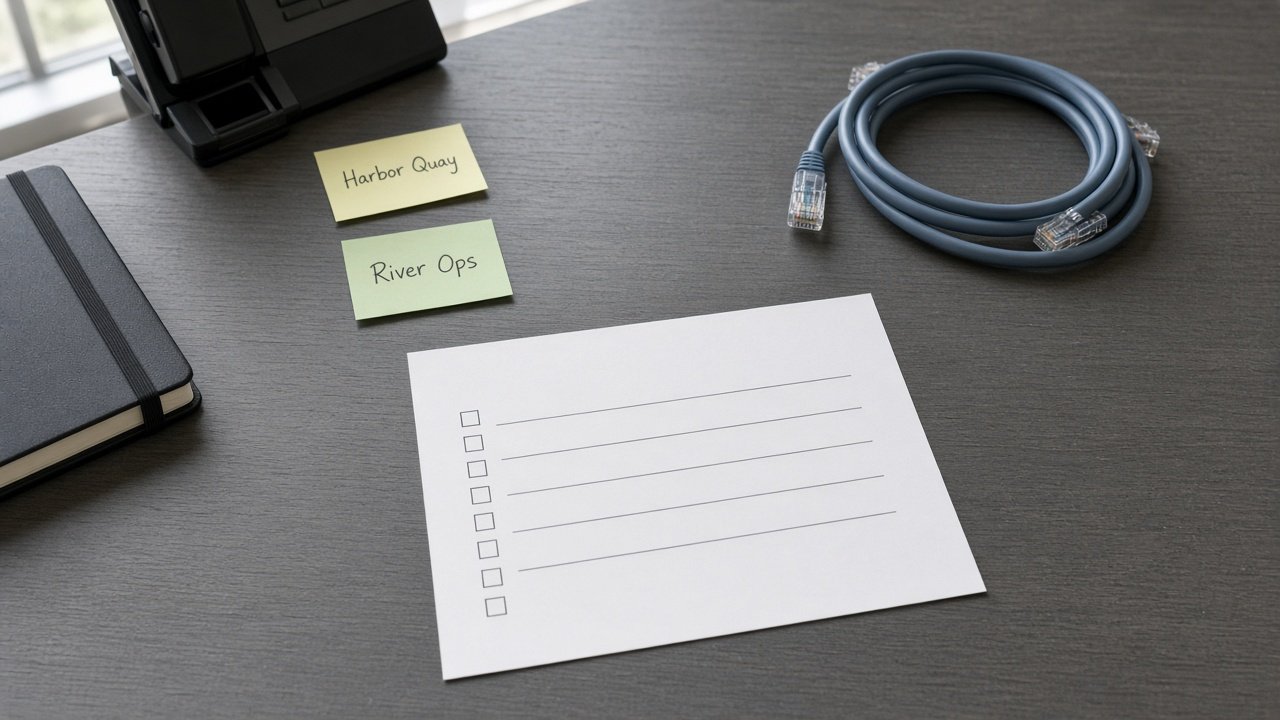
You pasted a messy Tailscale inventory and need a clean deliverable without invented numbers. This PromptDig prompt turns only what you already listed into a structured map or checklist for ACL node map handoffs.
What this prompt does
It locks your inventory, version, workspace label, and domain fields, then builds a ledger plus a table that refuses fake metrics. Missing cells stay NOT IN INPUTS instead of guessing.
Use it when you already have real stubs from Tailscale and want a teachable map for this job, not a generic template swap from another vendor. The Generate steps name Tailscale nouns on purpose so a title swap into another category would fail the swap-title test.
The deliverable is aimed at Tailscale maps. Reviewers should see Inventory nouns echoed in the table rows, not marketing fluff. Cap style limits stay soft unless you add them later in Extra.
How to fill the brackets
- Paste your Inventory with concrete nouns only. Prefer two labeled rows so the example shape stays visible after you swap names.
- Lock Version to what you actually run. If you do not know the version, write unknown rather than guessing a marketing release name.
- Fill Workspace and SpecNames only when you already have labels you are allowed to quote.
- Complete the domain fields that match this job. Leave blanks as UNKNOWN instead of inventing traffic totals, latency scores, or peer counts.
- Set Banned and Never to the phrases you refuse. Keep Format and Lang explicit.
Who it is for
Network admins who inherit messy Tailscale node inventories. It is also useful when a teammate hands you a partial export and you need a map that stays honest about gaps.
How to run it
- Open Tailscale ACL Node Map from Network Inventory (No Invented Traffic Totals) on PromptDig.
- Copy the prompt into ChatGPT, Claude, or Gemini.
- Replace every bracket with your locked fields.
- Ask for the ledger first if you want a quick honesty check, then the full table.
- Compare the output rows to your Inventory. Cut any invented traffic totals, latency scores, or peer counts.
What good output looks like
A strong run opens with an honesty ledger that restates your nouns, then a numbered map with one row per stub. Spec names stay limited to SpecNames. Version lock refuses features you did not name. The refuse list and compliance pass quote Banned and Never hits instead of inventing metrics.
If a cell was blank in Inputs, the model should write NOT IN INPUTS. That is success, not a failure.
Common mistakes
- Swapping in a WireGuard or ZeroTier workflow and keeping the same body. The prompt should teach Tailscale language.
- Asking the model to invent traffic totals, latency scores, or peer counts so the table looks complete. Refuse that and keep gaps visible.
- Pasting bare URLs without labeled links when you share the result. Prefer clear titles.
Related links
- Open the live prompt: Tailscale ACL Node Map from Network Inventory (No Invented Traffic Totals)
- Browse more prompts
- Share a prompt
Bottom line
Ship the map your Inventory already supports. Keep Tailscale nouns specific, keep invented metrics out, and leave missing fields marked so the next human can fill them for real.
Why inventory-only maps matter
Fake traffic totals and latency scores make handoffs look finished when they are not. This prompt keeps the ACL node map tied to the network inventory you pasted, including Harbor Quay and River Ops style labels when those appear in your example. That habit protects reviewers who must trust gaps more than padded tables.
When you later add real metrics from Tailscale, paste them into Inputs first. Do not ask the model to backfill peer counts from memory or from a rival product such as WireGuard or ZeroTier.