How to Use the Private Well Water Test Report Reviewer Prompt to Understand Your Results
Read a private well water lab report the way a county environmental health specialist would: line up each result against the reference limit printed on the report, sort what needs action now from what is cosmetic, flag concerns for infants and pregnancy, list treatment options to discuss with a certified installer, and set a retest calendar.
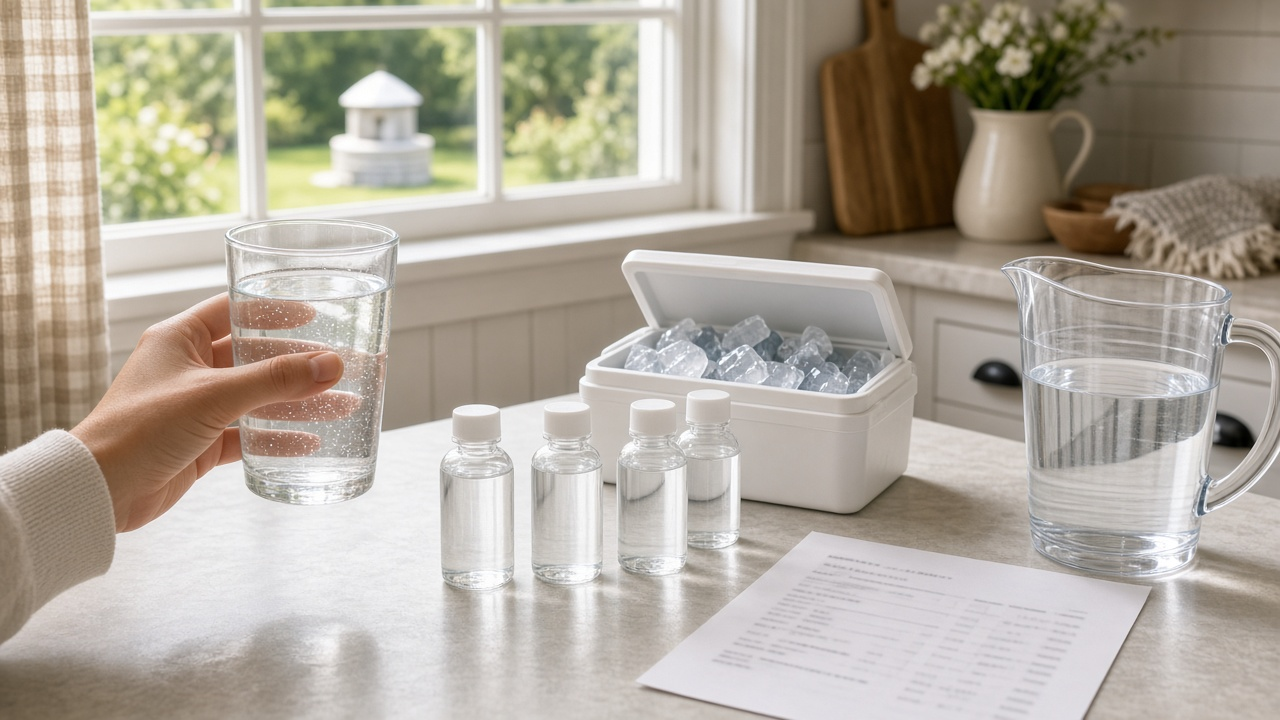
If your home runs on a private well, nobody tests the water for you. You send a sample to a lab, and a few days later you get a report full of analytes, units, and reference limits. Some results need action right away, some are worth planning around, and some only affect taste or stains on the tub. Telling those apart is hard when you are looking at a page of numbers. The Private Well Water Test Report Reviewer for Homeowners: Lab Results vs Reference Limits, Bacteria and Nitrate Priorities, Infant and Pregnancy Flags, Treatment Options, and a Retest Schedule prompt helps you read the report the way a county environmental health specialist would, using only the limits your lab printed, and turns it into a priority list, household flags, possible sources, treatment options to ask about, and a retest schedule.
What the prompt produces
- A results table comparing each result to the lab's printed reference limit.
- A priority order that separates act now, plan to fix, and cosmetic issues.
- Household flags for infants, pregnancy, and other higher risk members.
- Possible sources to check based on your well's details.
- Treatment options to discuss with a certified installer, including what each does not remove.
- A retest schedule after any fix and for routine yearly checks.
- Questions to ask your county program or the lab.
How to fill the inputs
LabReport is the report pasted line by line: analyte, result, units, method, and the reference limit the lab prints. The prompt uses only these limits.
WellInfo covers the well type, depth, age, cap and casing condition, and distance to septic systems, livestock, or fields.
HouseholdNotes lists anyone at higher risk, such as an infant or a pregnancy, and any taste, odor, or staining issues.
TreatmentInPlace names any softener, filter, UV, or reverse osmosis system and when it was last serviced.
LocalProgram is your county or state private well program, if you know it.
Reading the example output
The example reviews a drilled well report for a household with a baby on the way. Total coliform is present, so that goes to the top: use bottled or boiled water for drinking until a retest is clean, and ask the county about shock chlorination. Nitrate is under the limit but close to it, which matters for mixing infant formula, and the output points out that boiling does not remove nitrate.
The possible sources section connects the results to the well's details: an older loose cap, a septic field uphill, and a farm field across the road. The treatment section explains that UV disinfection does not remove nitrate and that a standard softener is not a reliable nitrate fix, so the household knows what to ask an installer. Iron and hardness are labeled cosmetic, which explains the orange tub stains without causing alarm.
Tips for better results
- Paste the reference limits exactly as the lab prints them, including units.
- Include the sample location and whether it was taken before or after treatment.
- Add your well's age and cap condition. These often explain bacteria results.
- Share the output with your county program when you call. It makes the conversation faster.
Mistakes to avoid
- Do not use the output as a medical opinion. Ask your doctor about health questions.
- Do not buy treatment before you know the problem. Each system targets different things.
- Do not skip the retest after a fix. One clean sample is the proof.
Who it is for
Homeowners with private wells, new rural home buyers reviewing a pre-purchase test, landlords with well water rentals, and community volunteers who help neighbors read reports.
A practical routine
Test bacteria and nitrate every year, run the prompt with each new report, keep the outputs in one folder, and compare year over year so you notice changes early.
Related PromptDig links
Review your next report with the Private Well Water Test Report Reviewer for Homeowners: Lab Results vs Reference Limits, Bacteria and Nitrate Priorities, Infant and Pregnancy Flags, Treatment Options, and a Retest Schedule prompt. For more home and household prompts, Browse more prompts. If you have a prompt that helps with home upkeep, Share a prompt.