How to Use: Headspace Session Plan Week Card (No Invented Streak Counts)
How to use the Headspace Session Plan Week Card (No Invented Streak Counts) PromptDig prompt without inventing metrics.
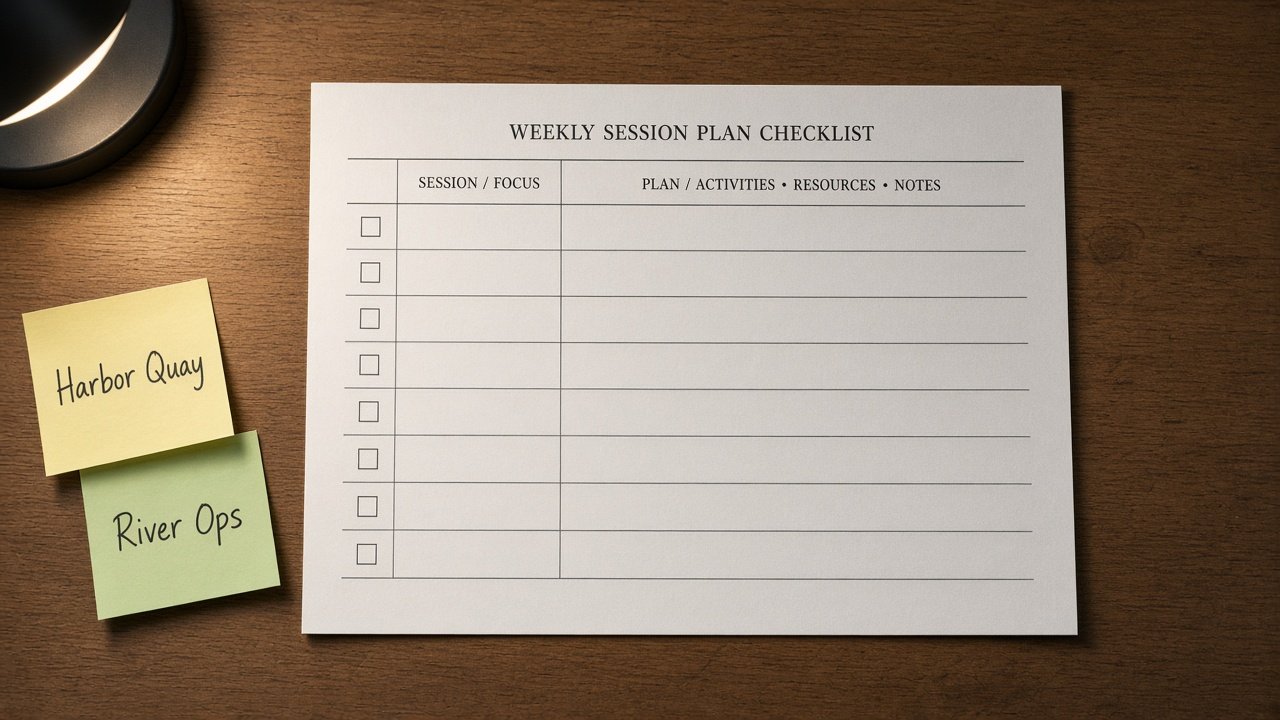
You pasted real Headspace notes and need a clean session plan week card without invented numbers. This PromptDig prompt turns only what you already locked into a structured deliverable for that job.
What this prompt does
It locks your domain fields, version, and refuse rules, then builds an honesty ledger plus the session plan week card. Missing cells stay NOT IN INPUTS instead of guessing.
Use it when you already have real stubs from Headspace and want a teachable output for this job, not a generic template swap from another vendor. The Generate steps name Headspace nouns on purpose so a title swap into another category would fail the swap-title test.
The deliverable is aimed at Headspace workflows. Reviewers should see your locked nouns echoed in the rows, not marketing fluff. Cap style limits stay soft unless you add them later.
How to fill the brackets
- Paste SessionExcerpt and PlanNotes. Lock Version. Fill DayWindows, PlanFields, and FlagRules.
- Lock Version to what you actually run. If you do not know the version, write unknown rather than guessing a marketing release name.
- Quote workspace or party labels when known; otherwise UNKNOWN.
- List Banned words and Never invent rules in plain language. The compliance pass will quote hits and cut them.
- Keep Format and Lang explicit so the model does not drift into a different layout.
Who it is for
Wellness ops leads who inherit messy Headspace session inventories. If your packet is still empty, gather the inventory first. The prompt refuses to invent streak counts, mindfulness scores, or resting HR averages.
Step by step
- Open Headspace Session Plan Week Card (No Invented Streak Counts) on PromptDig and copy the prompt into ChatGPT, Claude, or Gemini.
- Replace every bracket with your locked facts. Prefer short noun phrases over paragraphs.
- Run once. Read the honesty ledger. Confirm Forbidden and Banner lines match your Never and Banned lists.
- Check each row of the session plan week card. Any UNKNOWN or blank owner should read NOT IN INPUTS.
- If the model invents streak counts, mindfulness scores, or resting HR averages, paste Never again and rerun. Do not accept guessed metrics.
- Save the card next to your Headspace source packet so the next reviewer can audit Inputs.
What good output looks like
A good run echoes your Harbor Quay and River Ops style labels only when they appear in Inputs. It refuses rival-tool swaps into Calm or Insight Timer. Version lock prints your Version string. The refuse list names the four invent bans from Never.
Bad output invents FPS, streak, or score VALUES, drops the not-advice or not-upsell banner, or rewrites the job as a generic checklist with no Headspace nouns.
Common mistakes
- Leaving ClipPairs or DayWindows blank and hoping the model invents a full week.
- Asking for guaranteed performance or clinical calm language that belongs in Banned.
- Swapping the title to another tool without rewriting Generate steps.
- Pasting marketing stats that were never in the inventory.
Related PromptDig links
- Prompt: Headspace Session Plan Week Card (No Invented Streak Counts)
- Browse more prompts
- Share a prompt
Why this beats a blank chat
Blank chats invent friendly numbers. This prompt forces an honesty ledger, a version lock, and a refuse list before the session plan week card. That is safer for handoffs, reviews, and compliance desks that audit every claim against Inputs.
Keep using the same Harbor Quay packet style across runs so diffs stay readable. When Inputs change, update only the changed brackets and regenerate. For more job-shaped prompts in the same catalog, use Browse more prompts or Share a prompt when you have a packet worth teaching.
The card is a working artifact, not a certificate. Treat NOT IN INPUTS as a todo for your team, not as permission to guess. When you later fill a missing Owner or FlagRules field, rerun so the ledger stays honest.
If legal or wellness context appears, keep the one-line not-advice banner. Do not turn the output into medical or accessibility certification language. Stay inside Headspace nouns the excerpt already supports.