How to Use the Cosmetic Label Panel Layout Spec Prompt to Design Labels That Pass Review
Lay out a cosmetic product label that a regulatory reviewer can sign off: principal display panel hierarchy with identity statement and net quantity in the lower 30 percent, minimum type sizes from the panel area, an ingredient panel in descending order with INCI names, the distributor and adverse event contact lines, warnings, and flags for drug style claims.
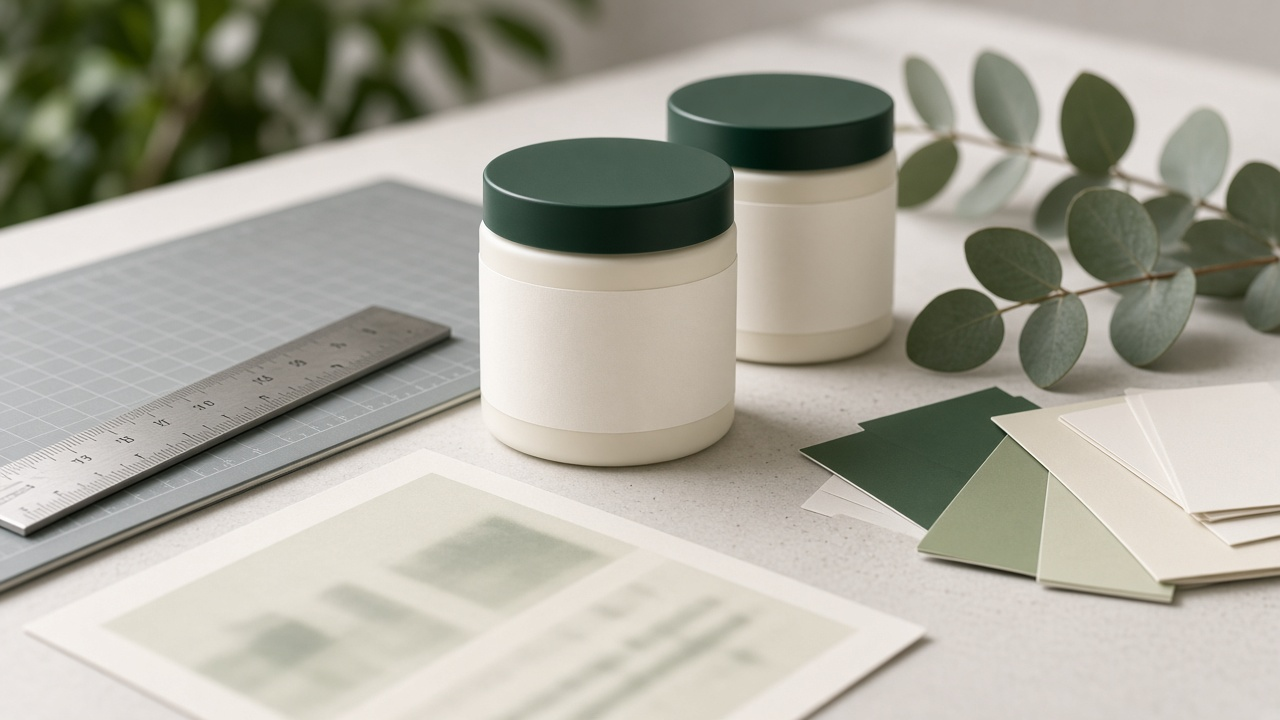
Indie beauty brands often design the label last, after the formula, the jar, and the brand colors are already locked. That is when the problems show up: the net quantity is in the wrong spot, the type is too small for the panel, the ingredient list is out of order, or a claim on the front turns a body butter into something that sounds like a drug. The Cosmetic Label Panel Layout Spec for Packaging Designers: Principal Display Panel Hierarchy, Net Quantity Placement and Type Size, INCI Ingredient Panel, MoCRA Contact Line, and Claim Flags prompt gives packaging designers a structured way to lay out a cosmetic label before it goes to the printer and the regulatory reviewer, with a panel map, type sizes, an ingredient panel, contact lines, and a claim check.
What the prompt produces
- A panel map that defines the principal display panel and information panel and calculates the display panel area.
- A PDP hierarchy with brand, statement of identity, key claim, and net quantity placed in the bottom 30 percent.
- Minimum net quantity type height based on the display panel area, checked against your printer's limits.
- An ingredient panel in descending order with INCI names and fragrance and colorant rules applied.
- Contact lines for the distributor and for adverse event reports.
- Warning statements your product type needs.
- A claim check that sorts claims into fine, cut or reword, and needs proof.
- A printer and reviewer spec with dimensions, bleed, type sizes, color notes, and open questions.
How to fill the inputs
ProductFacts covers the product name, what it is, intended use, and net contents.
ContainerDims describes the container and label sizes. Give the front facing area separately for wraps, since that sets the display panel size.
IngredientList includes approximate percentages so the prompt can order the list correctly.
BrandSystem lists your logo size, typefaces, colors, and the smallest type and line weight your printer can hold.
ClaimsWanted is every phrase the brand would like on pack.
ContactInfo gives the business name and address plus a phone, website, or email for adverse event reports.
Reading the example output
The example lays out a whipped body butter on a round jar with a side wrap. The front facing area works out to just under 8 square inches, which puts the minimum net quantity height at one eighth of an inch. The spec sets the net weight in both ounces and grams at the bottom of the front panel, at a size that measures above the minimum on proof.
The ingredient panel lists INCI names in descending order and keeps fragrance in its place as "Fragrance." The claim check is the most useful part for the brand: "heals cracked skin" is flagged as a drug style claim and rewritten as "softens dry, rough skin," while "dermatologist tested" and "48 hour moisture" are allowed only if the brand holds the test reports. The open questions list asks about MoCRA registration and supplier documents for the final INCI names.
Tips for better results
- Measure the real front facing area on a sample jar, not the flat label art.
- Get INCI names from your raw material supplier's documents.
- Ask the printer for their true minimum type size on your label stock.
- Print a proof at actual size and measure the net quantity characters with a ruler.
Mistakes to avoid
- Do not let the model invent INCI names or certifications.
- Do not place the net quantity anywhere other than the bottom 30 percent of the display panel.
- Do not keep a claim that implies treating a condition unless you are ready to be regulated as a drug.
Who it is for
Packaging designers, indie skincare and body care makers, private label brand owners, and freelance designers who take on beauty clients.
A practical routine
Run the prompt once the formula and container are final, build the label from the spec, send the open questions list to the brand, and share the spec with the reviewer and printer together.
Related PromptDig links
Lay out your next label with the Cosmetic Label Panel Layout Spec for Packaging Designers: Principal Display Panel Hierarchy, Net Quantity Placement and Type Size, INCI Ingredient Panel, MoCRA Contact Line, and Claim Flags prompt. For more design and packaging prompts, Browse more prompts. If you have a design checklist that saves you revisions, Share a prompt.