How to Use the Aircraft Maintenance Logbook Entry Writer Prompt to Draft Clean Records
Draft clean maintenance record entries for general aviation aircraft from a mechanic's work notes: 43.9 entries with the work done and data used, 43.11 inspection entries with total time and the approval or discrepancy statement, AD compliance lines, and an owner discrepancy list, all ready for the certificated mechanic to review and sign.
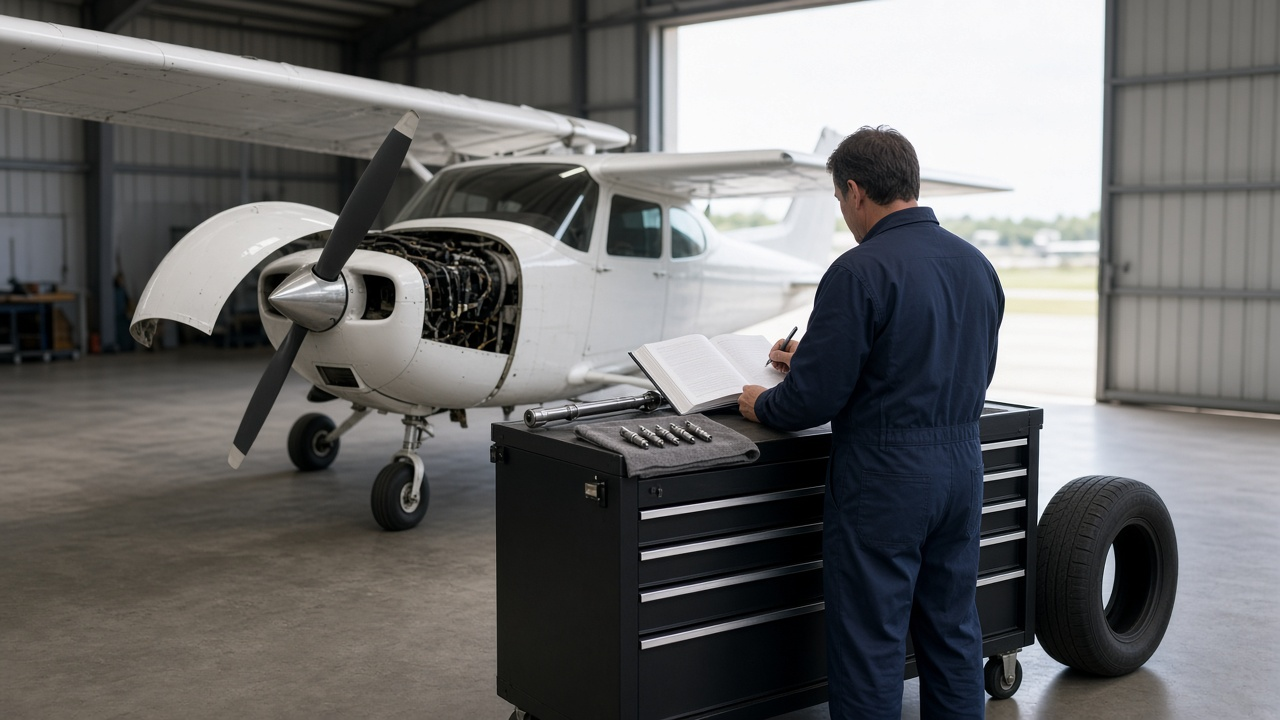
Aircraft maintenance records follow the airplane for its whole life. Owners, buyers, and inspectors read them years later, and a vague or incomplete entry can cost hours of research at a pre-buy or raise questions about airworthiness. Mechanics know what they did, but turning shop notes into entries that clearly describe the work, cite the data used, and include the right inspection wording takes time at the end of a long day. The Aircraft Maintenance Logbook Entry Writer for Airframe and Powerplant Mechanics: 14 CFR 43.9 Work Entries, 43.11 Annual Inspection Sign-Off Wording, AD Compliance Records, and Discrepancy Lists prompt drafts logbook entries from your work notes, organized by airframe, engine, and propeller logbook, ready for the certificated mechanic to review and sign.
What the prompt produces
- Draft entries per logbook with the date, times in service, and a clear description of the work.
- References to approved data for each item of work, such as manual sections and service information.
- An inspection entry with the type and extent of the inspection and either the approval statement or the not approved statement with a discrepancy list.
- AD compliance lines with the AD number, method of compliance, and next due time.
- Parts lines with part numbers and the documents to keep.
- A signature block with blank signature and certificate lines.
- A records check list of anything missing from your notes.
How to fill the inputs
AircraftInfo names the make, model, serial number, registration, and which logbooks you are writing in.
TimesInService gives the airframe total time, tach or Hobbs, and engine and prop times as recorded.
WorkNotes are your shop notes. Include part numbers and measurements like compression readings.
ApprovedData lists the manuals, service bulletins, ADs, and their revision levels.
InspectionType states whether this was an annual, 100 hour, or progressive inspection and the result.
SignerInfo shows how the mechanic wants their name and certificate type shown. Leave the actual certificate number to be added by hand.
Reading the example output
The example drafts records for an annual on a 1970s four seat trainer. The airframe entry describes the inspection, the tire and tube replacement with part numbers, and the seat rail AD inspection, then closes with the annual inspection approval statement. The engine entry records compression readings, new spark plugs, and the oil change. The propeller gets its own entry.
The records check list is the safety net. The notes did not include the manual revision level, chapter references for the tire and plug work, the oil type and filter part number, or the prop inspection result, so each one is listed as NEED instead of being guessed. The output also includes the not approved wording in case the mechanic decides a worn flap roller makes the aircraft unairworthy, so the right statement is ready either way.
Tips for better results
- Write part numbers and readings into your notes as you go. The prompt cannot add what is not there.
- Keep a list of the manual revision levels on your shelf so you can paste them in.
- Ask the prompt to split long annual entries into separate lines per system if your shop prefers that style.
- Review every draft against the actual work before you sign it.
Mistakes to avoid
- Do not sign a draft you have not read line by line. The signature is yours.
- Do not let the model fill in AD numbers, revisions, or part numbers it was not given.
- Do not skip the full AD research. A single AD in the notes is rarely the whole list.
Who it is for
A&P mechanics, inspection authorization holders, small shop owners, and aircraft owners who want to understand what a complete entry should look like before a pre-buy.
A practical routine
Keep notes on a work card during the job, paste them into the prompt when you close the work order, fix every NEED item, and copy the reviewed text into the logbooks before signing.
Related PromptDig links
Draft your next entries with the Aircraft Maintenance Logbook Entry Writer for Airframe and Powerplant Mechanics: 14 CFR 43.9 Work Entries, 43.11 Annual Inspection Sign-Off Wording, AD Compliance Records, and Discrepancy Lists prompt. For more writing prompts built for skilled trades, Browse more prompts. If you have a records prompt that helps your shop, Share a prompt.