How to Prompt Podcast Cover Art Without Fake Title Text
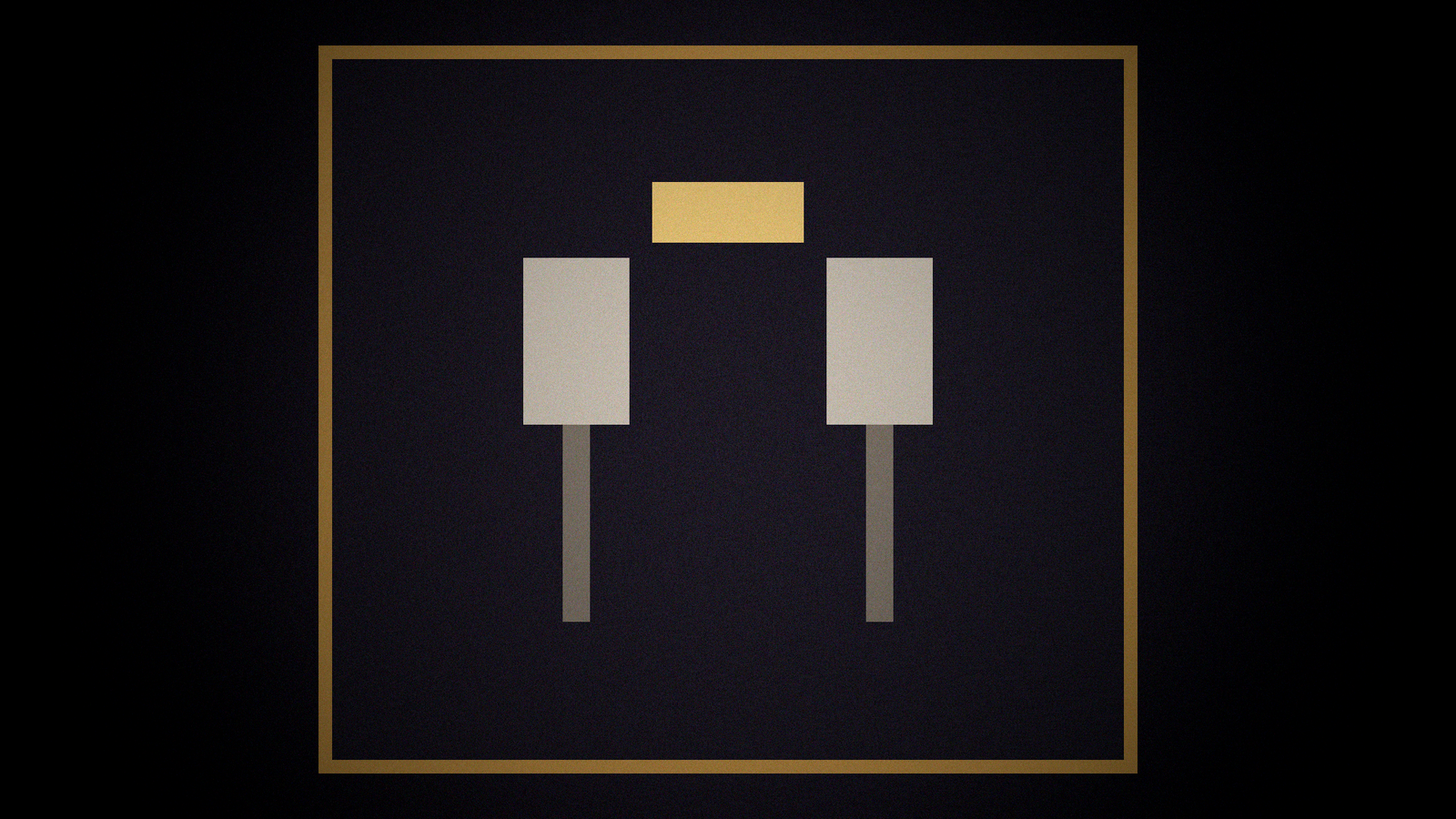
Podcast covers fail when the model writes the show title. The letters are almost right. Apple Podcasts still shows your real title next to a misspelled one. Listeners see two names. The job is a 3:3 image with no readable title, no fake episode numbers, and no network badge you do not have, so you can set type yourself.
The matching generator is the Podcast Cover Art Prompt (3:3, No Readable Title) prompt. Browse related cards in the PromptDig library (Browse more prompts). When a filled run survives, share the version you actually use (Share a prompt).
Square art is a picture, not a wordmark
Project is the show's subject and mood, not the full title treatment. Format is 3:3 (square). Tool and version: the image model you will run. If unnamed, unknown. Must show: the metaphor (two mics, a night window, a paper stack) and the palette. Must not show: readable title, episode numbers, "SUBSCRIBE," QR codes, fake Spotify or Apple badges, guest faces you do not have a release for.
Brand limits: colors, whether a simple mark is allowed as a shape with no letters. If you have a real logo file, say you will composite it later. Do not ask the model to redraw it.
Spine, prompt, and a safe zone for type you will add later
Five beats: subject, palette, light, texture, crop. Then one master prompt plus two close variants that still forbid type. Negative prompts should say: text, letters, words, numbers, logos, watermarks, UI, captions, lower thirds.
Delivery specs: 3000x3000 or whatever you will export, with a safe margin. Keep important objects out of the outer 10 percent so platform chrome and your later title do not collide. If you will put the title at the bottom third, the prompt should keep that band simpler, not fill it with a second mic.
Do not invent a "top 10" laurel, a download count, or a guest who has not booked. Do not put a fake RSS URL in the scene as a prop.
Compliance on type, then gaps instead of a fake wordmark
The compliance pass is a type hunt. If the model still emits glyphs, the card failed. Rerun with stronger negatives. Do not "fix" letters in the generator. Composite the real title in Figma, Canva, or your design tool.
Gaps: missing palette, missing metaphor, missing whether faces are allowed, missing tool version, missing whether a wordless icon is on-brand. List them.
This is not an episode thumbnail with a quote. Quotes are type. They belong in the layout pass, not in the image model.
A worked pass: type lives in the layout tool
Show: late-night interview, palette ink and warm lamp, metaphor two mics on a table, city window. Format 3:3. Must not: letters, numbers, badges, guest faces. Tool version named.
Master prompt describes the table, lamps, and window. Safe margin: keep the lower third quieter so you can set the real title later. Variants change lamp color or rain on the glass, not the rule about type.
When the model emits "MIDNIGHT TALK" in almost-letters, throw the frame away. Do not inpaint the glyphs into your title. Composite the wordmark from your brand file. If you want a wordless icon, describe a shape, not a letterform. Apple, Spotify, and the rest will print the show name beside the art. The square does not need to compete.
Fill the card, then run
Describe the metaphor and palette. Forbid letters. Name the square size. Then run it and reject any frame you can read.
Show subject and mood (not the title treatment): [Project]
Tool and version: [Tool]
Visual refs I own: [Refs]
Must show: [Must]
Must not show (include no readable title): [MustNot]
Aspect (3:3) and export size: [Format]
Brand limits: [Brand]
Platforms already print your title. The art does not need a second, broken one. When a run returns a silent square you can letter later, share that filled card. That is the cover prompt other shows should copy, not the one with almost-words.