How to Prompt a Flux Product Colorway Sheet
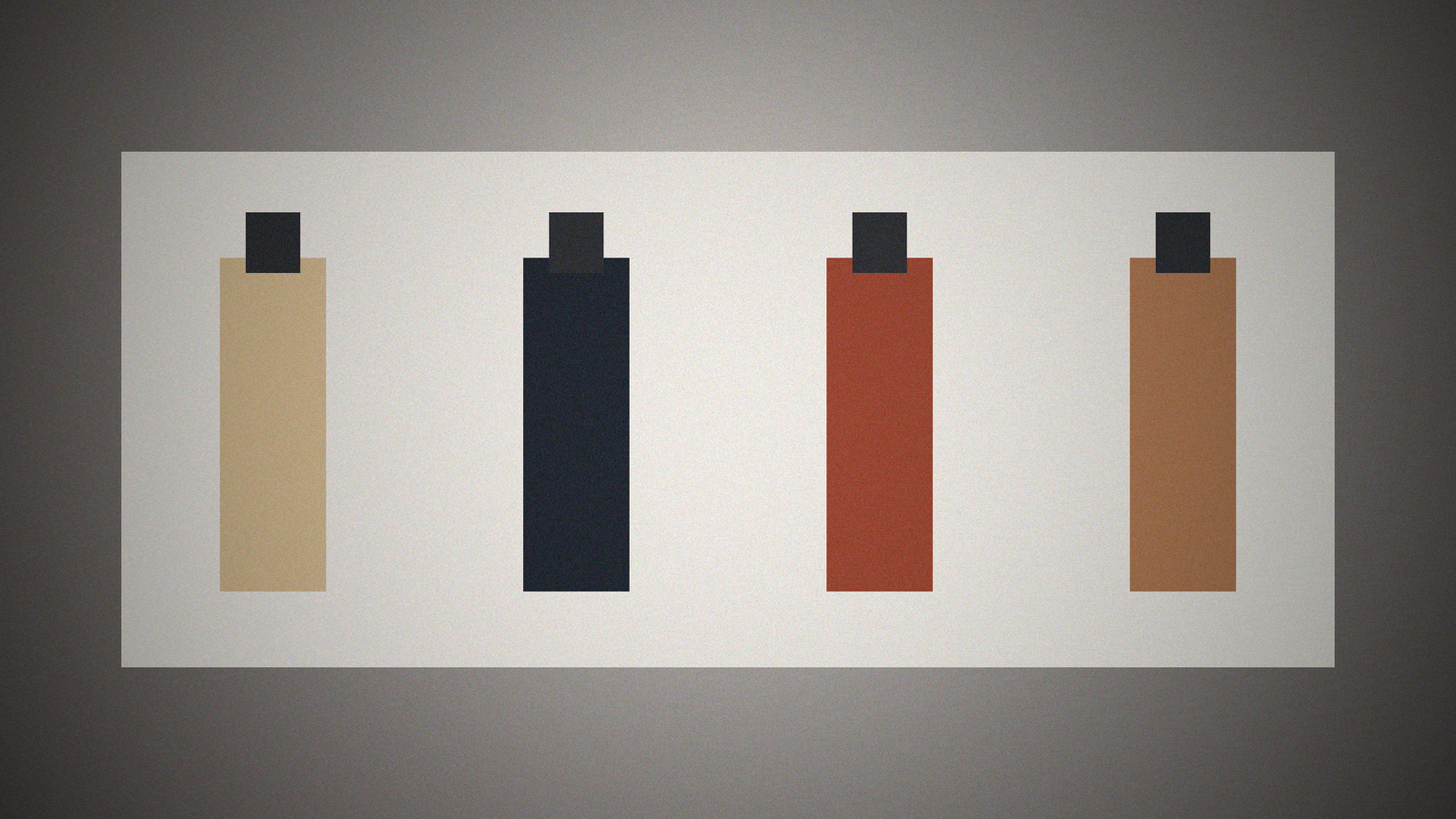
Colorway sheets fail when the model redesigns the product. One packshot of a matte bottle becomes four bottles, a new cap, a readable logo, and a fifth "limited" color you do not sell. Merch prints the wrong SKU. The job is a grid from one packshot, color cells you named, Flux locked if you named a version, and a lock list for silhouette, label, and fill line.
The matching generator is the Flux Product Colorway Sheet from One Packshot prompt. Browse related cards in the PromptDig library (Browse more prompts). When a filled run survives, share the version you actually use (Share a prompt).
One packshot is the canon. Colors are the variable.
Brief: the product and how many cells. Tool and version is Flux as you will run it. Lock that version if given. Else unknown. Exact text: usually none. If the packshot has a wordmark you will composite later, say so and forbid the model from redrawing it. Sizes: the sheet (for example 4-up) and cell aspect. Brand kit: the colorways with names or hex only if you have them. Do not depict: extra SKUs, new hardware, awards, fake barcodes.
If you have three approved colors, the sheet has three cells plus the hero, not twelve "explorations." Extra colors belong in Gaps as "not approved."
Lock silhouette, then change only the named surfaces
The generator should emit a visual plan: hero cell, then each colorway with the same camera, same label rotation, same fill line. Exact prompts paste the lock paragraph into every cell and change only the color tokens from Brand.
Text-in-image: no readable labels unless Text named them. No swatch names burned into the frame. You will caption cells in layout.
Export checklist: same crop, same lighting direction, a silhouette-diff pass. If cell three grows a pump cap, discard the sheet. Do not keep the "better lighting" and hope Flux averages them.
Do not invent hex values. If Brand said "pewter and rust" without hex, use those words. If a fourth color would be nice, list it as a gap.
Gaps and a version pin beat a prettier extra SKU
Gaps: missing Flux version, missing packshot you own, missing hex, missing how many cells, missing whether the cap color changes. Five bullets.
This is product photography direction, not packaging legal review. Do not put a competitor logo in a cell to "show contrast."
A worked pass: four cells, one bottle, Flux pinned
Brief: matte bottle, pewter cap, blank label. Tool: Flux 1.1 if you named it, else the version you did name. Colors: sand, ink, rust, plus the original. Size: 2x2 sheet. Do not depict: extra bottles, type, hands, awards.
Plan: cell 1 original, cells 2-4 body color only, cap stays pewter because Brand did not recolor the cap. Prompts copy lock: fill line, label rotation, camera height. Text rules: no letters.
If cell 4 adds a second bottle as a "set," the sheet failed. If Flux version was blank and the model writes "Flux.2 latest," mark unknown and gap. Rerun on the version you actually have. The sheet is a catalog page, not a redesign.
If Brand named only rust and sand, do not add a "seasonal" third because catalogs come in threes. Caption cells in layout with the names you already sell. If the packshot includes a reflection that shows a second product, say so in Do not depict so Flux does not promote that ghost SKU into its own cell.
Fill the card, then run
Attach or describe the packshot you own. Name approved colors only. Pin Flux if you know the version.
Brief: [Brief]
Tool and version: [Tool]
Exact text to render if any: [Text]
Sizes: [Sizes]
Brand kit: [Brand]
Do not depict: [DoNot]
A colorway sheet is a lock with a palette, not a brainstorm. When a run keeps the cap and fill line and refuses a bonus SKU, share that filled card.